nara fixes issues right on the device.
nara Edge is installed on your computers and servers. This lets nara check the device and fix known faults once approved.
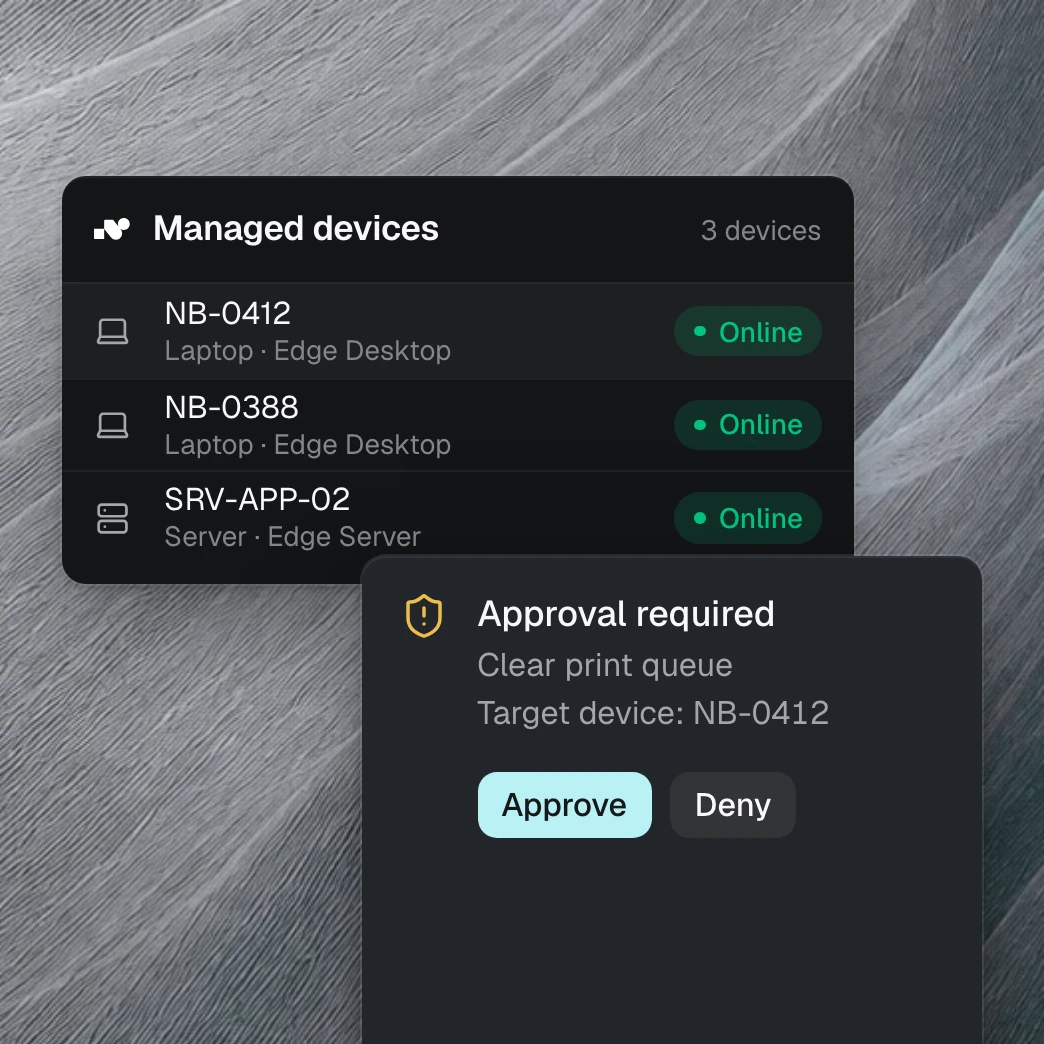
No access from outside needed.
nara Edge opens the connection to nara itself, from inside your network and encrypted. You don’t open any ports or set up VPN access. Documentation for your CISO is ready.
A VPN failure on Monday morning
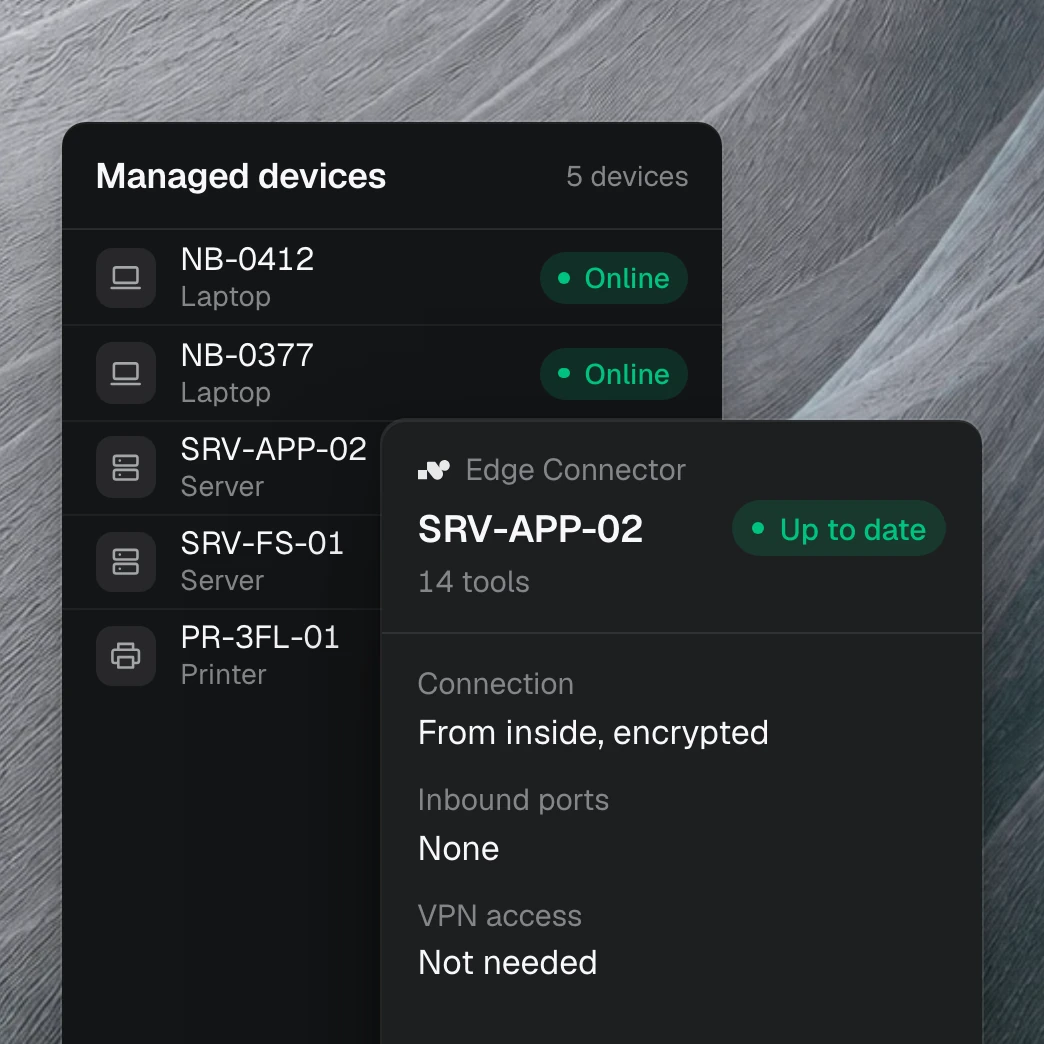
“VPN drops after sleep,” an employee writes in Teams. nara checks her Windows laptop, spots a known fault, restarts the VPN services once she approves, and tests the connection. If that doesn’t help, your team takes over with everything nara found.
Only what you allow happens on your devices.

Approval per step
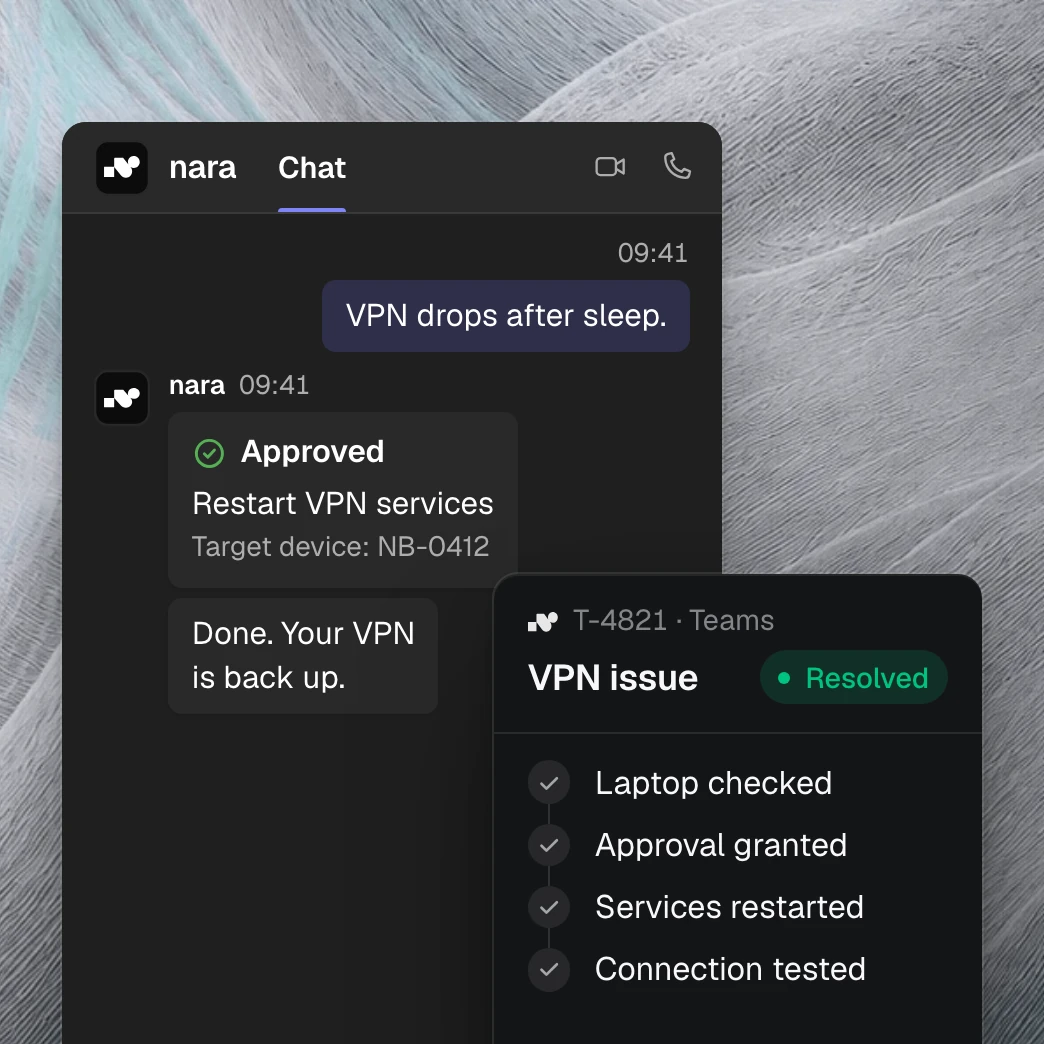
For each step, you choose: automatically, only after approval, or never. Approving works right in Microsoft Teams.

Only prepared steps
nara only uses prepared, tested steps, such as “clear the print queue.”

Every step on record
You see who triggered a step, when it ran, whether it was approved, and what came of it.
In the infrastructure you already have.

Laptops and PCs
On Windows machines, nara checks VPN, network, printers, and updates, fixes known faults, and installs requested software.

Servers and internal applications
nara Edge runs in the background, even with no one signed in. That gives nara access to applications that only run inside your network.

Windows, macOS, and Linux
nara Edge runs on Windows, macOS, and Linux. On Windows, nara fixes faults itself. On macOS and Linux, it finds the cause.
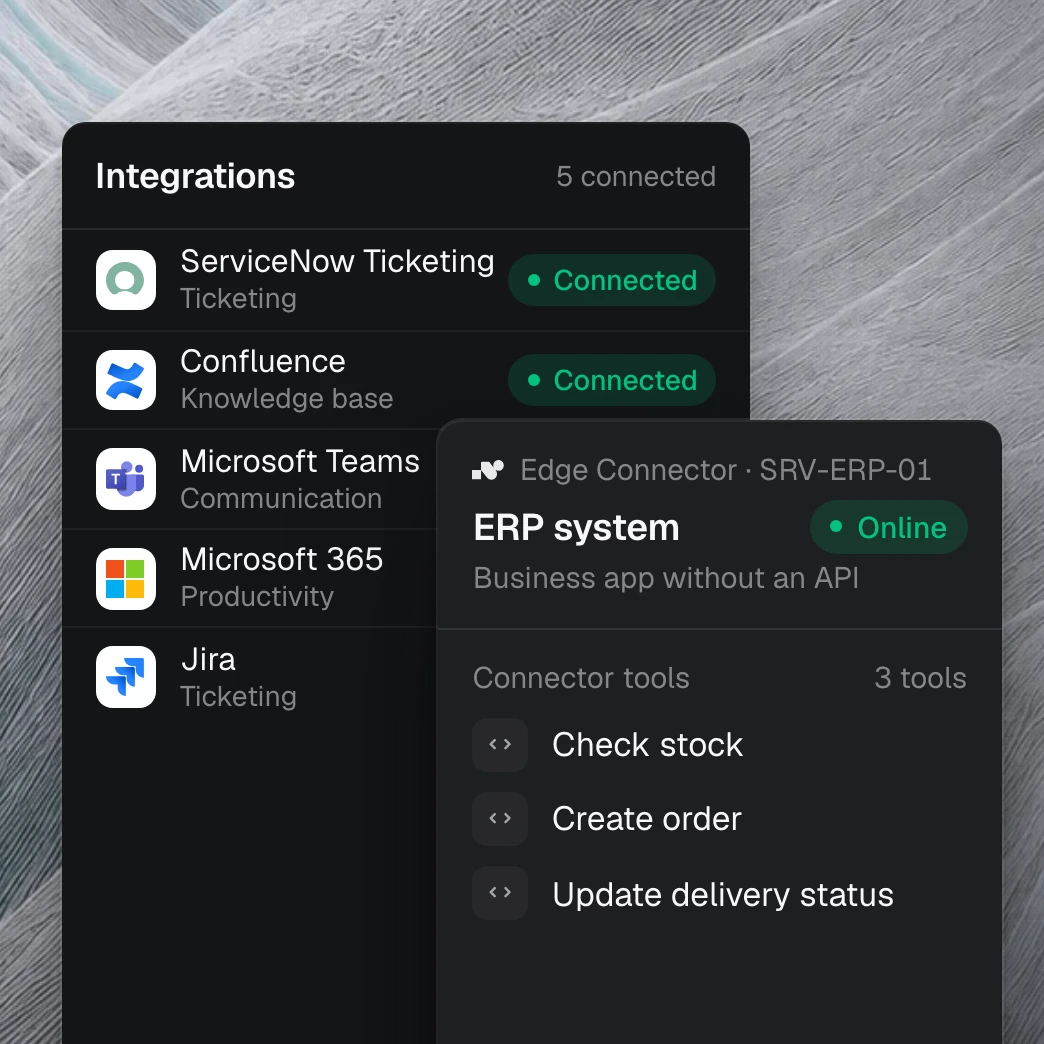
nara also connects applications with no API.
nara Edge is installed on the application’s server and carries out the agreed steps there by script. Your development team can add its own connections.
Define: We agree with you on the data nara needs and what it may change.
Build and test: We build the connection and test it in your environment, including what happens when something fails.
Go live: You decide when nara starts using it. We roll out updates centrally, after your approval if you prefer.