Integrations
nara works inside your systems.
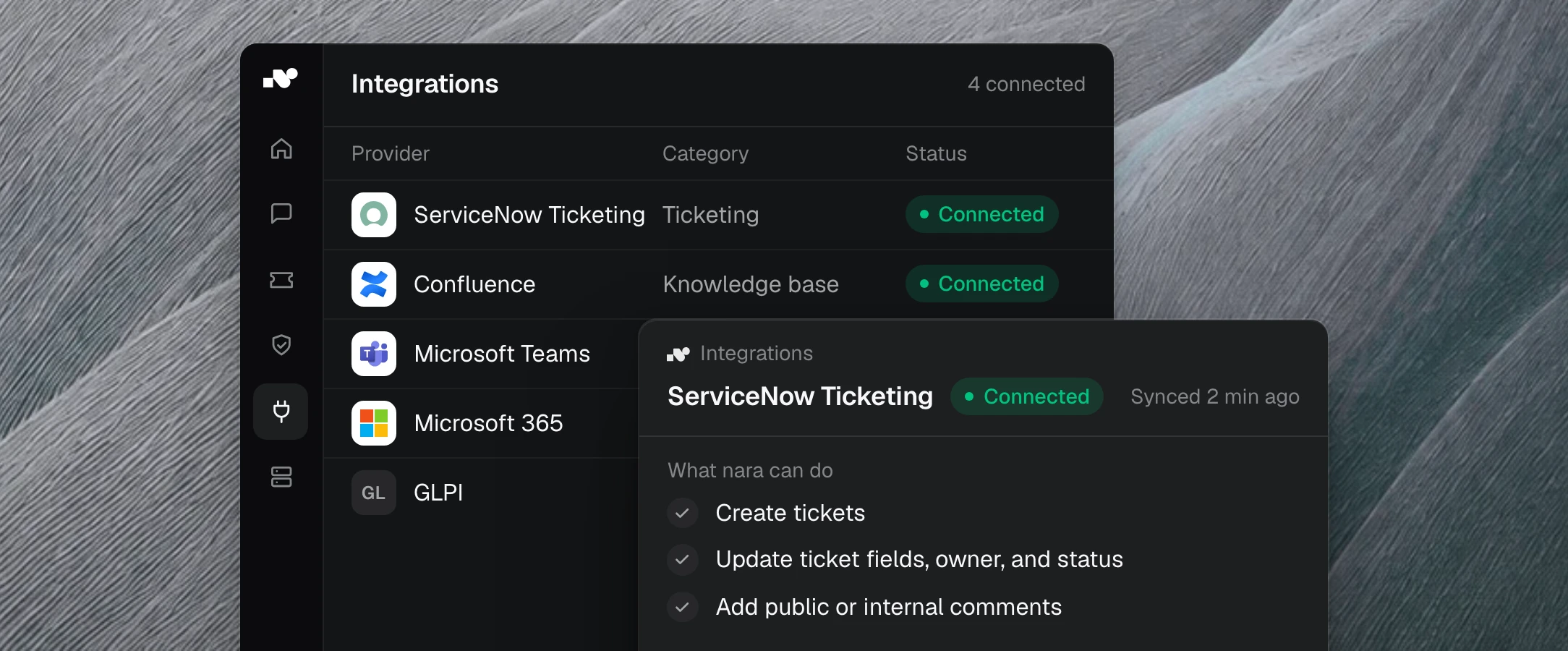
With or without an API: nara connects every system you use. You start with your current tools and switch only if you want to.
nara works with …












What nara handles, system by system.
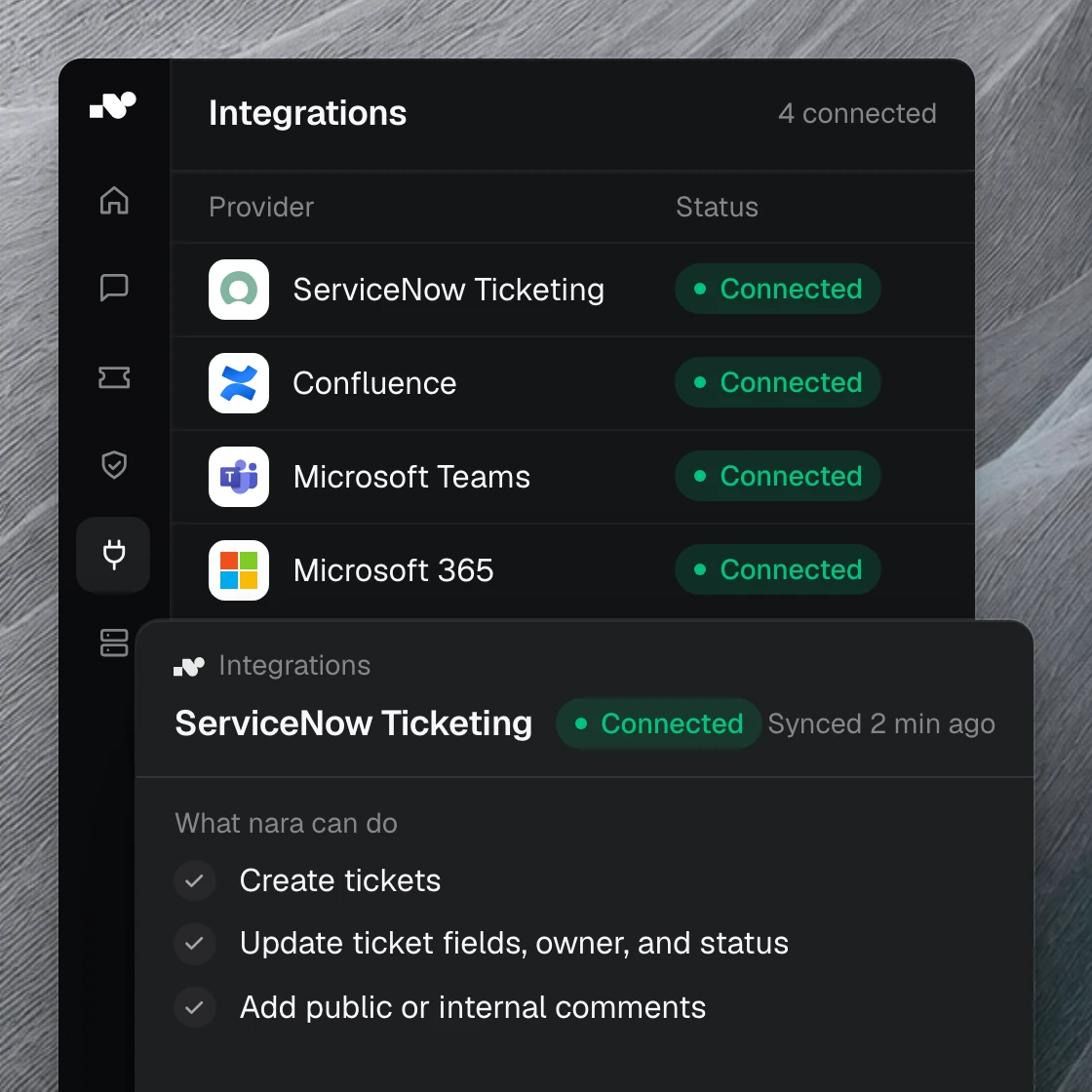
We set up each connection together with you. Besides the systems below, nara also works with GLPI, Zammad, and your own business applications.

ServiceNow
nara reads incidents and requests with their history, writes the solution and notes into the ticket, and closes it.

Microsoft Teams
Employees message or call nara right in Teams. Follow-up questions and approvals stay in the same chat until the problem is solved.

Microsoft 365 and Entra ID
nara knows the users and groups in your directory. When people join or leave, nara creates accounts, assigns groups, and blocks access.

Jira
nara works on issues in Jira and Jira Service Management, adds comments, updates the status, and closes resolved cases.
Matrix42 and Freshservice
nara picks up tickets from Matrix42 and Freshservice, resolves them, and records every step in the ticket.
Confluence and SharePoint
nara finds the right guide and drafts new articles. For SharePoint, your existing permissions apply.
Without an API, nara works on the server itself.
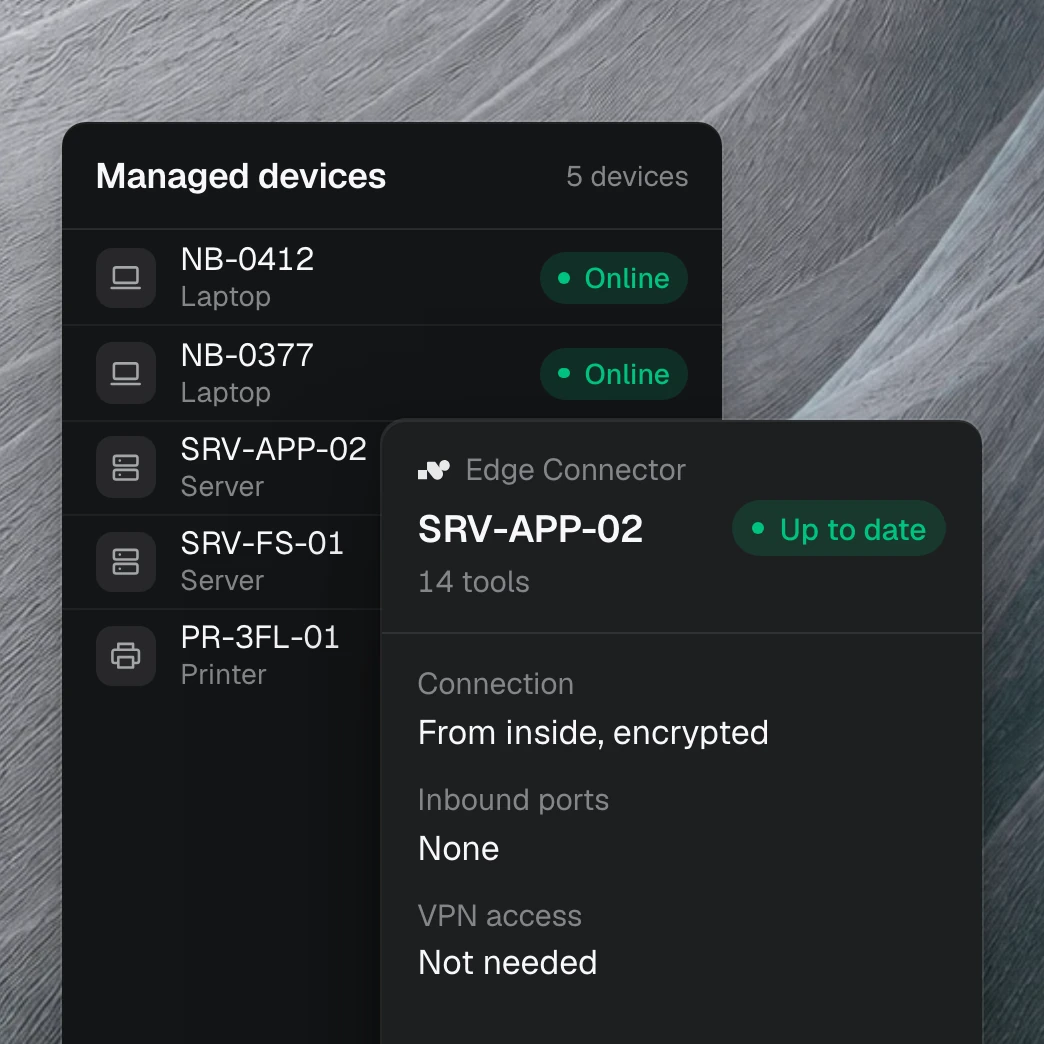
Many business applications have no API. In that case, we install nara Edge on the computer or server where the application runs. There, nara reads data from the application and enters results. Your firewall stays closed.
You grant permissions step by step.

Read first
nara reads tickets and knowledge articles but changes nothing. You see what nara can do before you allow more.

Approve each action
Then you decide for each action, such as “close ticket,” whether nara runs it on its own, only after approval, or never.

Everything in the ticket
What nara did is recorded in the ticket and the log, with time and result. Your team can take over any case at any point.
Questions about integrations
Yes. Any system can be connected, with or without an API. You describe the application and the process, and we build the connection.
