nara and Jira Service Management
Your Jira queue gets shorter.
nara resolves requests itself, right down to the laptop, and passes the rest to your team with everything it found. It works with Jira Cloud and Data Center.
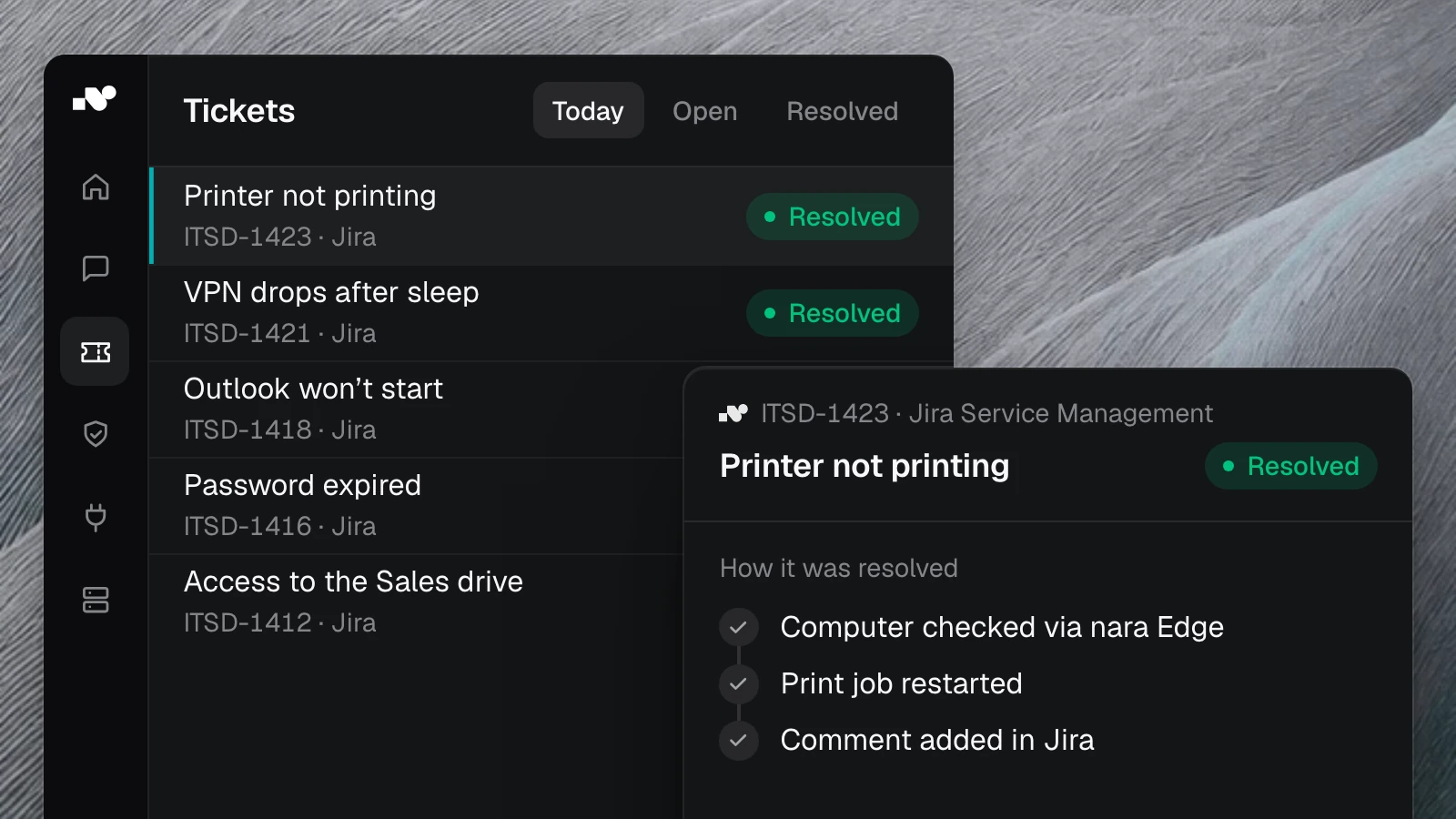
What nara handles in Jira Service Management.

Just ask in Teams
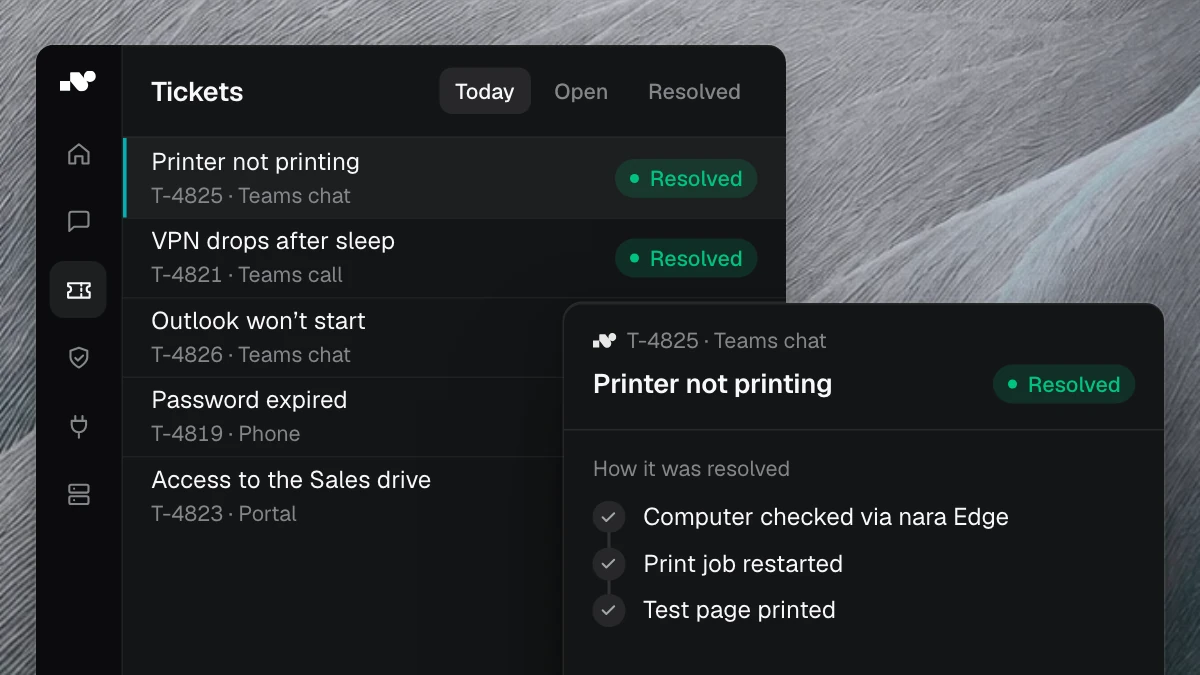
Employees describe what they need in a Teams chat or call. nara picks the request type and service project.

nara handles the routine
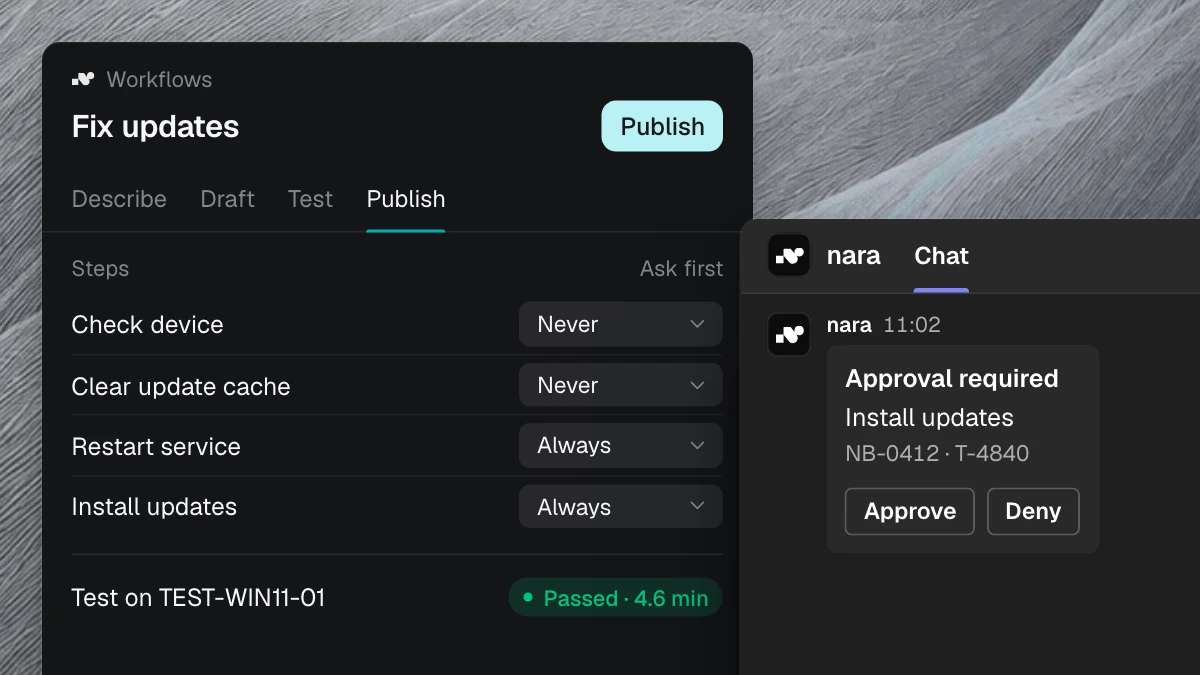
If software is missing or the Wi-Fi acts up, nara fixes it right on the laptop and closes the issue.

Everything on the issue
When an issue needs your team, the checks and a suggested fix are already in an internal comment. No one has to chase details.
How we connect your Jira.

Pick the projects
You decide which service projects and request types nara works on.

Start read-only
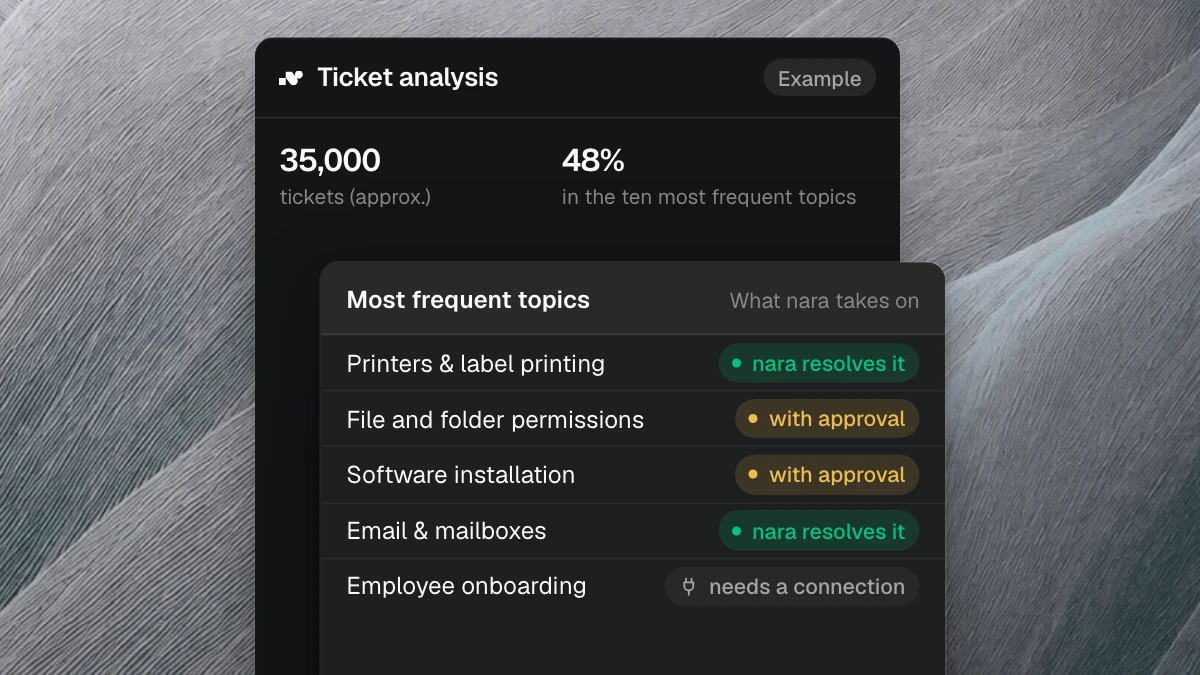
Read access is enough to start. Your resolved issues tell nara what works in your company.

Allow write access
Then nara creates, comments on and closes issues, as far as you decide.
Questions about Jira
Yes, for as long as you want. Service projects and SLAs stay as they are, and nara notes on each issue what it did. If you want to save cost and effort, nara brings its own complete ITSM and moves your history in about six weeks.
