A European manufacturer wanted to know where to start with IT automation. To answer that, we analyzed more than six years of its ServiceNow history. Everything in this article is anonymized.
- Company: European manufacturer
- Ticketing system: ServiceNow
- Period: 2020 to 2026
- Dataset: 35,178 incidents with over 200,000 comments and over 40,000 attachments, plus 4,162 service catalog requests
- Knowledge base: 149 existing articles
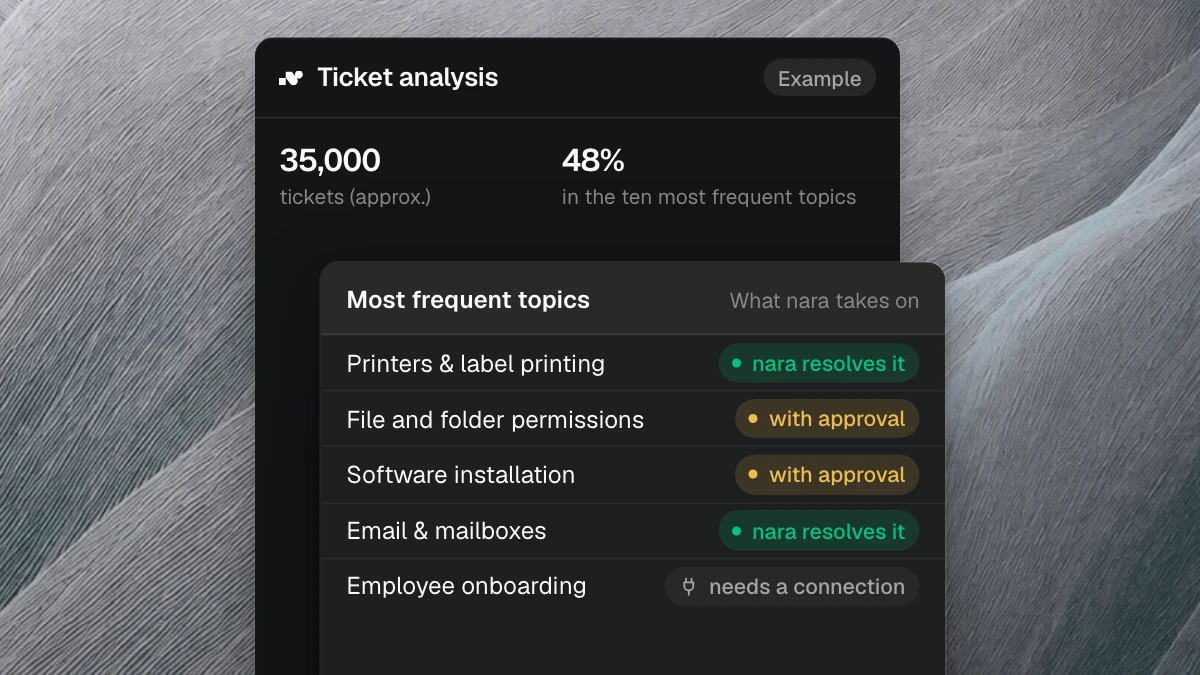
The result in four numbers: the ten most frequent topics accounted for 48% of all tickets. The median ticket was resolved after 1.25 days. About 1,200 times a year, the request was a change to accounts and permissions. And topics without a guide produced 137 article drafts.
The fix is in the comments
A ticket’s category and short description say little about how the case was resolved. That lives in the comments and attachments: which follow-up question was needed, what was checked, which step finally worked. That is why the comments and attachments were part of the analysis.
We grouped tickets by request and resolution path. Two tickets belong together when the person wanted the same thing and the case was resolved the same way. Similar wording in the short description isn’t enough. The ServiceNow categories served only as a cross-check.
nara reads incidents, including comments and attachments, directly from ServiceNow. Read access is all the analysis needs, and day-to-day operations are not affected. The nara and ServiceNow page explains how the connection works.
Where the work sits and where it waits
The 48% is the number that matters most for planning. Almost half of the service desk’s work came down to ten requests that kept coming back. Start there, and you are working on almost half the volume. How much of it nara resolves on its own depends on each topic, for example on whether the system is connected and who has to approve.
The 1.25 days measure the time from opening to resolution. 45% of tickets were resolved within 24 hours, and one in ten took more than a month. ERP permissions show how much of that is waiting. Granting them took two to three days, even though the change in the system takes minutes. Only 21% of requests arrived complete. Follow-up questions, approvals, and queue time took up the rest.
Then there are tickets that say almost nothing. In 17% of them, the description was shorter than 20 characters. Before anyone can help, someone has to ask, and the employee keeps waiting.
The numbers only produce a priority order when you read them together. A topic that comes up often, takes little work, and still waits a long time belongs at the top. A rare edge case with the same cycle time belongs further down.
The topics at the top
Production IT came first, with scanners, terminals, and control stations. Right after it came cases every service desk knows: printers and label printing, file and folder permissions, software installation, ERP accounts and permissions, email and mailboxes. To get started, the analysis recommended five workflows:
- ERP accounts and permissions: 2,721 tickets
- File and folder permissions: 2,298 tickets
- Joiners, movers, and leavers: 1,774 tickets
- Password resets and locked accounts: 1,324 tickets
- Unblocking websites in the web filter: 795 tickets
This is how nara handles these cases, in a conversation in Microsoft Teams, with every step recorded as a work note on the incident.
Password resets
An employee is locked out and calls nara in Teams. nara verifies their identity according to your rules, resets the password, confirms the result, and closes the incident. The waiting disappears, because nobody has to pick the case out of a queue. If the identity remains unclear or an admin account is involved, your team takes over with everything nara has already checked.
ERP access and directory rights
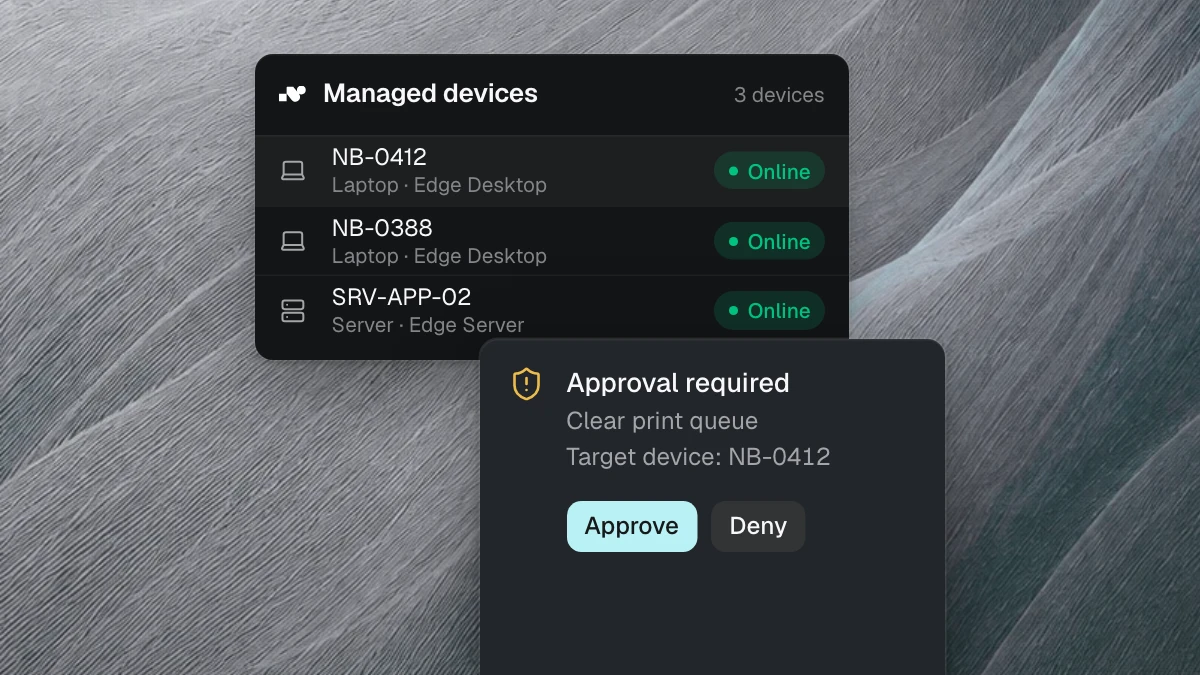
Here the change in the system is the smallest part. Role, access, justification, and approval all have to be complete first. Many requests named only a reference person, such as “same permissions as colleague X.” If one detail is missing, a round of follow-up questions begins. nara asks until the request is complete, checks it against your rules, and sends it to the responsible person for approval directly in Microsoft Teams. Once approved, nara sets the permission and records who approved it and when.
Joiners and leavers
A new hire involves an account, groups, software, a laptop, and several owners. nara runs it as one case: the manager approves the plan in Teams, then nara creates the account and groups and installs the software directly on the laptop. When someone leaves, nara removes their access on the leaving date and records the time. Anything nara doesn’t handle itself, such as returning the laptop, stays visible as an open task. More on the onboarding and offboarding page.
VPN, printers, and standard software
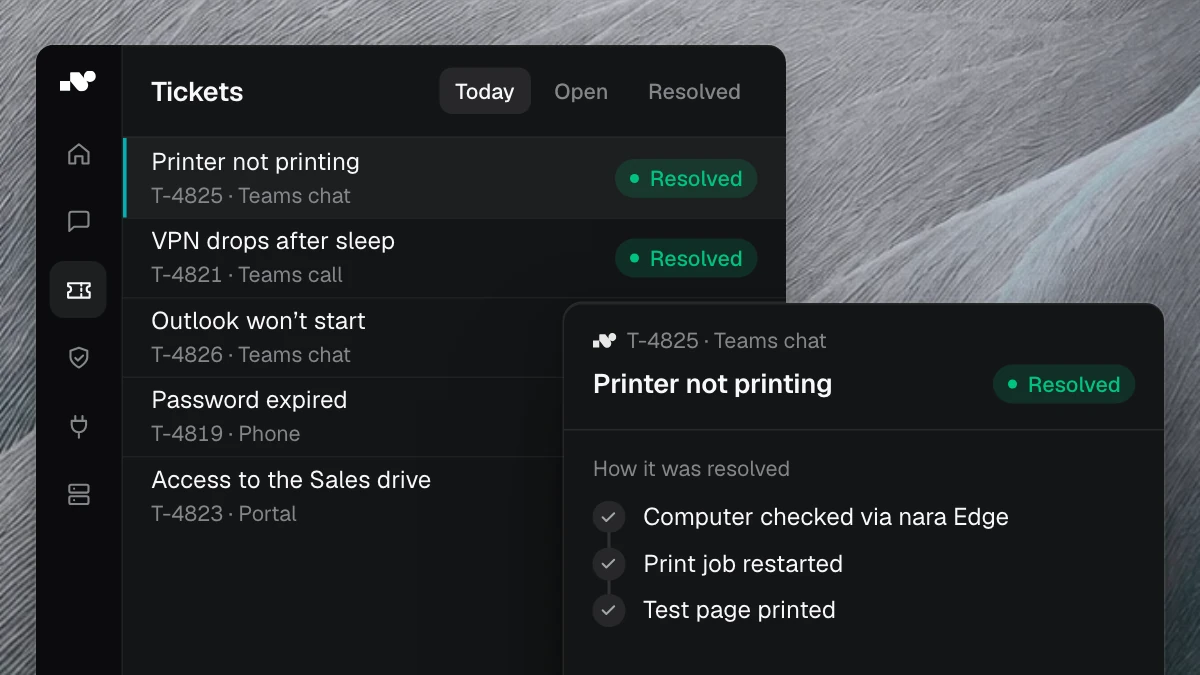
Printers and label printing alone accounted for 1,964 tickets. nara resolves these cases on the device itself. Through nara Edge, a small service on your computers, nara checks the affected laptop: is the VPN service running, is the print queue stuck, is an update missing? nara fixes known faults as soon as the employee agrees in Teams, then tests that everything works again. Requested standard software gets installed without a remote session. nara Edge connects from the inside, so your firewall stays closed.
If a finding matches no known fault, such as broken hardware, it goes to your team with every check result attached.
Knowledge checked against demand
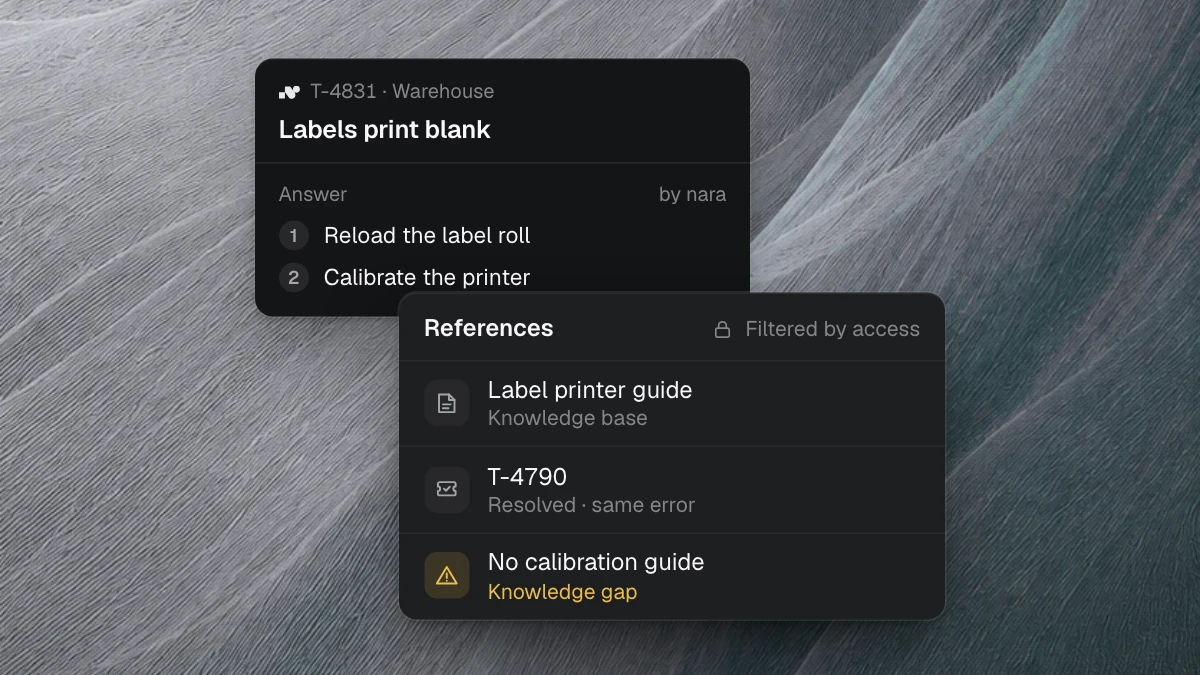
The analysis included a comparison: 149 existing knowledge articles against what people asked for. It showed which frequent topics were poorly documented or not documented at all, such as production IT, ERP changes, and broken peripherals. For 20 topics, nara wrote 137 article drafts. Each draft lists the tickets it came from and the questions the team still has to settle. It enters the knowledge base only after review and approval.
That pays off twice. Employees find the answer themselves, and nara works from the same reviewed guides. Our article on knowledge work in support shows what that looks like day to day.
How the priority order comes together
The method works for any ticket history:
- Define the dataset: period, ticket types, and languages. Anything that isn’t comparable stays out.
- Read the whole case: short description, comments, and attachments.
- Group by request and resolution path.
- Score volume, cycle time, and how complete the requests are, together.
- For each topic, clarify what nara needs: the connection, a guide, and who approves.
- Start with the top topics and measure in production how many cases nara closes.
What this means for your tickets
We have analyzed more than 40 million tickets from customer projects. The topics are similar from company to company: access, passwords, devices, joiners and leavers. The order differs, because systems, knowledge, and wait times differ. That is why the work starts with your own data.
The ticket analysis does this for your history. It takes one to two weeks and only needs read access to your ticketing system and knowledge articles. You receive a report on your most frequent topics, a start plan, drafts for missing guides, and a calculation of what it saves per year.
In a free introductory meeting, we spend 30 minutes showing you anonymized analyses like this one and discuss where you should start. You don’t need your own ticket data for it.