The real work sits between AI and your systems.
That is what nara is built for: agents with clear protocols, verified knowledge, tools with approvals, and execution that reaches down to your servers and devices. Your team sees everything and steers everything.

Execution is not a chat window.
nara agents work where your systems run, even when nobody is watching.
In the cloud
Integrations and tools run server side, typed and logged.
On devices and servers
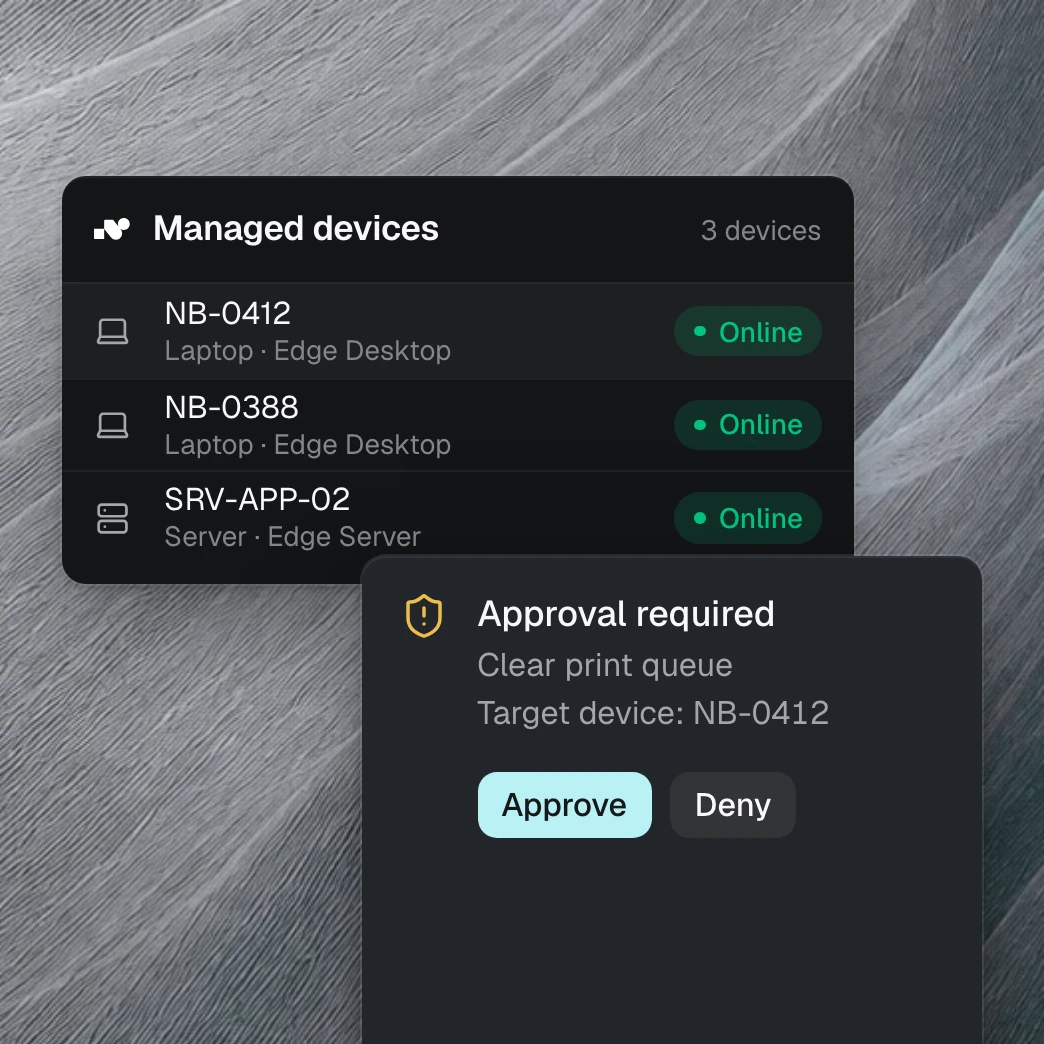
The Edge Connector runs as a service on Windows, macOS, and Linux, headless on servers too. Connections are outbound only.
In your own tools
Your own actions in TypeScript, versioned and approved per agent. Your code runs on your infrastructure.
As a function via API
Workflow agents have typed inputs and outputs and can be called via REST, straight from your systems.
In the background
Agents react to events: new tickets, deadlines, system alerts. Without anyone opening a chat.
What belongs together works together here.
Understand
Agents take requests via chat, phone call, screen sharing, or directly in Microsoft Teams and triage them by clear rules.
Know
nara Memory holds guides, error patterns, and relationships as typed objects. Semantic search finds them even when the wording differs.
Act
The tool registry defines every action with parameters and a result. Execution happens in the cloud or through the Edge Connector in your infrastructure, on request or event driven in the background.
Operate
Dashboard, activity logs, roles, SSO, and credits make operations measurable and controllable.
Agents follow protocols. Not moods.
An Operating Protocol describes the path of a case in phases: when the agent asks follow-up questions, when it searches knowledge, when it may execute a tool, and when it hands off. The platform validates every protocol before it goes live. In the dashboard, you see which phase a case went through and which tools did the work.
Specialists instead of one bot for everything.
Every agent has a clear role, its own tools, and its own protocol. Escalation to people is a defined phase, not an emergency exit.
Intake
Clarifies the issue and urgency and starts the triage.
Expert routing
Finds the right specialist through real profiles and hands over with full context.
ITSM management
Creates, updates, and syncs tickets in nara and your ITSM.
User profiles
Remembers role, devices, and setup so nobody has to tell the story from scratch.
Every conversation becomes a case.
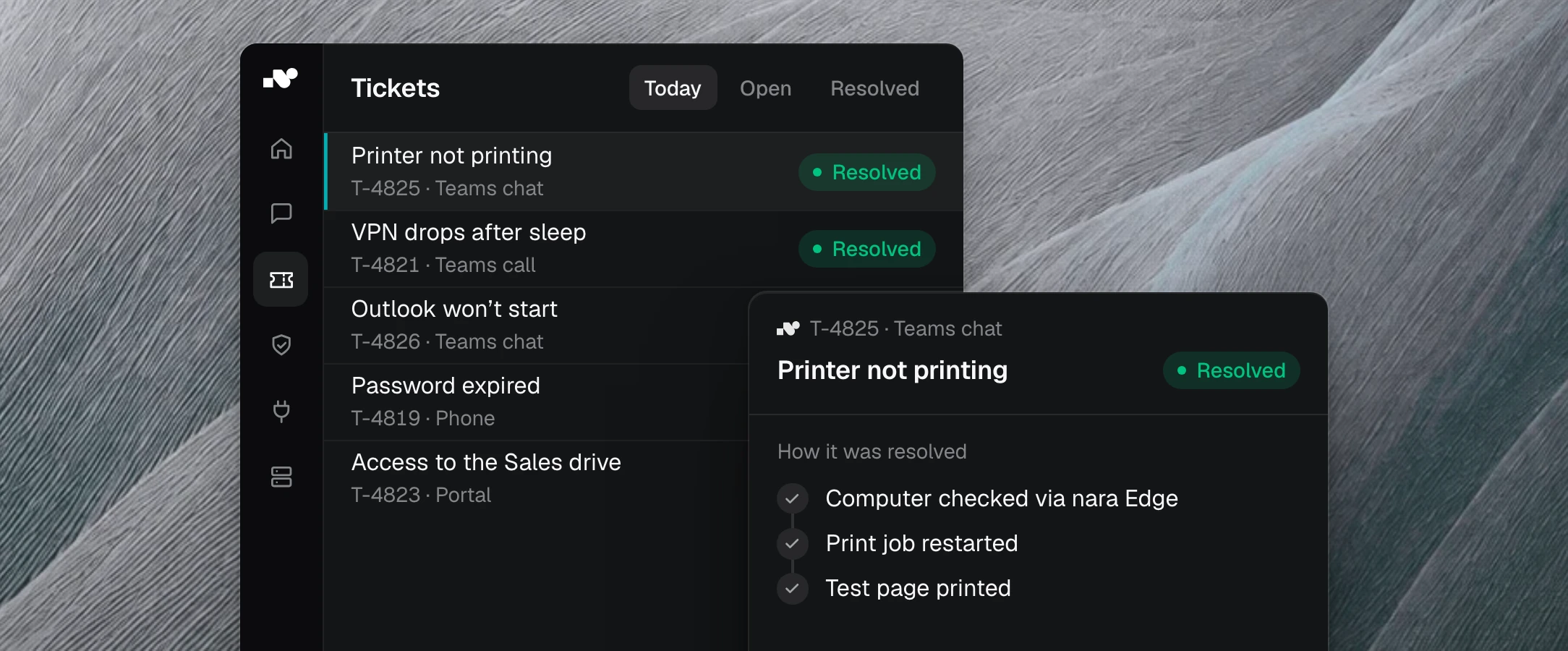
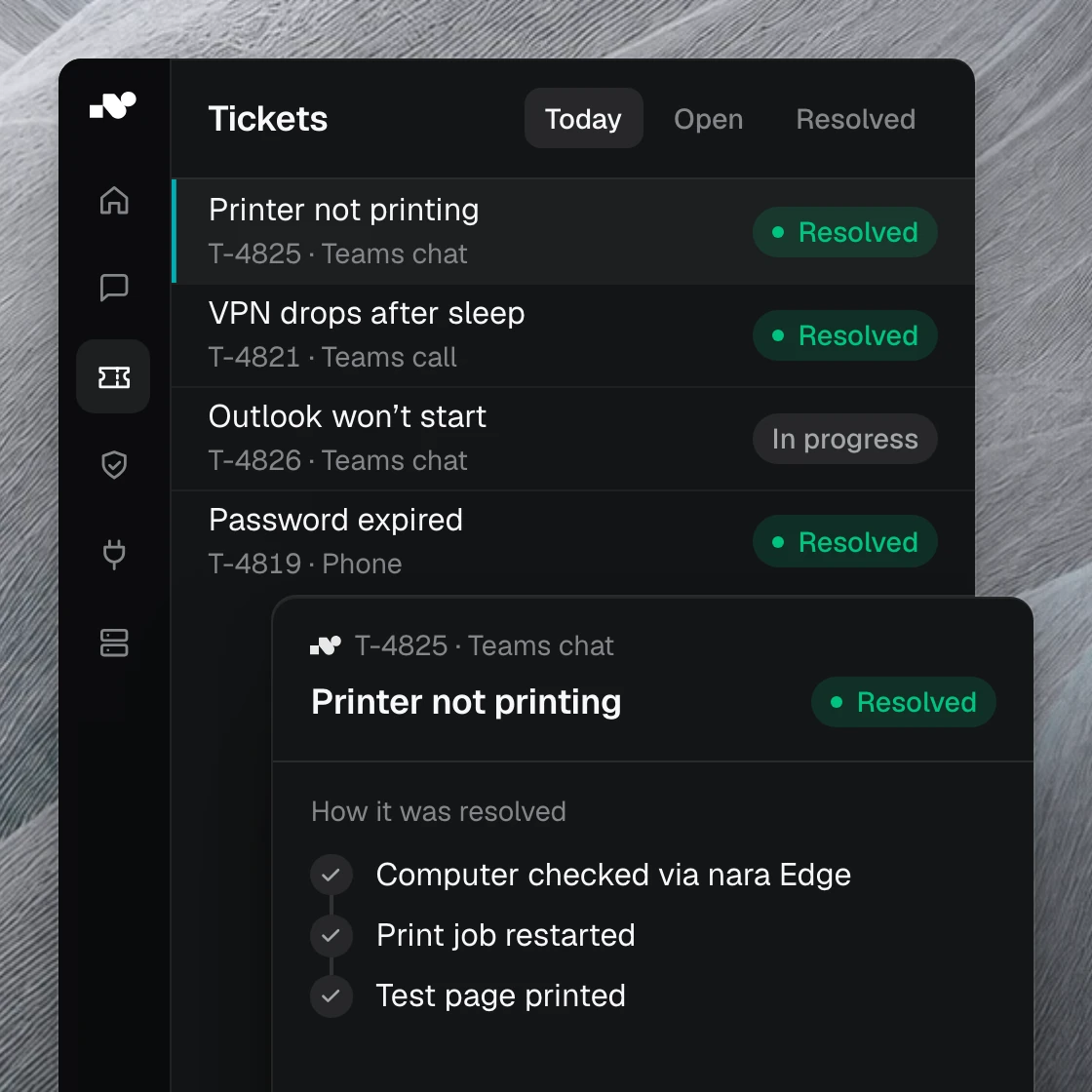
Tickets with status, priority, and a timeline are built in. Your team can approve or reject the agent's plans per case, take over at any time, and keep working in the chat. With ServiceNow, Jira, and Zammad, nara syncs continuously in both directions: your system of record stays the system of record.
What you would otherwise have to assemble from parts.
Other tools
With nara
A chatbot still needs tool logic, a knowledge model, tickets, and security on top.
nara delivers understanding, knowledge, execution, and control in one system.
An agent builder leaves runtime, permissions, monitoring, and integration to you.
nara works across cloud and internal systems.
An ITSM organizes work but does not automate it.
nara makes automation measurable: per case, per tool, per credit.
Common questions about the platform
Does nara only automate IT support?
No. Today nara runs deepest in IT service management. But the same protocols, tools, and approvals also carry onboarding and offboarding, procurement requests, and internal service processes. Systems nara does not know yet, you connect through your own tools.
Is nara a chatbot?
No. nara can hold conversations, but the core is execution: tools, tickets, knowledge, and operations in one platform.
Does nara replace our ITSM?
No. nara works into ServiceNow, Jira, or Zammad and takes over the work that would otherwise sit there.
How do we stay in control?
Agents only use approved tools. Protocols define every phase, critical actions require human approval, and every step lands in the log.
Which models does nara use?
You choose a model tier per agent: Budget, Balanced, or Pro. Performance matches the task and consumption stays predictable.
See the platform with your own cases.
In the demo, we rebuild one of your most common flows, from request to documented result.