AI automation: when software understands requests and gets them done

AI automation combines rules and workflows with AI's understanding of language. Requests are understood, suitable cases are completed, and risky cases go to people.

Definition

What AI automation means

Traditional automation follows fixed rules: when A happens, execute B. That works as long as inputs are predictable. In service and administrative processes, they rarely are. Requests arrive as free-form language, depend on the user, device, and permissions, and often involve several systems.

AI automation closes this gap. It combines the reliability of rules and workflows with AI's ability to understand language and context. An agent classifies the request, asks for missing details, pulls in the right knowledge, and starts an approved process.

What matters is controlled execution through to a documented result.

Use cases

Where AI automation works right away

Frequent, clearly scoped cases are the best fit. Risky or unclear cases go to people, by definition.

Password resets

The classic ticket: high volume, a clear process, immediately measurable relief.

VPN diagnostics

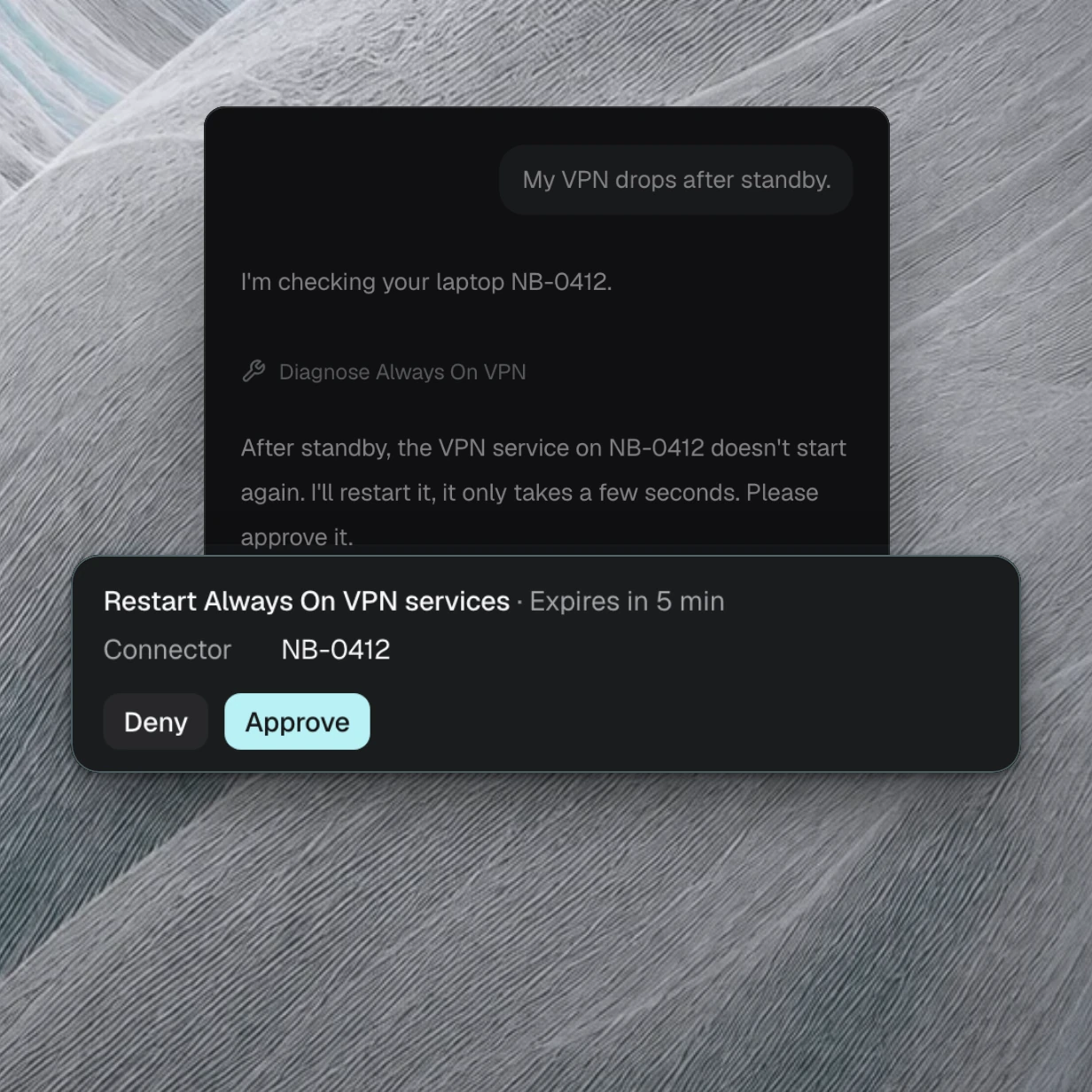
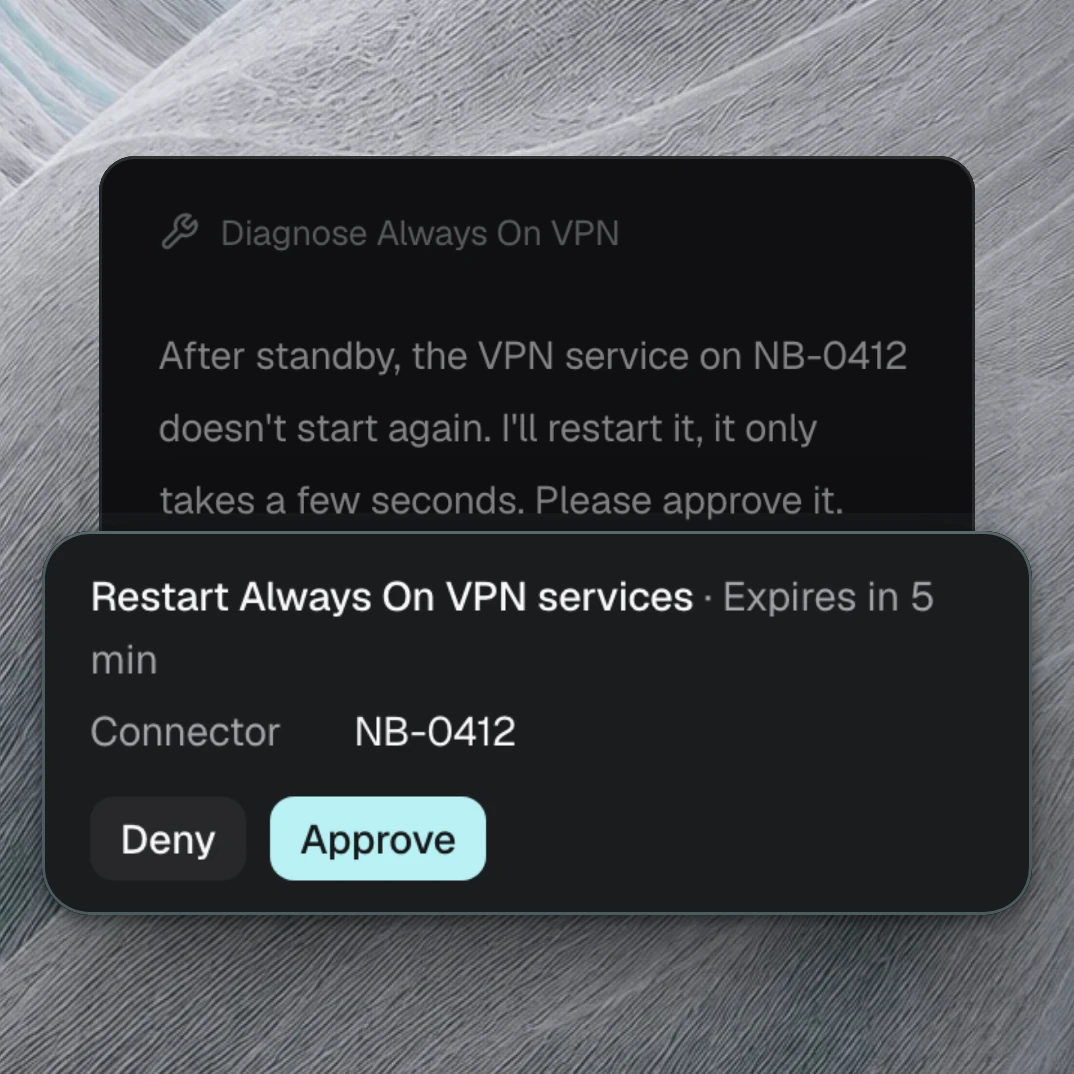
Check the connection, work through typical causes, execute the fix, or escalate with focus.

Access requests

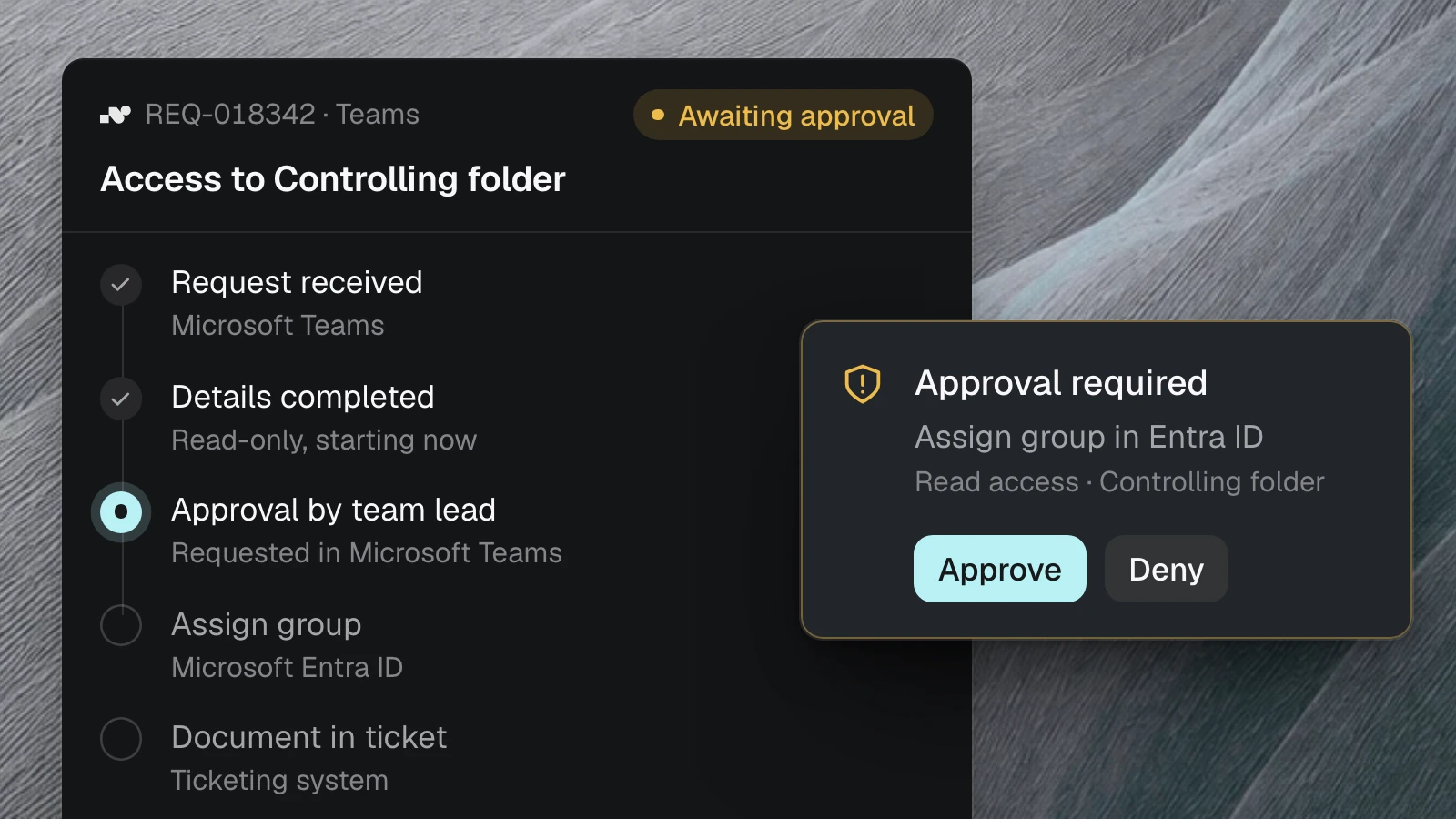
Request, review, and set up permissions, with approvals exactly where they belong.

Onboarding and offboarding

Set up or revoke accounts, devices, and access in a coordinated way, documented step by step.

Procurement and internal requests

Capture the need, collect approvals, answer status questions: the same logic as in IT support, different systems.

And what about the rest?

Risky, unclear, or sensitive cases belong with people. Good AI automation knows its limits and hands over cleanly.

How it compares

Chatbot, RPA, agent builder: what each one lacks

AI automation is not a single technology but an interplay: language understanding for intake, workflows and approvals for execution, logs for traceability. If one of them is missing, it stays an experiment.

Without nara

Chatbot, RPA, agent builder

With nara

AI automation with nara

Chatbot: answers questions, repeats knowledge

Stops where a change in a system becomes necessary.

RPA: runs fixed routines in user interfaces

Does not understand free-form requests or context.

Agent builder: building blocks for your own agents

Runtime, permissions, monitoring, and operations stay with you.

Workflow tools: orchestrate notifications and handoffs

The last step, the actual execution, stays with people.

Understand, decide, execute, document

Risky cases go to people, under control.

Getting started

Three steps to production AI automation

Analyze volume

Your ticket history shows which cases are frequent, how long they take, and where automation pays off.

Result: prioritized automation cases

Define flow and boundaries

Protocols define the flow, approvals define the boundaries: what the agent may do on its own and where a human confirms.

Result: controllable pilot

Measure and expand

Resolution rate, handoffs, and handling time show what works.

Result: reliable scaling

Common questions about AI automation

What is AI automation?

AI automation combines rules and workflows with AI's understanding of language. AI understands the request and its context; workflows and approvals turn that into controlled, traceable execution through to the result.

Which cases are right for getting started?

Frequent, clearly scoped cases: password resets, VPN diagnostics, access requests, onboarding and offboarding, and procurement and status requests. Risky or unclear cases are handed to people.

What sets AI automation apart from a chatbot?

A chatbot answers questions and stops where a change in a system becomes necessary. AI automation completes the case: with approved tools, defined boundaries, and a documented result.

How does it stay controllable?

Through protocols for the flow, approvals for critical actions, and the handover of risky cases to people. Automation grows step by step with the results, not all at once.

How do I start in practice?

With an analysis of your ticket history. It shows which cases pay off first and provides the basis for a measurable pilot. Take the first step at /analyse or directly in the demo.

Find the best first case for AI automation.

We review your most frequent requests and show where automation pays off first.