Onboarding and offboarding
New hires and leavers, without loose ends.
HR lets nara know, and nara handles the rest: accounts and access, software on the laptop, tasks for your team. IT approves the plan before nara acts.
One case for HR, managers and IT.
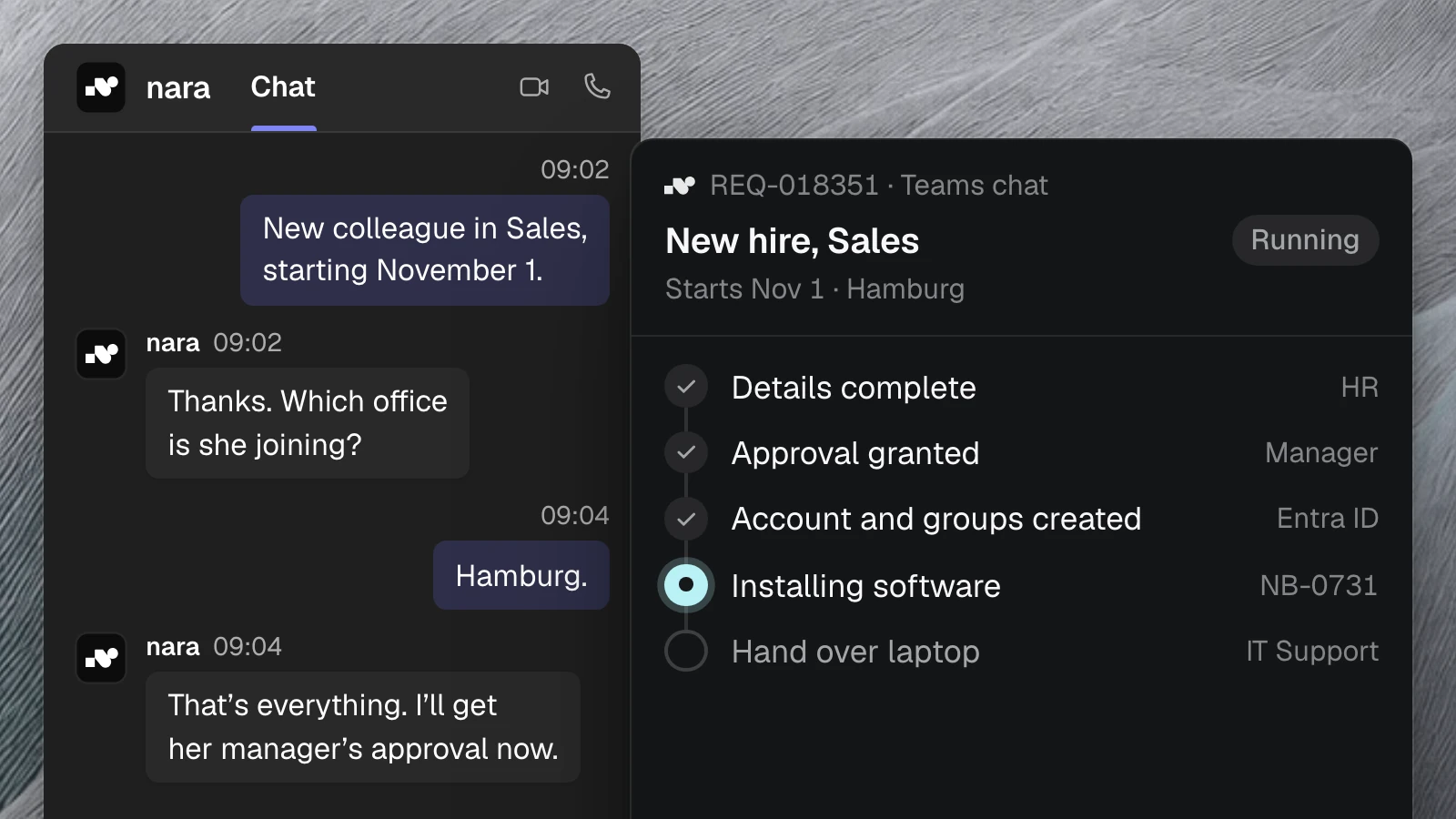
Today the details are spread across emails and several tickets. A login is missing on day one, and another still works after someone’s last day. Instead, HR and managers message nara in Microsoft Teams, and everything lands in one case. nara pre-fills the forms, so your people only check and approve.
Everything is ready on day one. Everything is gone on the last day.
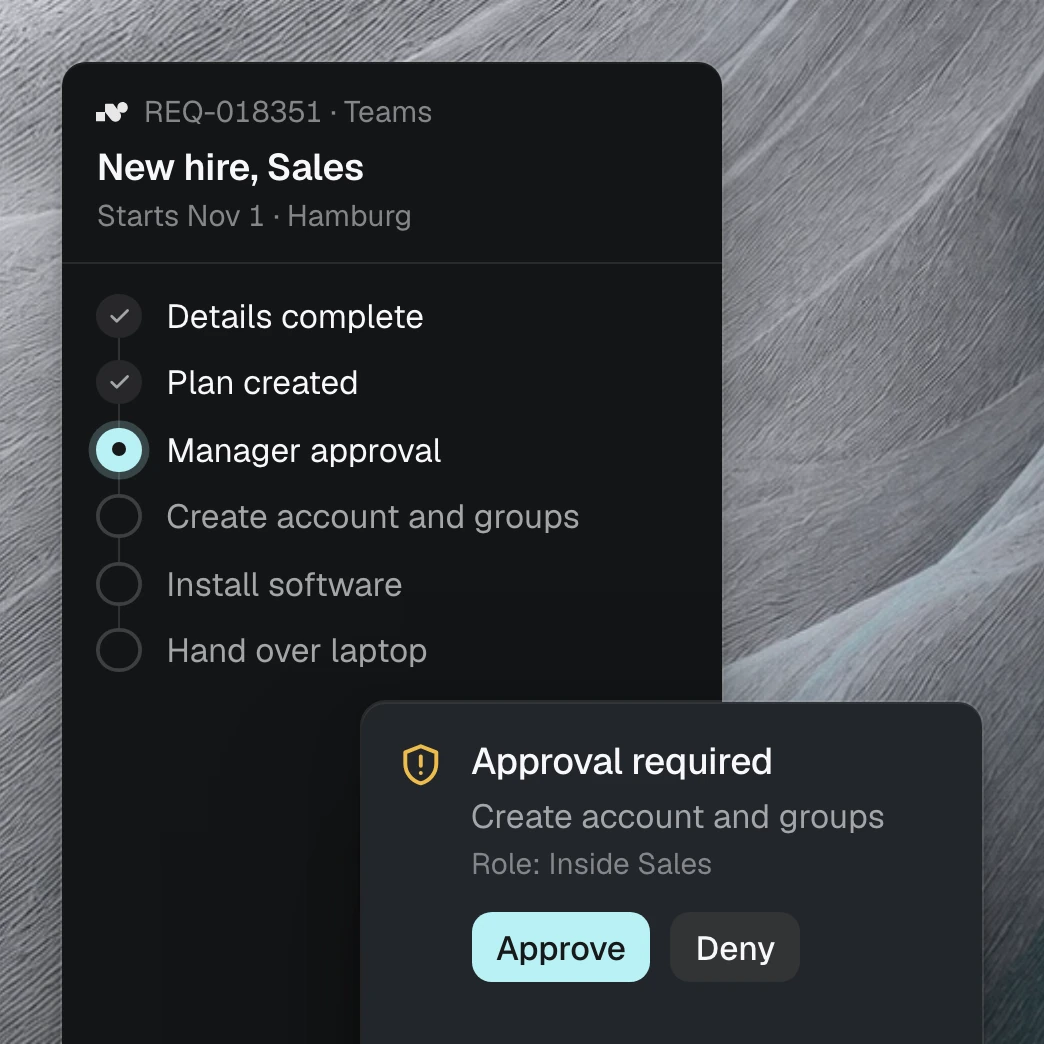
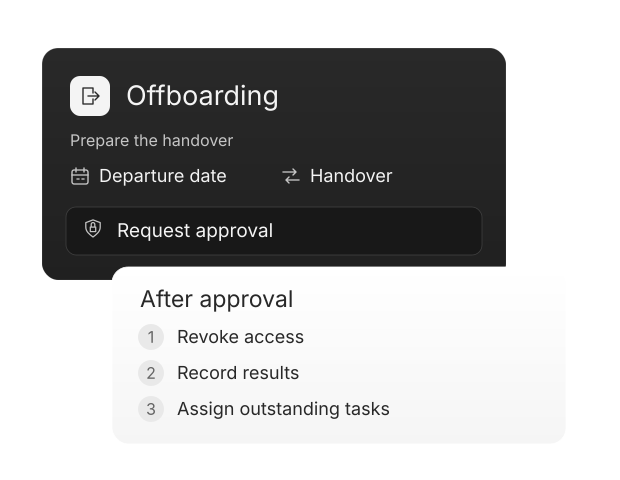
A new hire starts on the first of the month. nara collects the role, start date and location from HR and the manager and asks for anything missing. From that, nara builds the plan. Once it is approved, nara creates the account and groups in the directory, installs the software on the laptop and records every step.
nara installs the software right on the new laptop.
This runs through nara Edge, a small service on your computers. The role determines which programs go on, and nobody has to open a remote session. nara also reaches applications without an API this way.
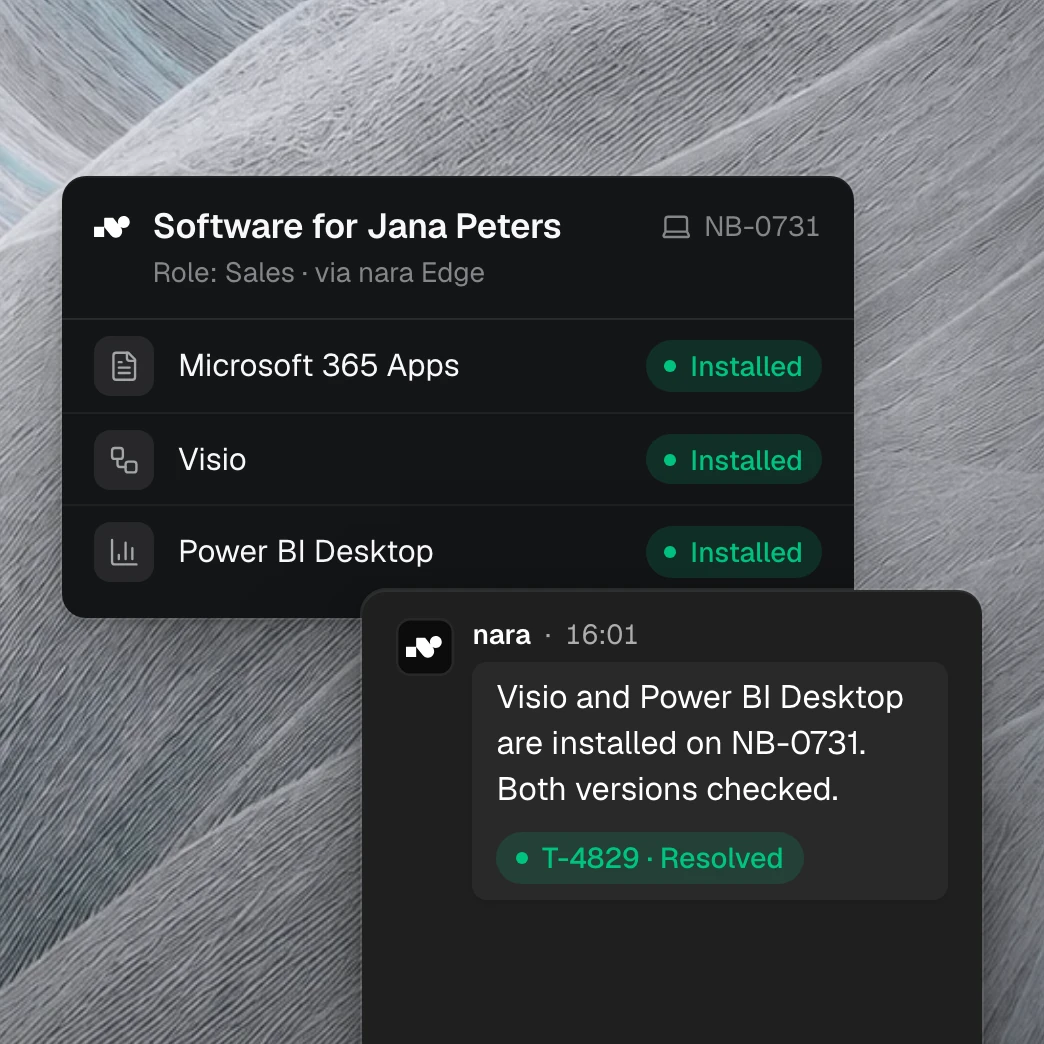
You can see who approved what, and when.

Approval before action
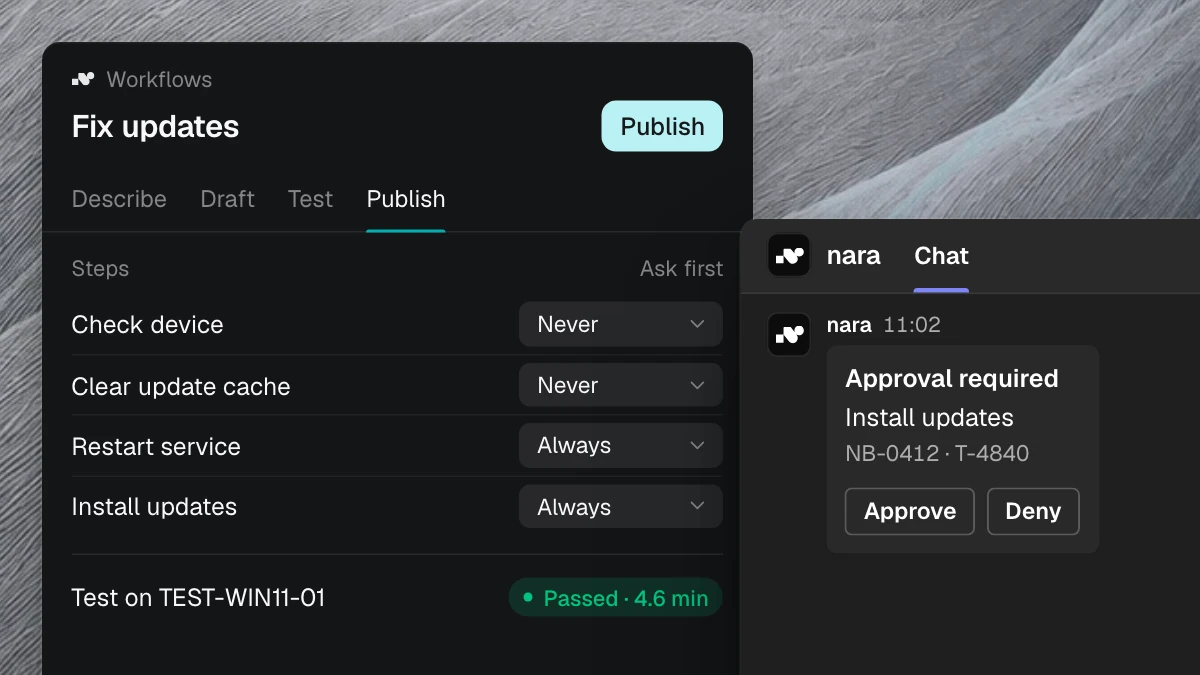
The people responsible see the whole plan and approve it before nara creates or disables an account. You decide who approves what, action by action.

Every step on the ticket
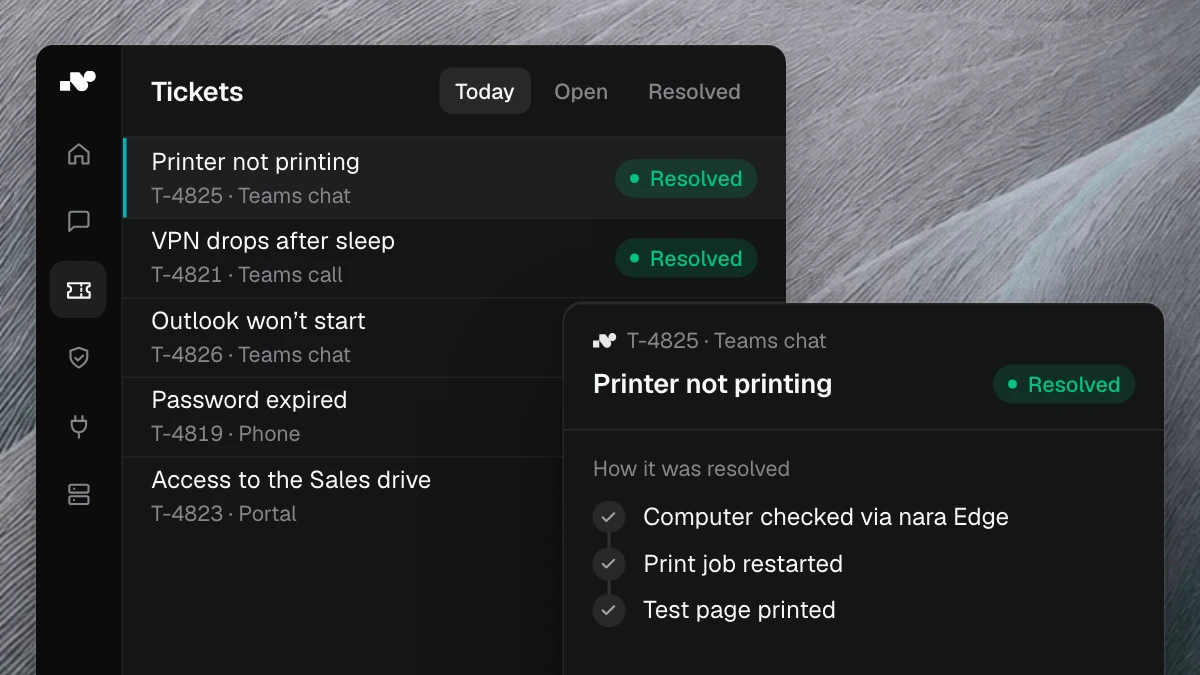
nara logs every step on the ticket with the time. When the auditors ask when the account was disabled, the answer is already there.

Open items stay visible
Anything nara can’t do itself, such as handing over the laptop, becomes a task for the person responsible. It stays open until someone closes it.
Questions from IT and HR
Microsoft Entra ID, your ticket system such as ServiceNow or Matrix42, your HR system and any other application, even one without an API. nara manages accounts and groups directly in your directory.