AI assistant for Microsoft Teams
Your IT support, right in Teams.
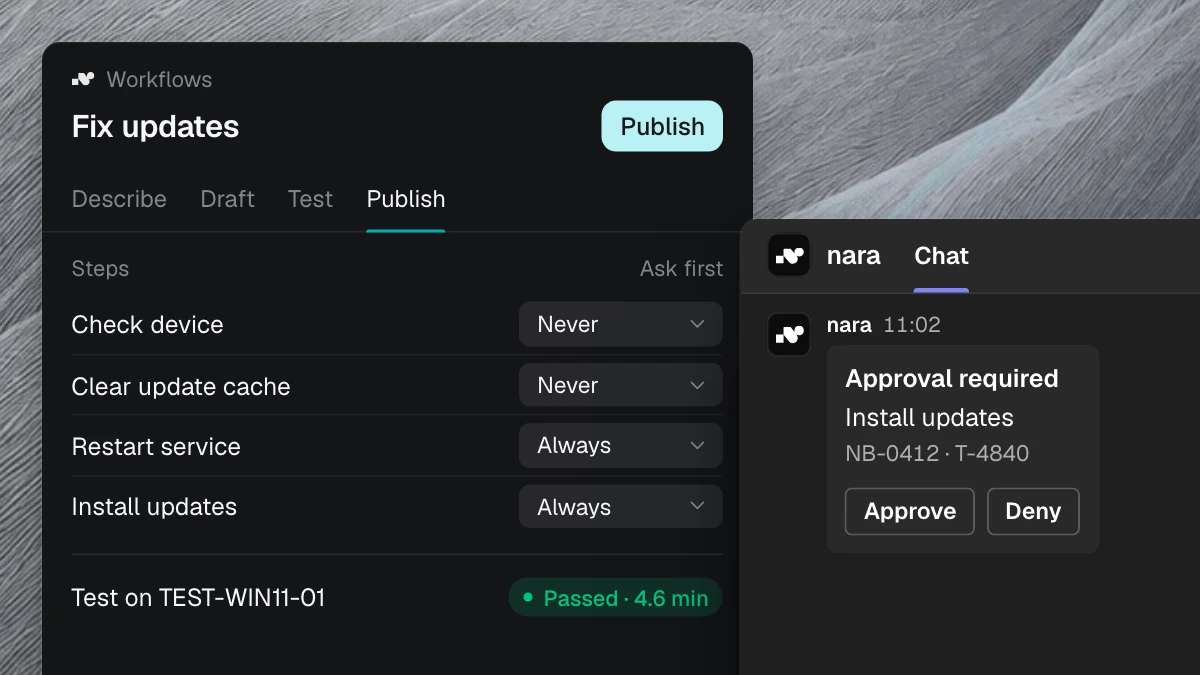
Employees message or call nara in Teams. nara works out the problem, fixes it right on the device, and asks for approval in the same chat.
What nara handles in Teams.

Message or call
Employees describe the problem in their own words, by chat or by calling in Teams. nara also answers on Teams Phone and a regular phone number.

Fixed on the device
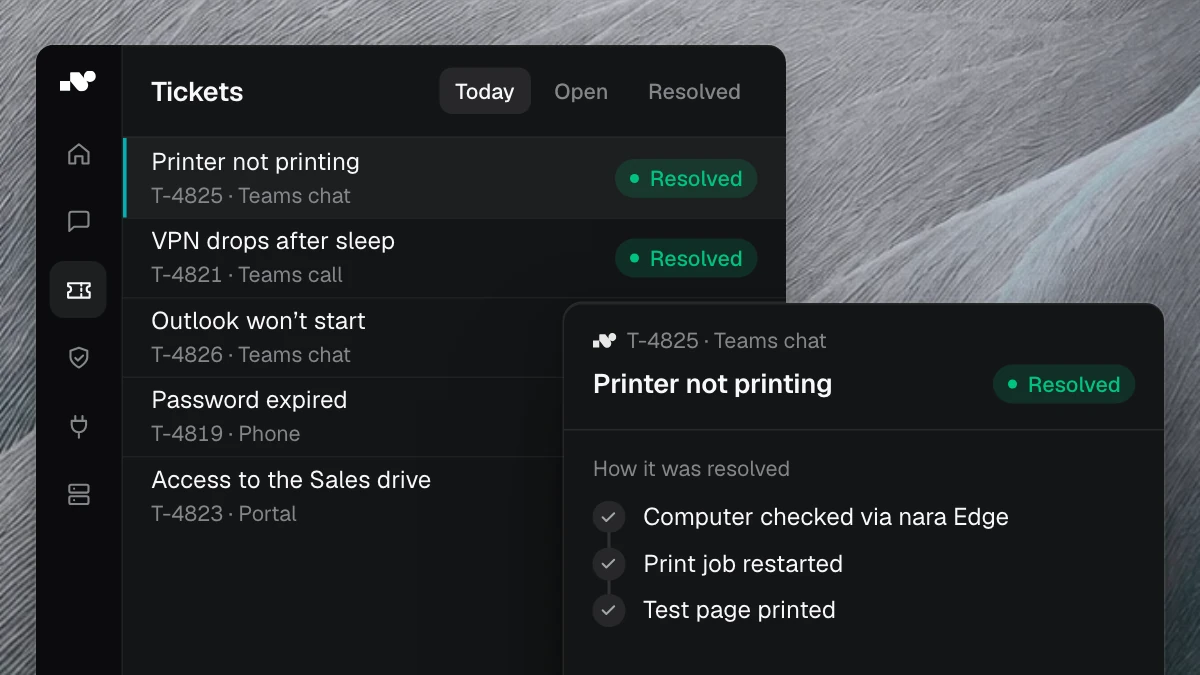
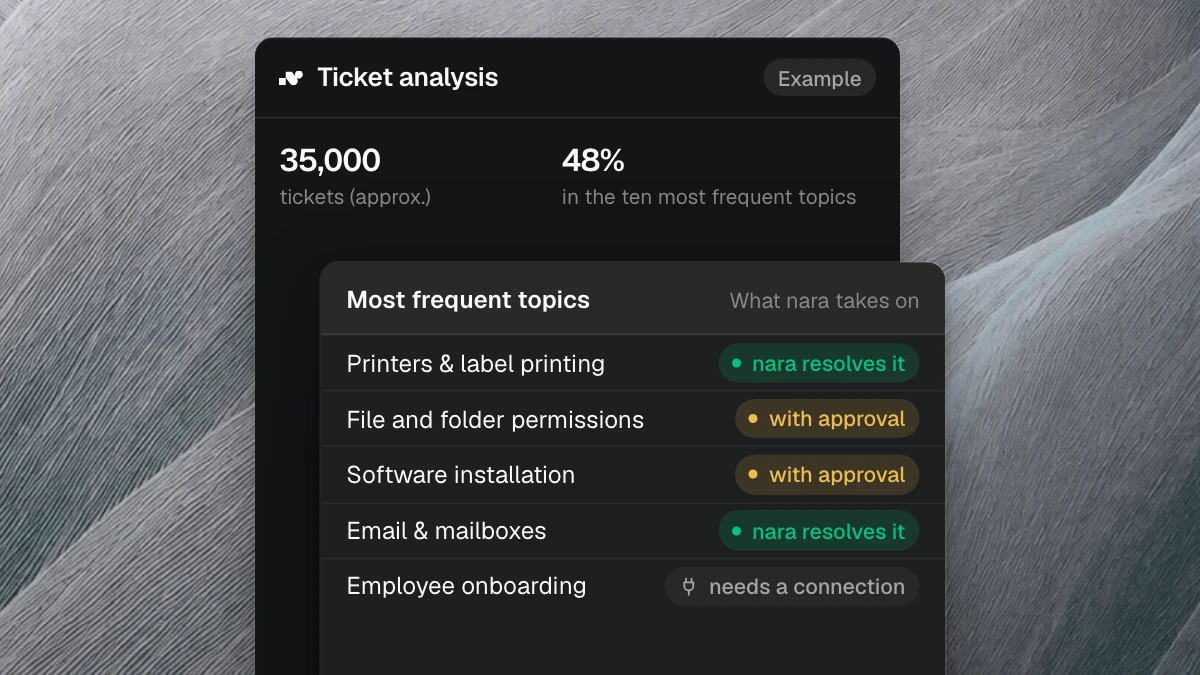
nara checks the laptop and fixes the fault itself, such as a stuck print queue or a missing update.

Approvals and tickets
Employees approve steps right in the chat. And any Teams message becomes a ticket in one click.
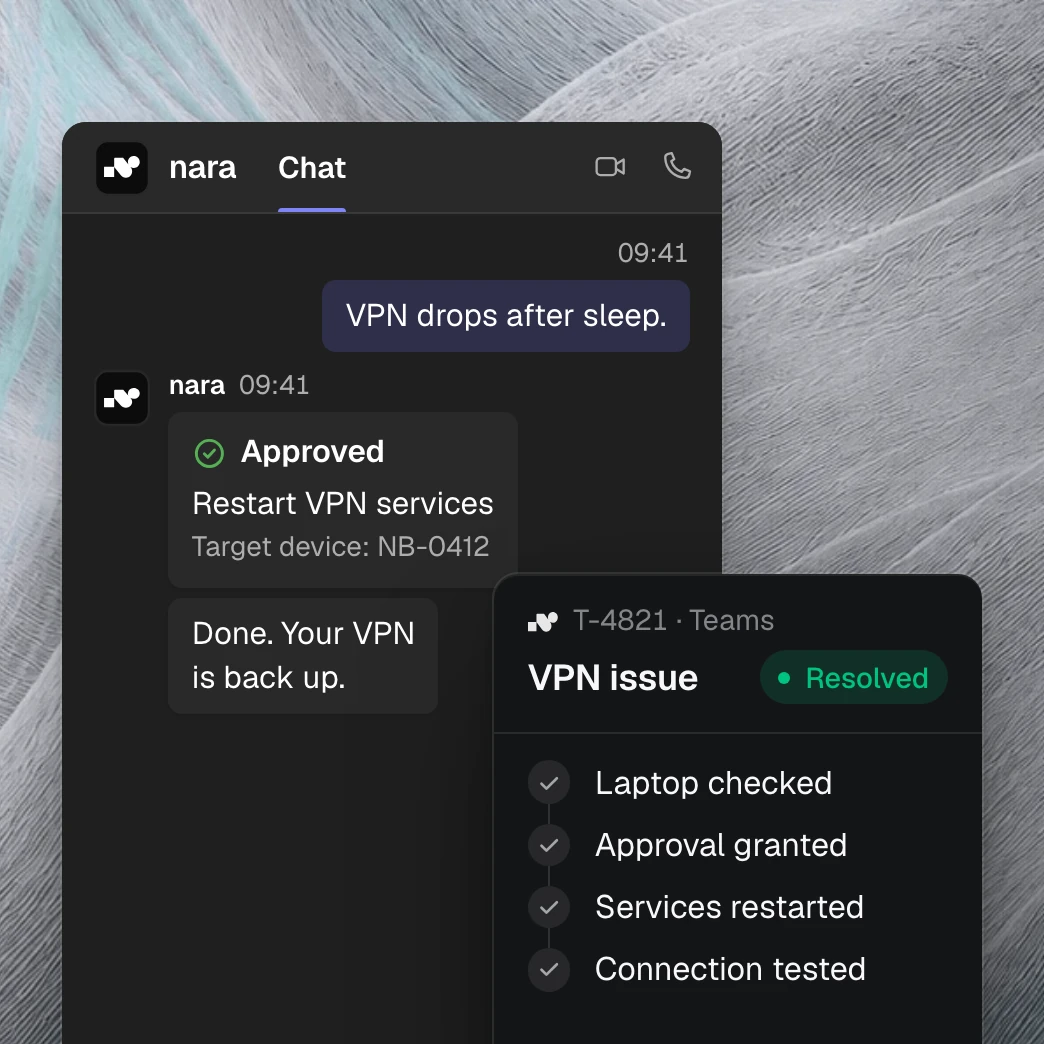
“My VPN isn’t working” is enough to get started.
nara asks in the chat which laptop is affected and checks it through nara Edge. It finds the cause, restarts the VPN services once approved in the chat, and tests the connection. The result is recorded in the ticket.
How to roll out nara in Teams.

App from the Microsoft Teams Store
The nara app for Teams is available in the Microsoft Teams Store. An administrator grants consent once for your organization.

Set users and permissions
Your admins decide who uses nara in Teams. nara only gets the permissions it needs for chats, calls, and approvals.

Start with one process
We set up the first process with you, such as VPN issues, and test it with a pilot group. Then you expand step by step.
Questions about nara in Teams
No. nara only reads messages in the chats and teams it has been added to. Microsoft calls this resource-specific consent (RSC). Across your organization, nara only gets basic user profiles and, if you use calls, the calling permissions.
