All processes
nara automates processes across your company.
Purchasing, HR, finance or IT: describe the process in your own words, and nara builds it. Or we set it up together with you.
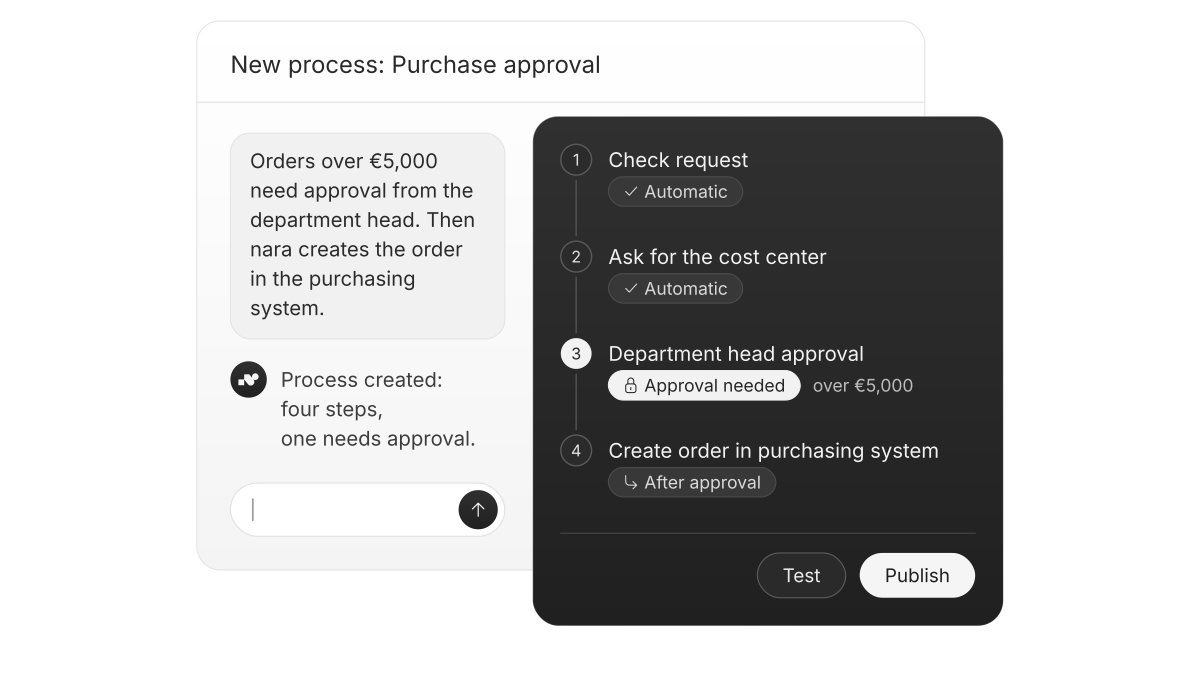
Your people only check and approve.
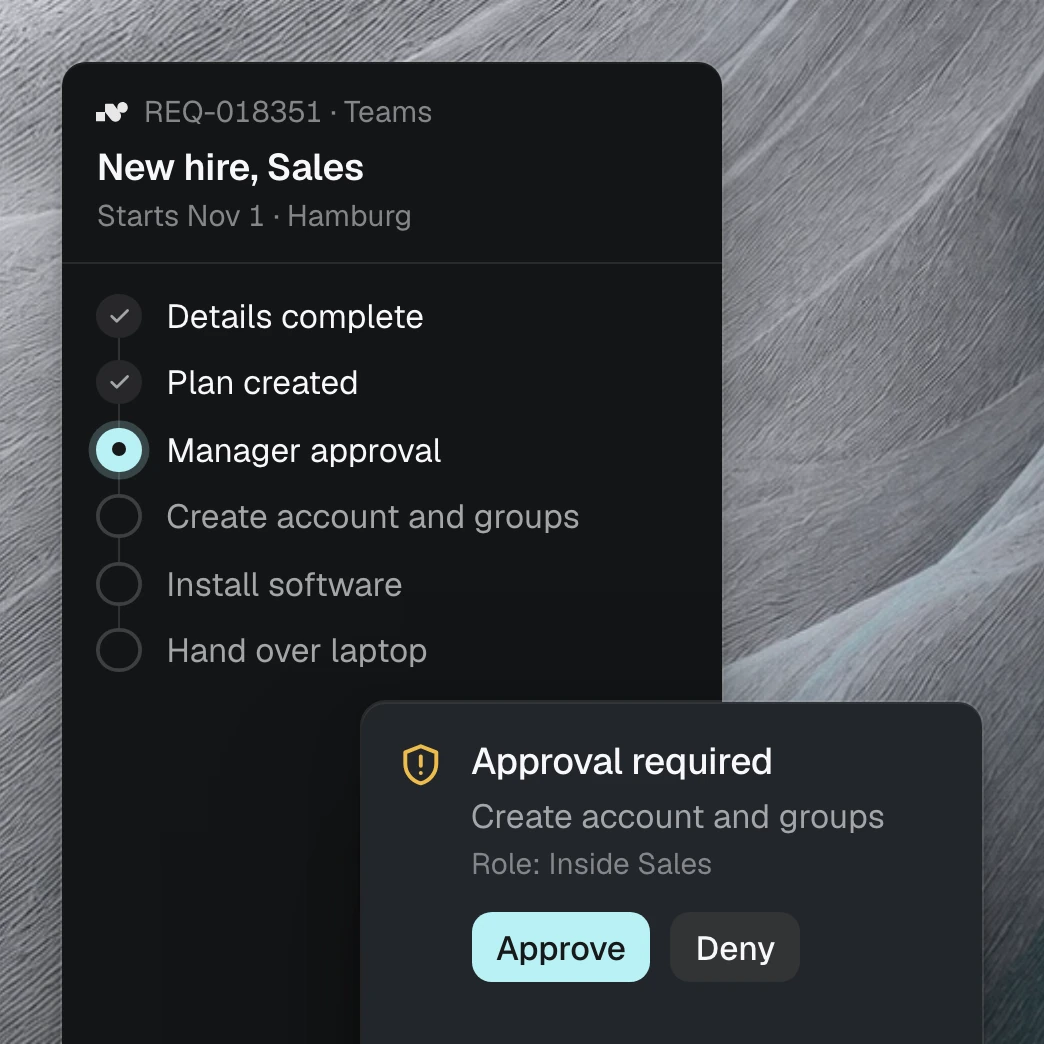
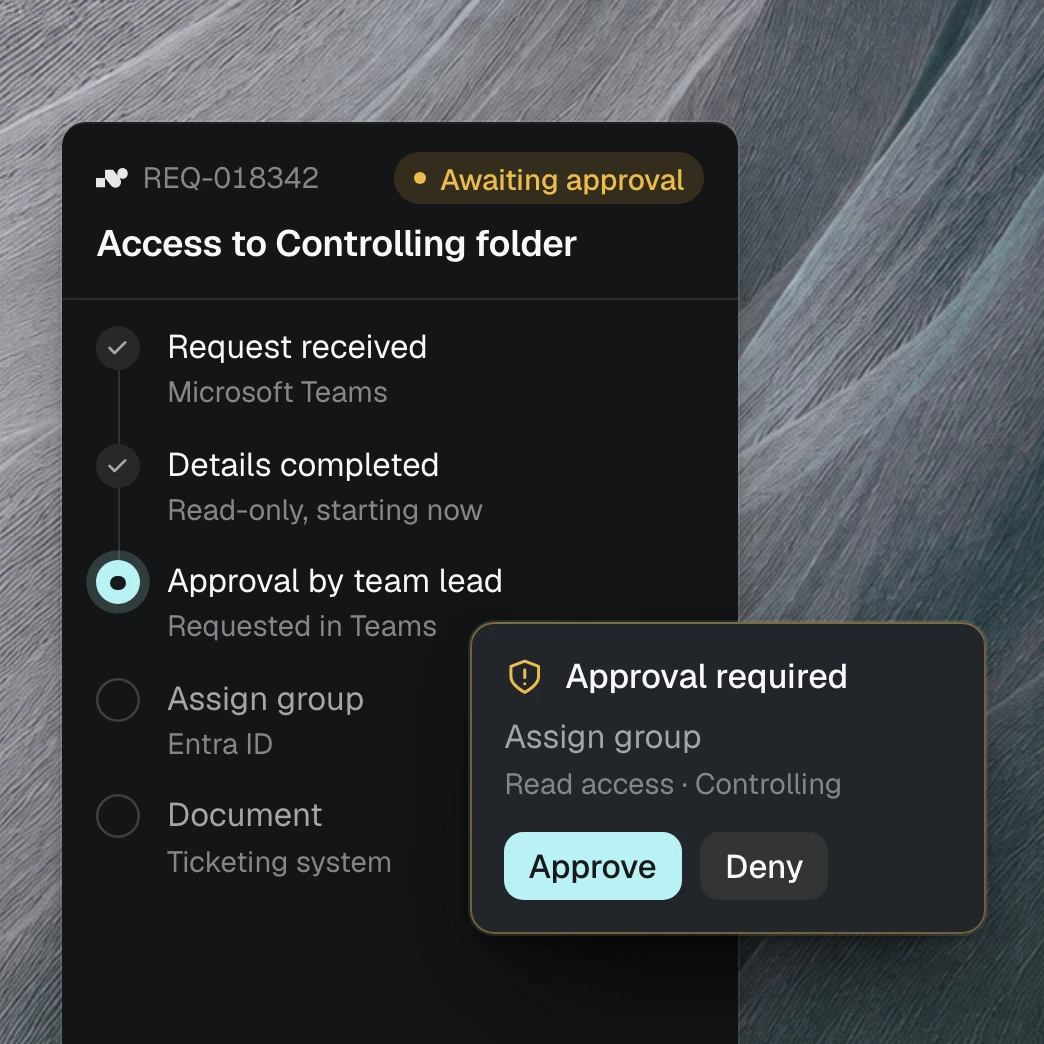
nara gathers the details, asks for anything missing and pre-fills the forms. Once approved, nara does the rest in your systems and records every step.
What companies automate with nara.
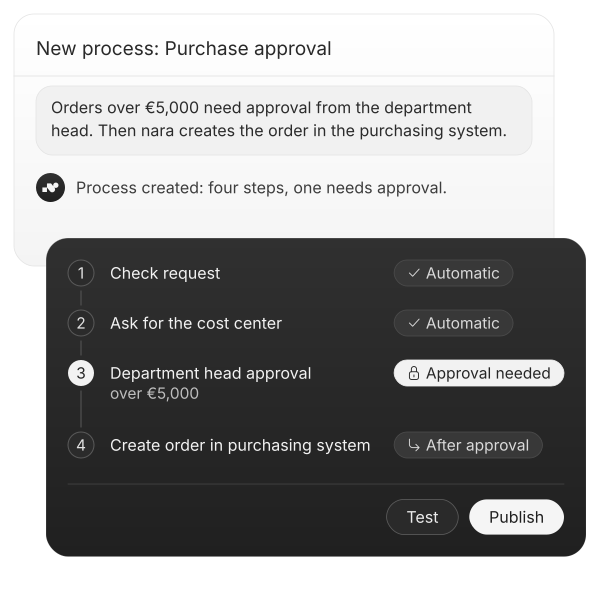
nara checks the purchase request and asks for anything missing, like the cost center. Above €5,000, it gets the department head’s approval in Teams and then creates the order in the purchasing system.
Setting up a process is simple.

In your own words
New process or a change: tell nara what should happen. Nobody needs to write code.

Set approvals
Set which steps need approval, and who approves them, the same way. The person responsible approves right in Teams.

Every step visible
You see the process at a glance, test it with real cases and then switch it on. From then on, every action is in the log.
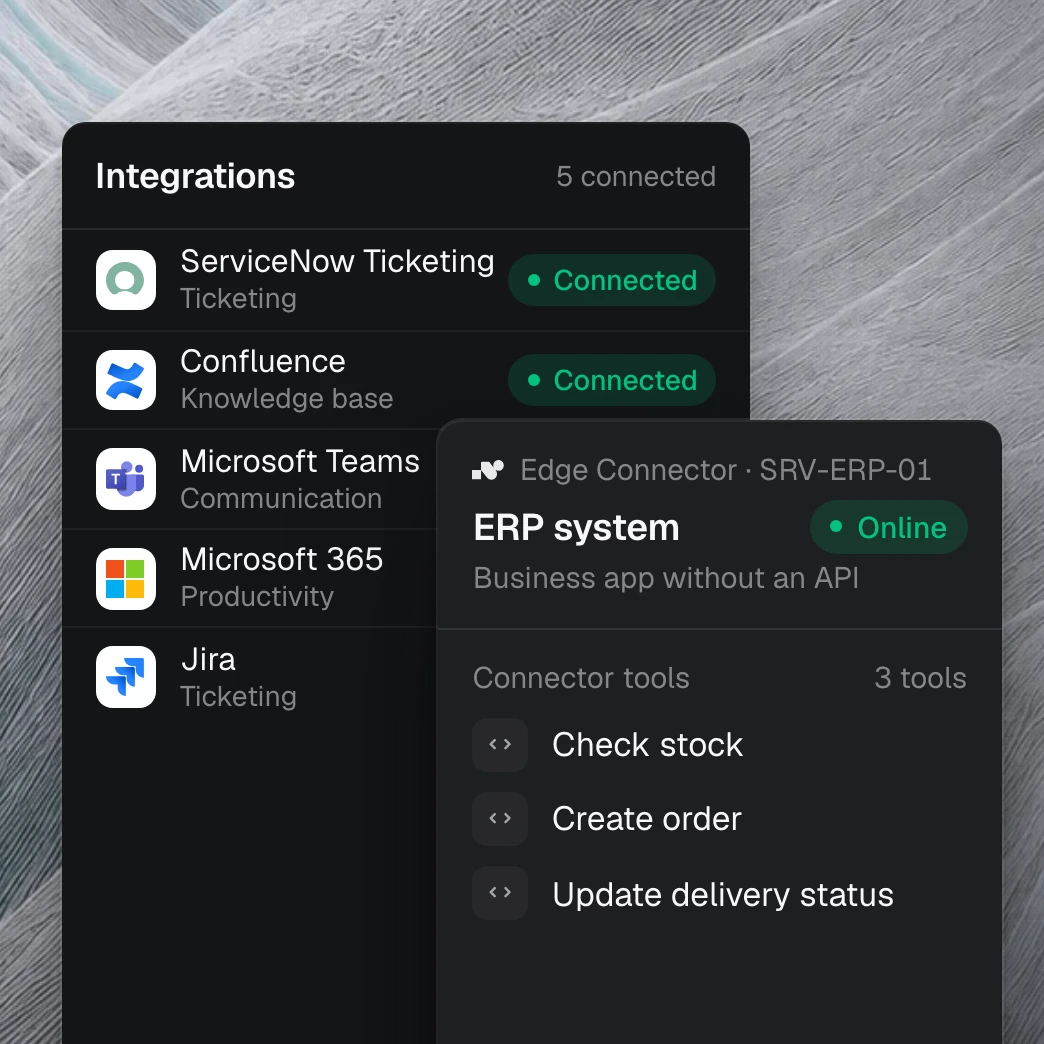
nara also works in applications without an API.
Many departments rely on older software that only runs on an internal server. That is where nara Edge comes in: a small service that connects from the inside. Your firewall stays closed.
Questions about process automation
Any system, with or without an API, from the purchasing system to HR software. Employees reach nara in Microsoft Teams, by chat or call. Where there is no ticket system, nara tracks requests itself, with status and log.
