The answer usually exists already. The guide is in Confluence, the fix is in a ticket from eight months ago, and a colleague on the network team knows the error by heart. Nobody finds any of it in time. So someone solves the same case by hand for the third time.
An AI in support is only as good as the knowledge it can reach. If it can't find that knowledge, it guesses. And in support, an AI that guesses does more damage than no AI at all.
What nara uses as knowledge
nara reads your guides where they already live: in Confluence, in SharePoint or in your ticketing system's knowledge base, such as ServiceNow. You don't have to move anything. On top of that, nara uses the fixes from closed tickets. How someone last got the warehouse printer working again is often described there in more detail than in any article.
Your permissions apply. If someone can't open a file in SharePoint, nara won't give them its content as an answer either. nara redacts passwords and personal details in documents and tickets before the AI reads them.
Every answer comes with a source
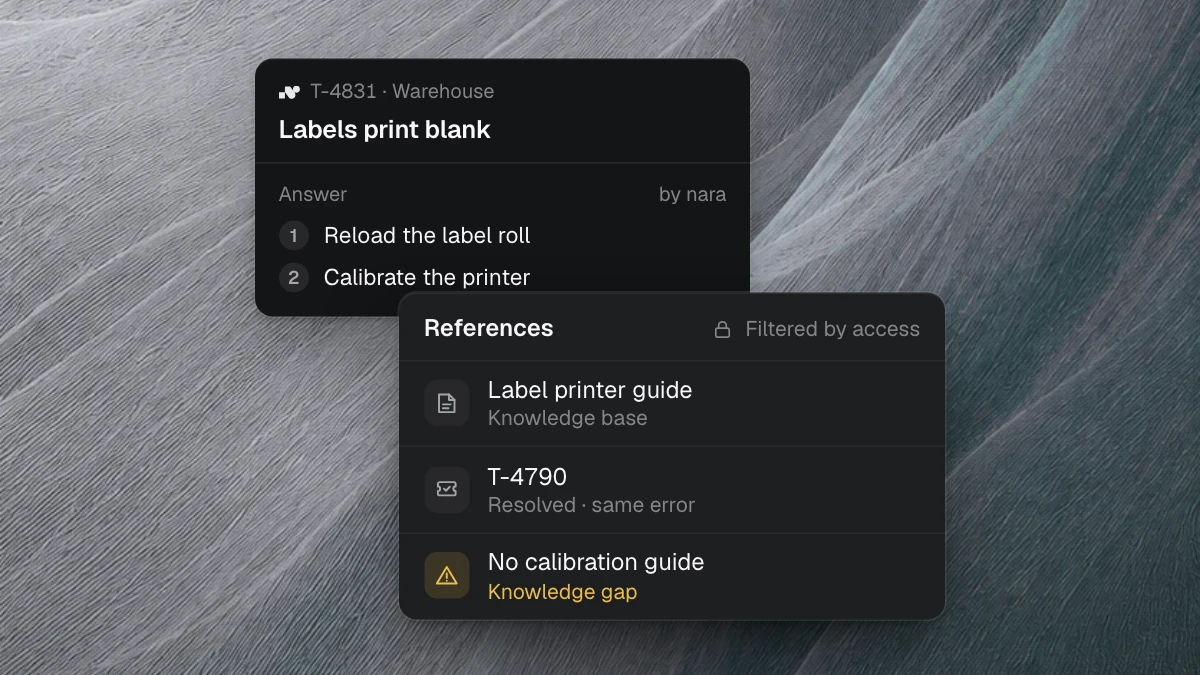
With every answer, nara shows which article or ticket it comes from. Anyone reading it can check it in seconds. That's what lets your team hand requests to nara without rereading every answer.
If the knowledge isn't enough, nara says so. The case then goes to the person who knows the topic, along with everything nara has already clarified.
Knowledge that gets carried out
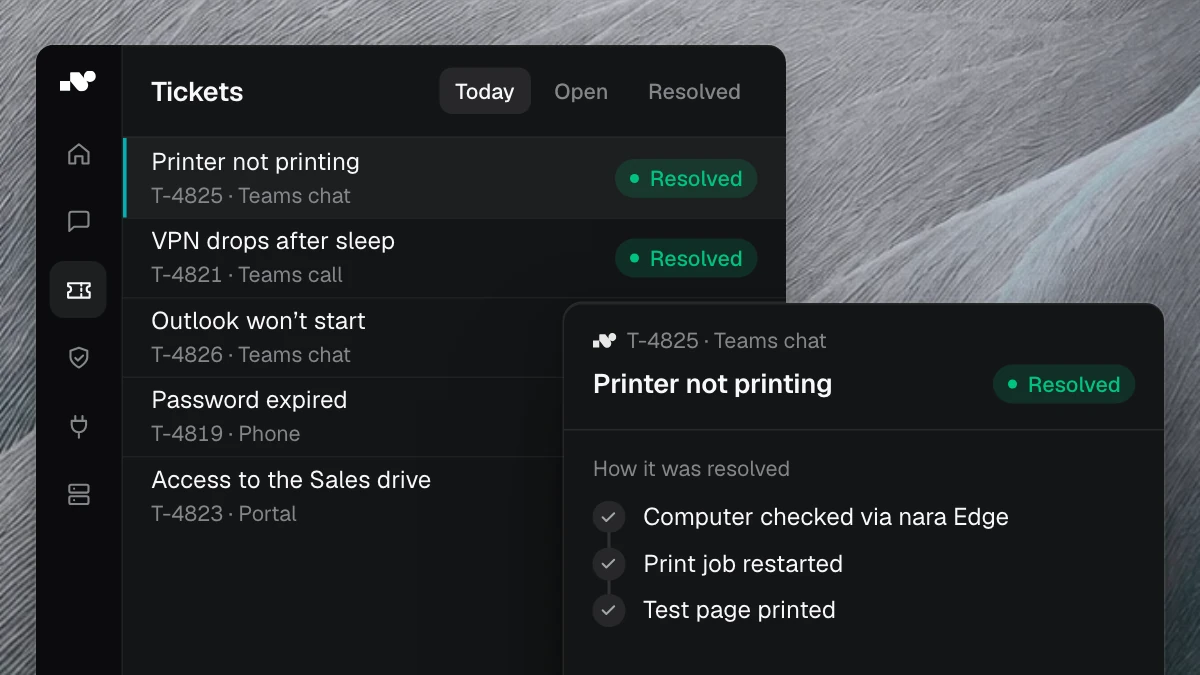
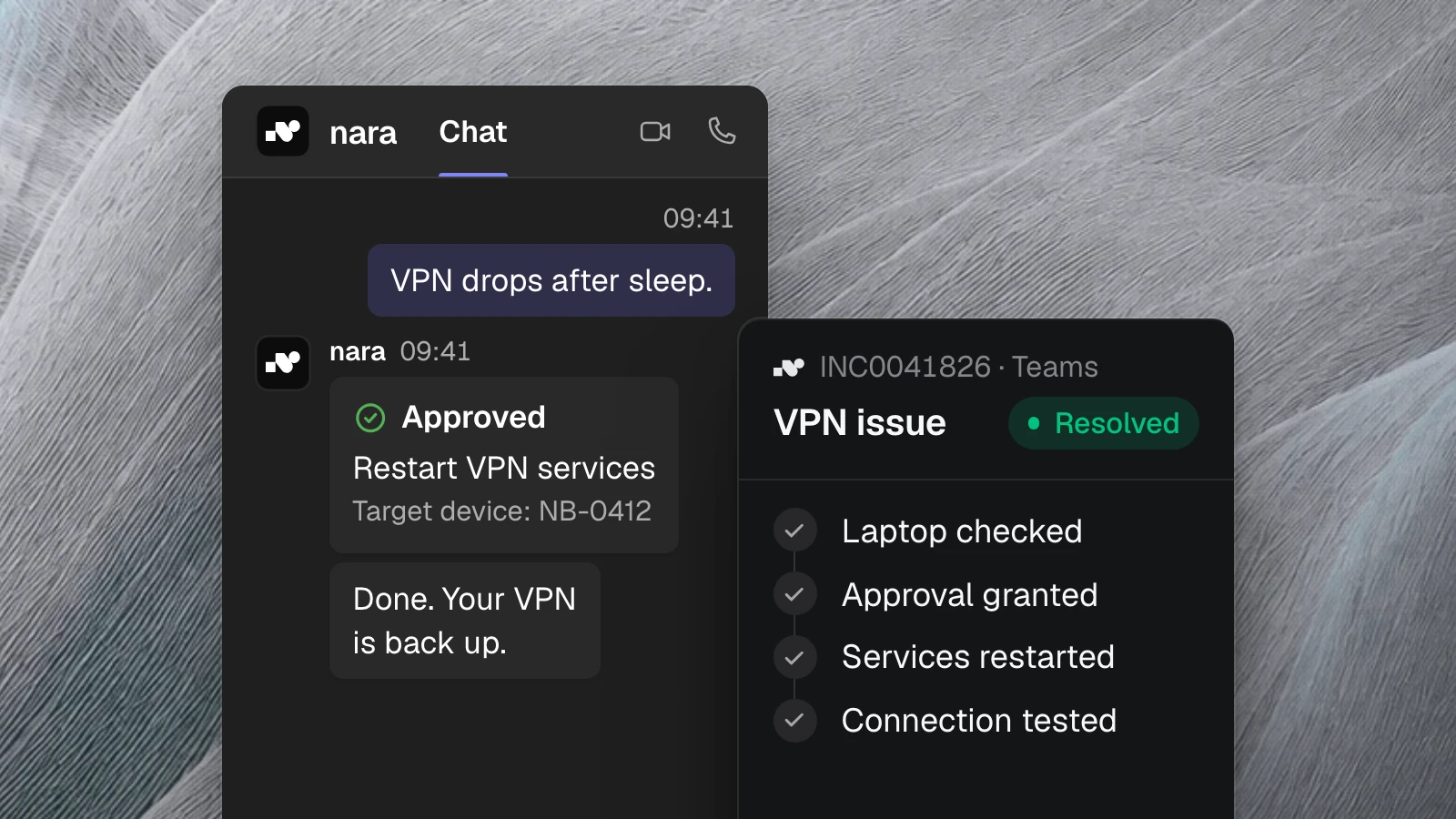
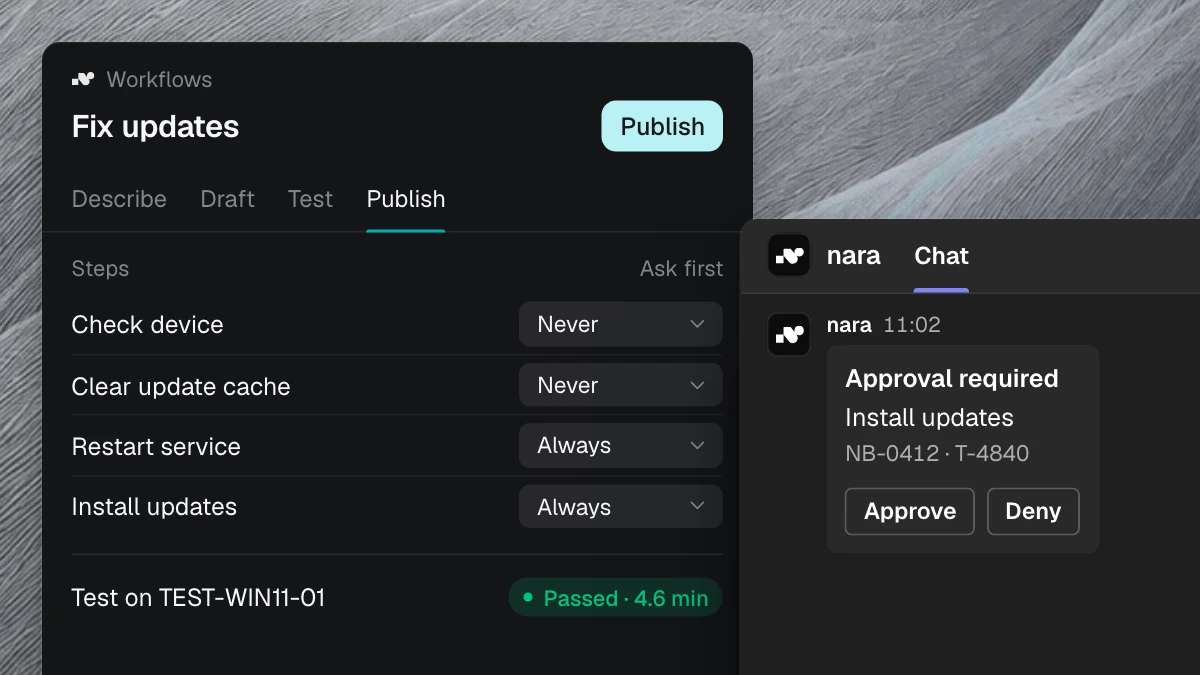
In support, knowledge usually ends with a guide that someone has to follow. nara follows it itself. If your guide says the VPN services need a restart after standby, nara does that directly on the laptop as soon as the employee agrees in Microsoft Teams. This runs through nara Edge, a small service on your computers that connects from the inside. nara then tests the connection and records on the ticket what fixed it.
The employee only had to agree once. Your team learned about the case from the ticket.
Find the gaps before anyone runs into them
Most knowledge bases have grown over the years. People wrote whatever came up at the time. Few teams ever check whether the articles match what people ask for.
nara compares the two: the topics in your tickets and the articles you have. The result is a list of frequent requests with no matching guide, sorted by volume. At a European manufacturer with some 35,000 tickets, this produced 137 article drafts for topics that had no guide yet. The team only had to review them.
The case study on these 35,178 ServiceNow tickets walks through the method step by step.
Solved cases become articles
When your team solves a case that had no guide, nara writes a draft from the ticket and the fix. Documentation that would otherwise never get written now happens along the way.
Approval stays with your team. Every draft goes to review, and nara uses it for answers only once it's approved. That way your knowledge base grows with every case, and your team still decides what goes into it.
Where to start
A ticket analysis shows which requests you get most often and which of them your knowledge base covers today. All we need is read access to your tickets and knowledge articles. After one to two weeks, you see your gaps, with drafts ready for the biggest ones.
In a free introductory meeting, we spend 30 minutes showing you anonymized examples and talking about your knowledge sources. You don't need to share any ticket data for that.