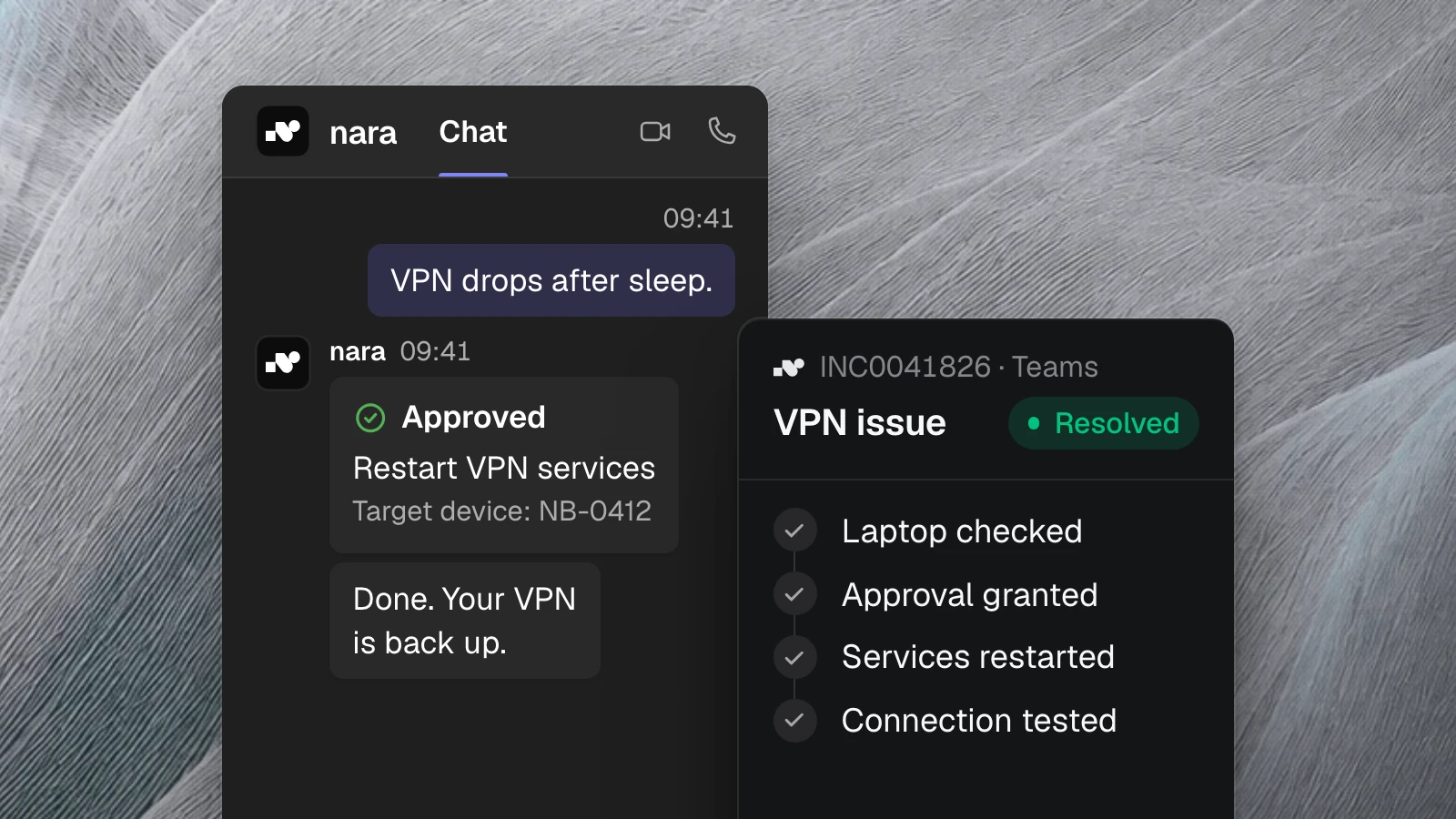
Monday morning, an employee calls nara in Microsoft Teams: “My VPN isn’t working.” nara asks which laptop is affected, checks it, and finds a stuck VPN service. “Shall I restart the service?” He says yes. nara restarts it, tests the connection, and writes the finding and the fix on the ticket. By the time the call ends, the problem is solved and documented.
That is what an AI agent in IT support does. It understands the request, uses your knowledge, and does the work itself, in your systems and on the device. For an IT leader, two questions matter most after that: what may the agent do without asking? And how do you prove later what it did?
What an AI agent handles in IT support
Taking requests and completing them
Employees message or call nara in Microsoft Teams, and a regular phone number works too. nara understands the request in everyday language and asks for what’s missing: role and justification for an access request, device and location for a printer problem. If a ticket is needed, nara creates it with every detail filled in.
Answering from your knowledge
nara searches your guides, resolved tickets, and knowledge bases such as ServiceNow, Confluence, or SharePoint, and cites the source. If nara finds no reliable answer, it says so and hands the case to your team. Where guides are missing, nara writes drafts that take effect once your team approves them.
Acting, in systems and on devices
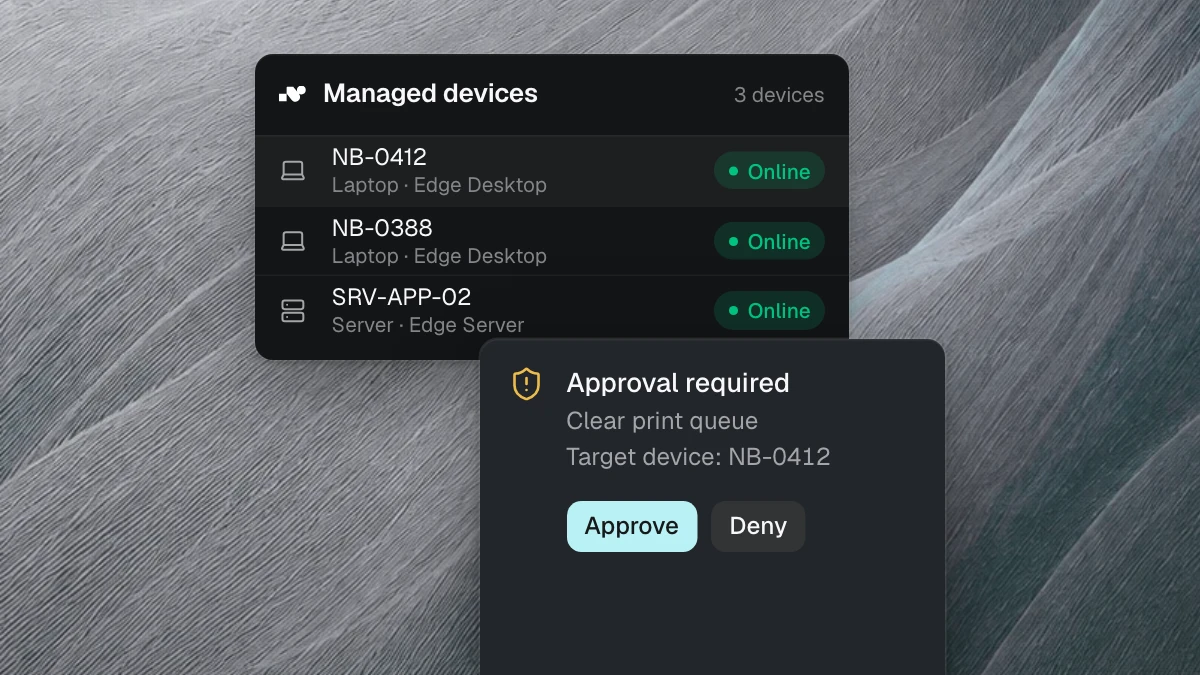
This is where an agent differs from a chatbot. nara carries out the fix itself: in the ticketing system, in the directory, and through nara Edge directly on the laptop or server. nara Edge is a small service on your computers that connects to nara from the inside. Your firewall stays closed.
That is how nara checks network, VPN, printers, and updates, fixes known faults, and installs software. It only uses prepared and tested steps such as “clear print queue” or “restart VPN services”. The agent does not run arbitrary commands on your devices.
Seeing multi-step work through
A new hire involves many steps: account, groups, software, laptop. nara runs them as one case, in the right order, and shows what is still open. On a leaver’s last day, nara disables the account and removes the groups. nara never skips a missing approval, even when the next step would be technically possible.
Documenting and handing over
Every step is recorded on the ticket, and in ServiceNow as a work note on the incident. If nara gets stuck, the case goes to the right group with the diagnosis, the steps so far, and a proposed fix. Nobody has to ask the employee the same questions twice.
Where nara draws the line
An agent that can act needs clear rules. In nara, you decide for every action which of three groups it belongs to.
nara acts on its own
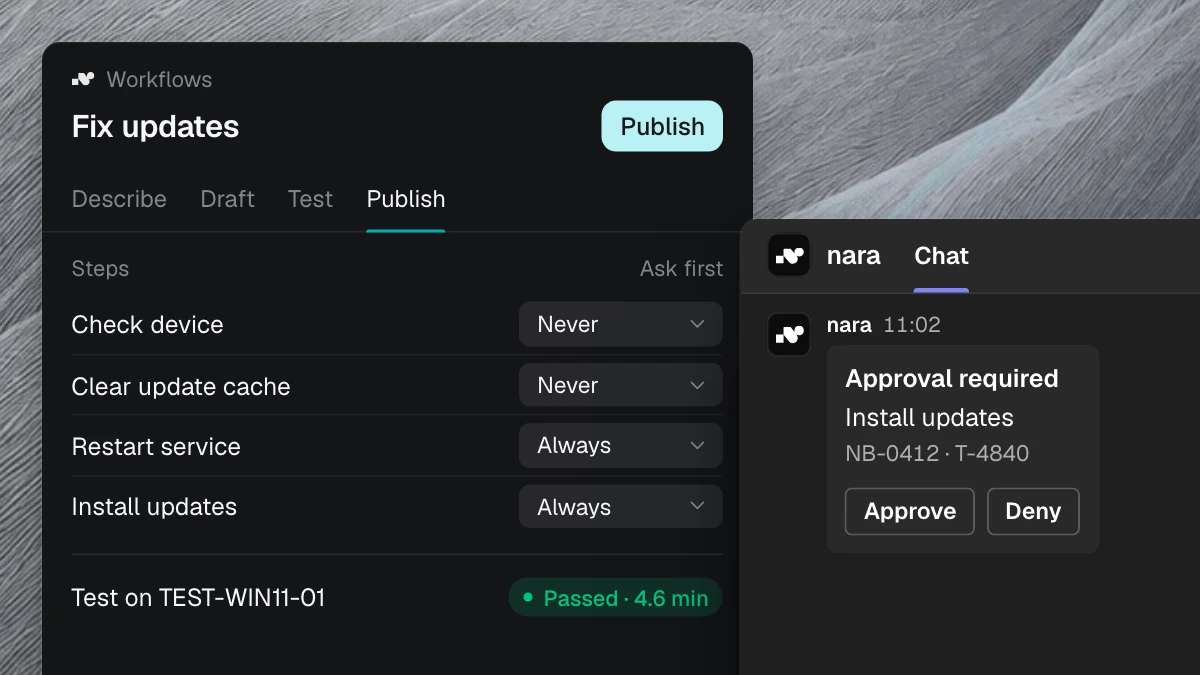
Reading, checking, and diagnosing run without asking, and depending on your settings, so do repairs you classify as low-risk, such as clearing a print queue. Speed matters here, and the risk is small.
The responsible person approves
Anything that changes something asks first by default. Approval comes from the person responsible, right in Microsoft Teams: the employee for her own laptop, the manager for an access request, procurement for a license, IT for directory groups. On a call, a spoken “yes” is enough. Without approval, nothing happens.
A person decides
Some questions need someone to carry the responsibility: whether to hire a person, which permissions a role gets as a rule, whether an exception to the security policy applies. nara gathers everything needed and presents it. A person makes the decision, and nara carries it out afterwards.
You can move any action to a different group at any time. New workflows are described in your own words. nara builds the workflow, you see every step, test it, set the approvals, and switch it on. If you prefer, we set up the first workflows together with you.
Every step is logged
For every action, nara records who triggered it, when it ran, whether it needed approval, who approved it, and what the result was. Your team sees this on the ticket, and admins export the logs as CSV or Excel.
When the auditors ask why an employee has access to an ERP module, you’ll find the request, the approval, and the change in one place. The same goes for every service restart on a laptop.
CISOs and data protection officers also want to know where the data is processed. nara is developed and hosted in Germany, AI processing runs in the EU, and no model is trained on your data. nara redacts passwords and personal details before the AI reads them. More on the security page.
How to recognize a good AI agent
Many products call themselves AI agents today. These questions quickly show what one can do:
- Does the agent resolve the case, or does it just write instructions?
- Does it work directly on the device without you opening firewall ports?
- Do you decide per action what runs on its own and what needs approval?
- Does the responsible person approve where they already work, such as in Teams?
- Is every step, including the approval, in the log and on the ticket?
- Does the agent hand over with a diagnosis when it gets stuck?
- Where is your data processed, and is it used for training?
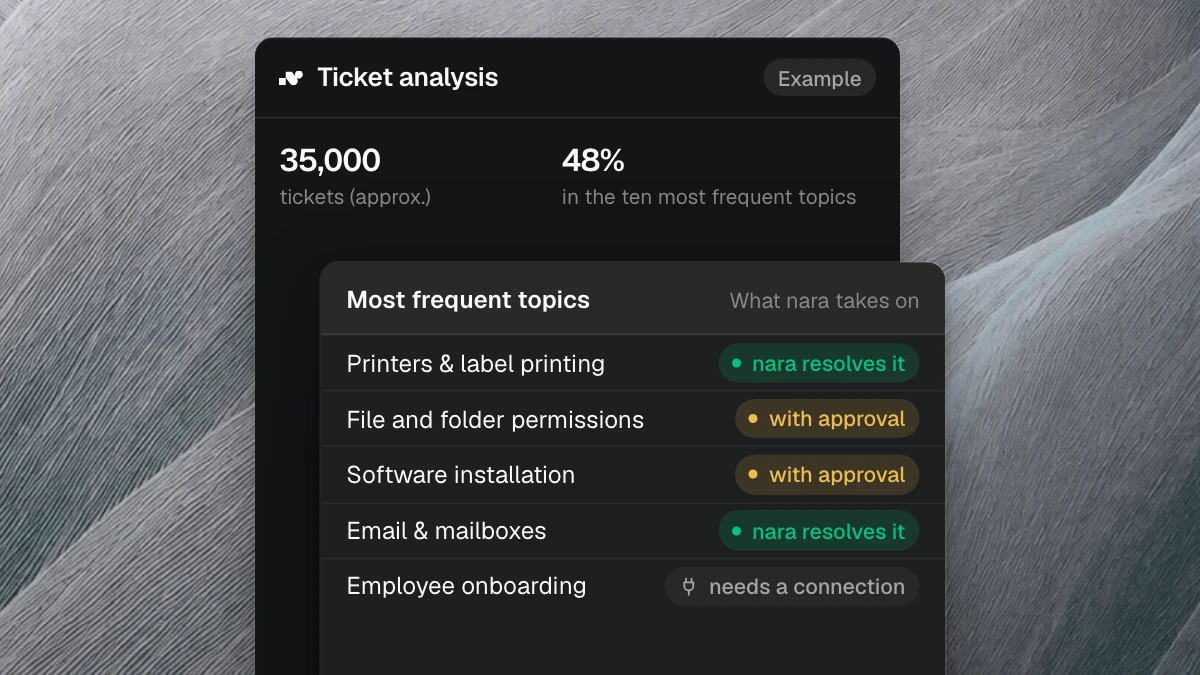
You can check every one of these questions in the nara product. In a free introductory meeting, we spend 30 minutes showing you, and your CISO is welcome too. For the requests nara takes over in the IT service desk and where to start, see our article on ten service desk processes.