Support deflection means resolving a request before it turns into work for your team. Usually that happens through self-service: a portal, a knowledge base or a chatbot. The deflection rate measures how often it works. What it counts is something that didn't happen: the ticket nobody created.
That way of counting has a gap. A chat that ends without a ticket counts as a success, even if the employee gave up and called the help desk ten minutes later.
What a deflected ticket often looks like
Monday morning. An employee asks the chatbot in the portal: "VPN won't connect after standby." The bot finds the right article and sends seven steps. At step three, he needs admin rights he doesn't have. He closes the chat and picks up the phone.
The report shows one deflected ticket. The phone call creates a new one, and someone at the service desk asks every question again, because nothing from the chat made it into the ticket. The work only moved: first to the employee, then back to the team, later.
What self-service needs to resolve cases
Turning an answer into a resolved case takes five things. A chatbot that can only search has one of them.
Be where your people already work
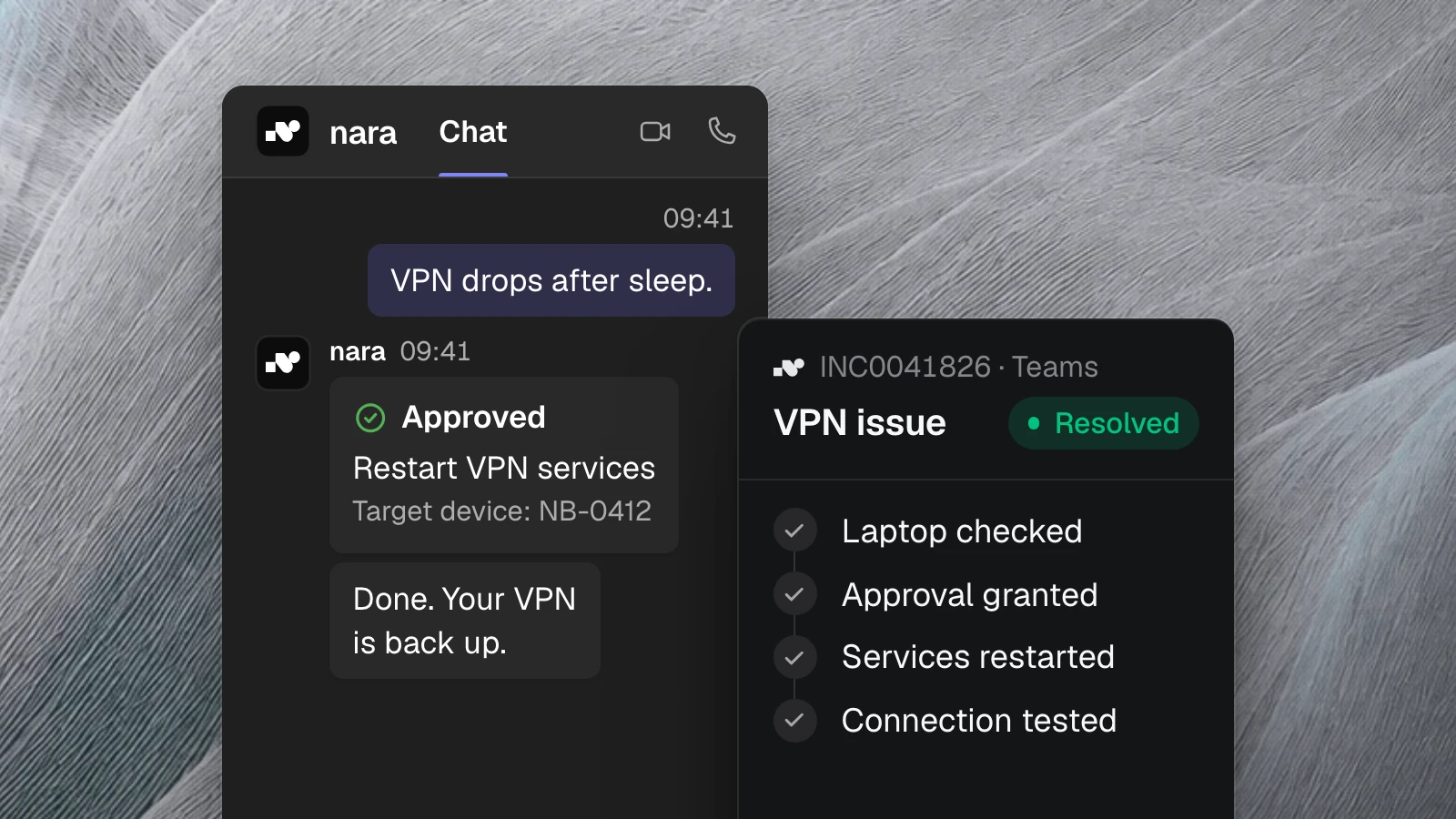
Employees message nara in Microsoft Teams, the way they'd message a colleague. If they'd rather talk, they call nara in Teams or dial a regular phone number. nara asks for whatever is missing, such as which laptop is affected.
Answer with a source
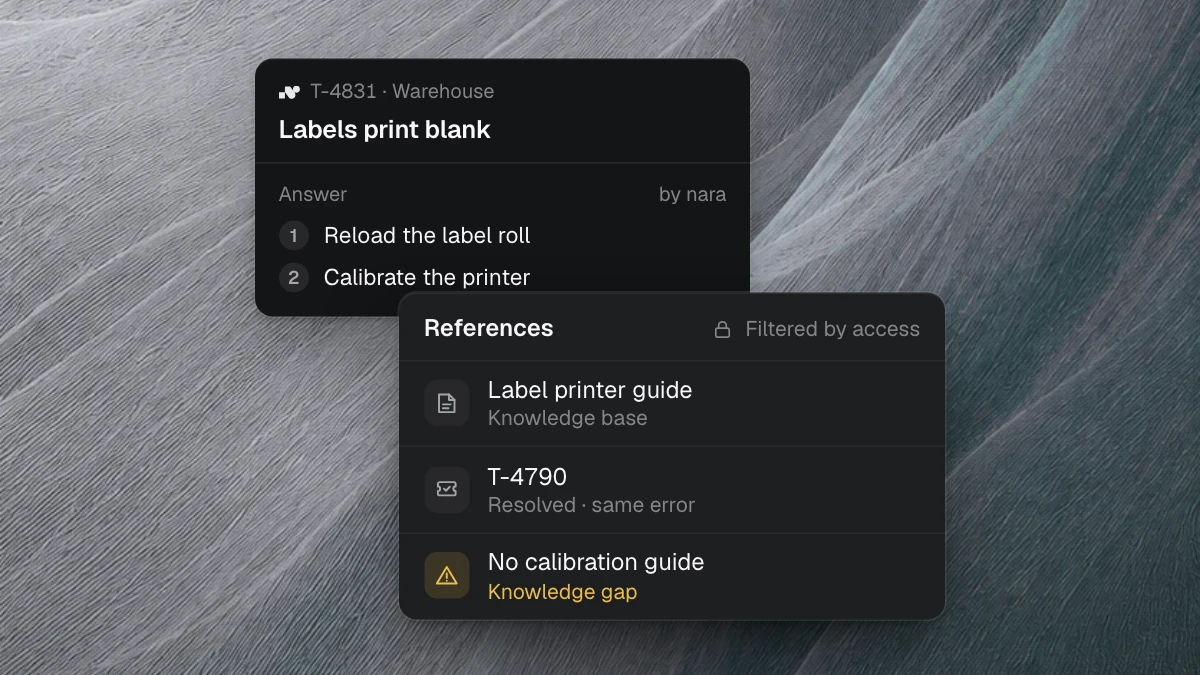
nara answers from your guides and from the fixes in past tickets, and it shows where each answer comes from. If the knowledge isn't there, nara says so. Our post on knowledge work in support covers how that knowledge is built and kept current.
Fix the problem on the device
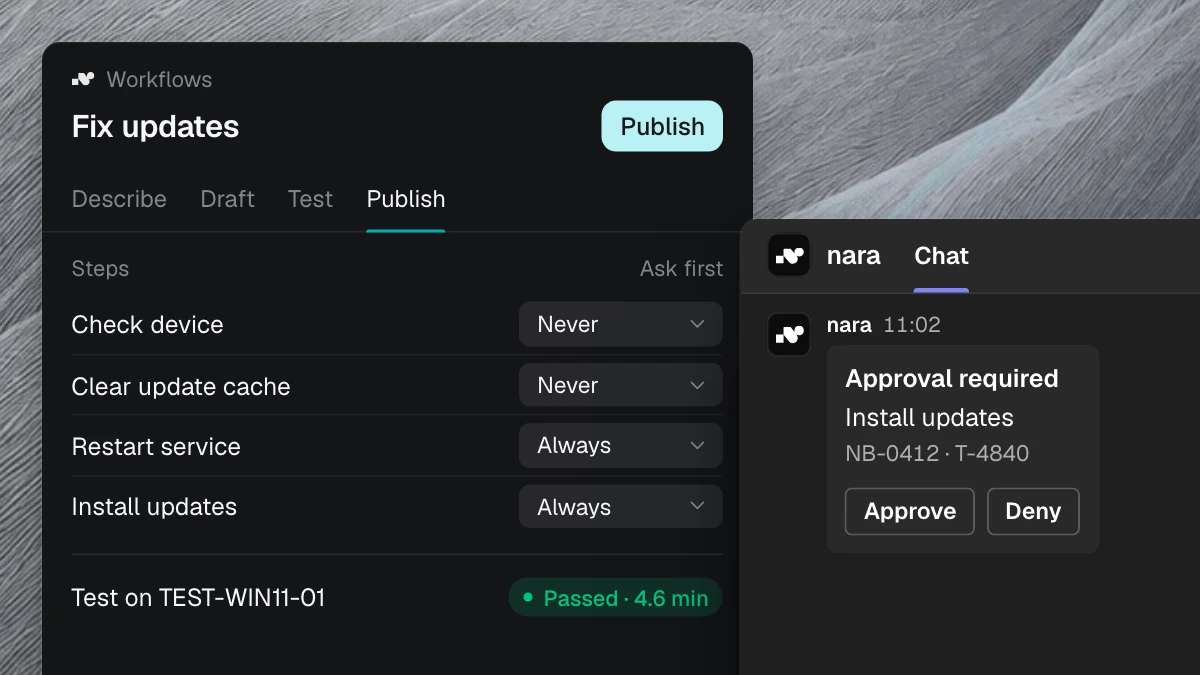
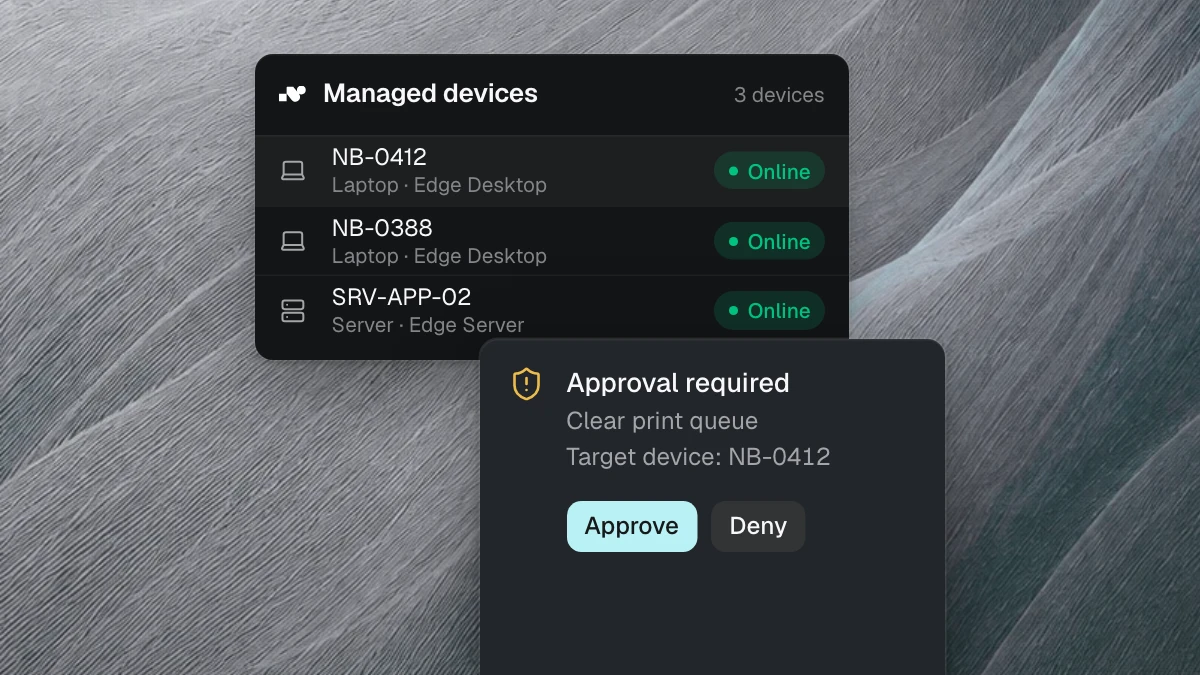
Through nara Edge, a small service on your computers, nara checks the laptop itself. If the VPN services are hung, nara restarts them as soon as the employee agrees in the chat, then tests the connection. In the same way, nara clears a stuck print queue, repairs the Teams client, applies missing updates or installs approved software. nara does the seven steps from the guide itself.
Know the status
Many requests are status questions: Has my laptop been ordered? Has my access been approved? nara reads the ticket and answers right away. Nobody on the team has to look it up.
Hand over without starting from scratch
Whatever nara can't solve, or isn't allowed to, goes to your team. The ticket then holds the conversation, the findings from the device and everything nara has already tried. Nobody has to explain their problem twice.
How to tell whether a case is resolved
If you measure self-service only by its deflection rate, you also reward brushing people off. These four questions tell you more:
- How many requests did nara close without your team stepping in?
- How often does the same person come back with the same problem within a week, through any channel?
- How long does it take until someone can work again? Time to first response says little about that.
- How often does your team have to ask follow-up questions after a handover?
nara's reports show how many requests were solved without a ticket and how many tickets were created. Because every conversation is stored with its history, you can answer the other questions too.
Where to start
Your ticket history shows which requests to tackle first: the most frequent incidents and the pure status questions. A ticket analysis shows within one to two weeks which of them nara can resolve for you. For what this looks like day to day, see our pages on the IT service desk and on nara in Microsoft Teams.
In a free introductory meeting, we spend 30 minutes walking you through anonymized examples from customer projects and discuss your most frequent requests.