nara and ServiceNow
nara resolves your ServiceNow tickets on its own.
nara handles incidents from first report to closure, on the laptop if needed, and records every step in the ticket. ServiceNow stays your system of record for as long as you want.
How nara and ServiceNow work together.

Teams chat and calls
Employees reach nara by chat or call in Microsoft Teams. If a ticket is needed, nara creates the incident with all the details.

Resolved and closed
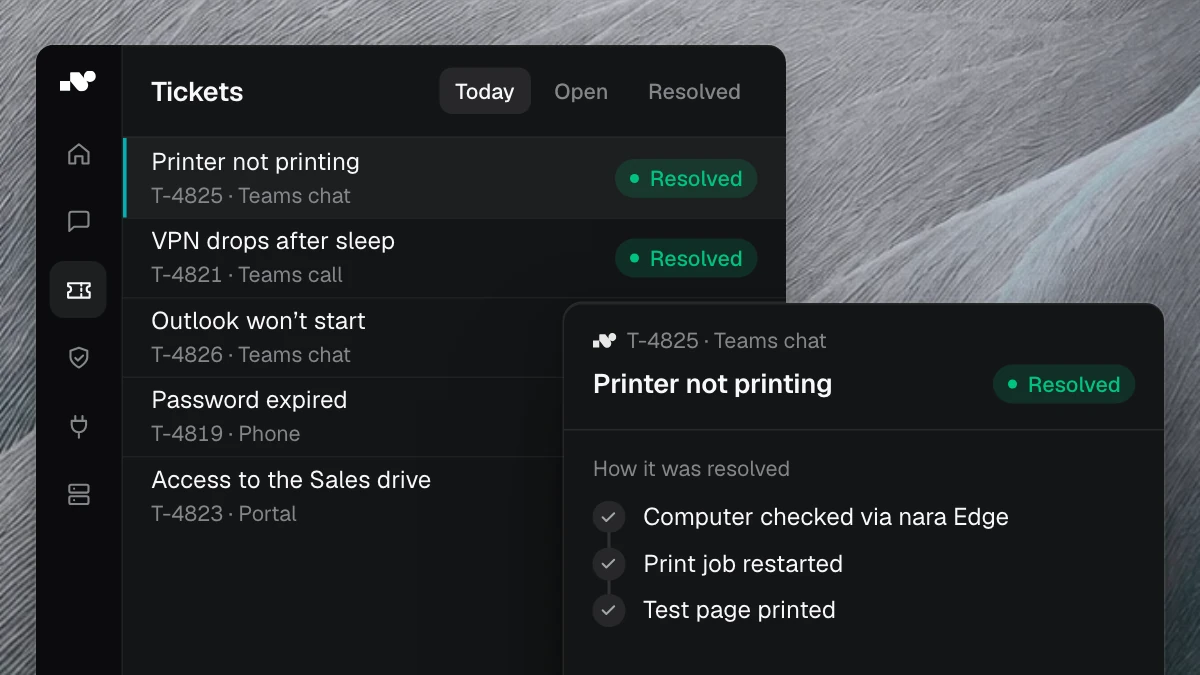
A print job is stuck, a Windows update is missing: nara resolves incidents like these itself and closes them with a resolution code.

Handover with findings
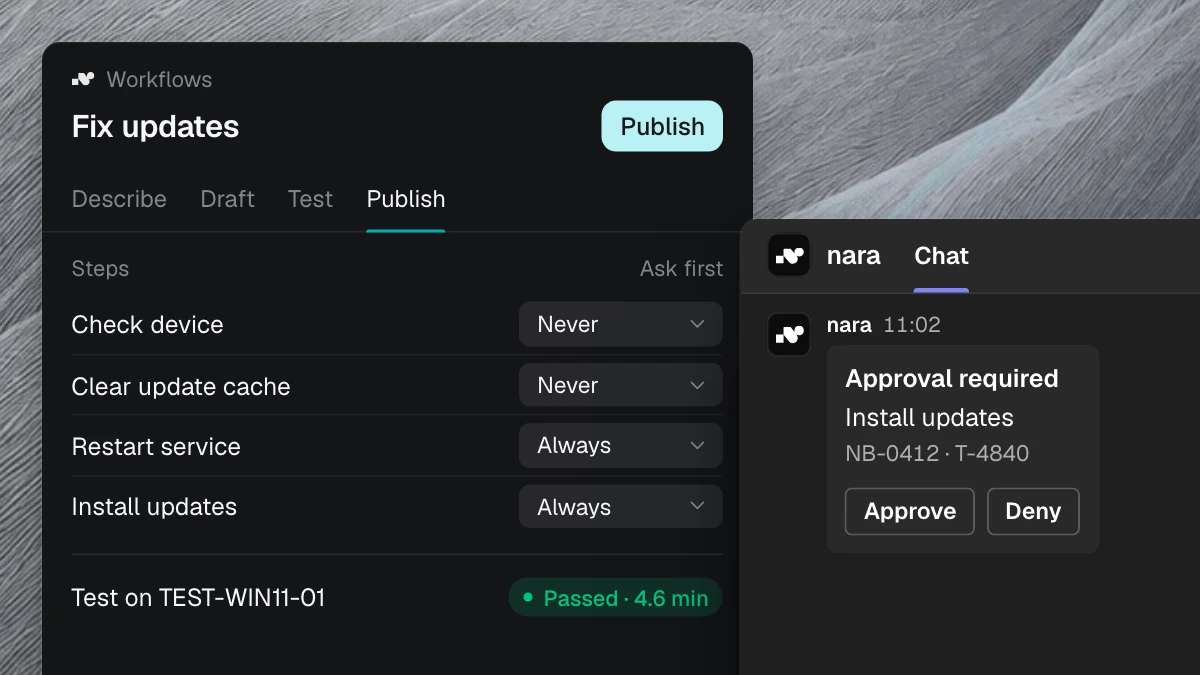
Anything your team should decide goes to the right group. The incident already shows what nara checked and what it suggests.
The fix is often on the laptop.
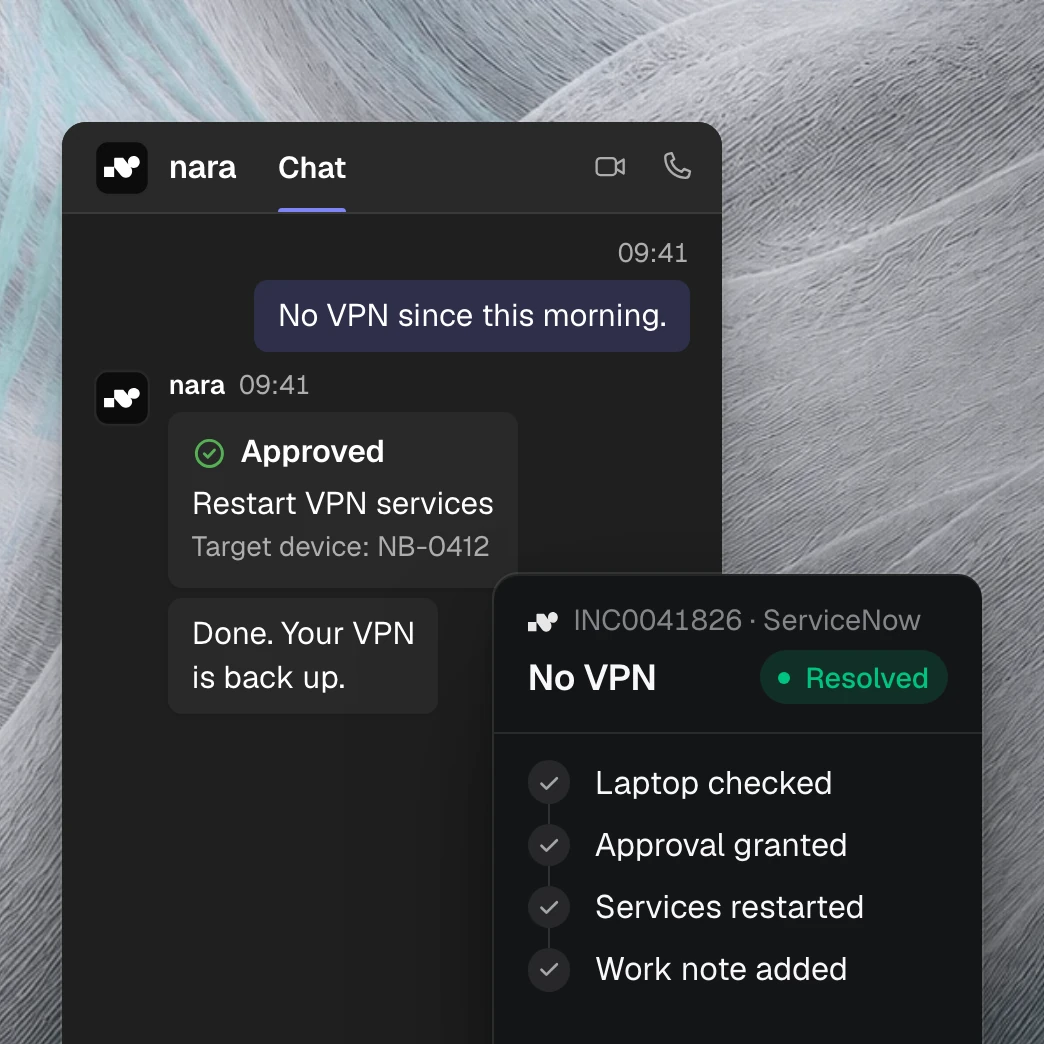
The incident just says “No VPN since this morning.” nara checks the laptop through nara Edge, a small service on your computers, and fixes the fault once approved. A work note on the incident then shows what was checked and changed.
At first, nara only reads.

Connect
A service account is all it takes. nara loads your past tickets with comments and attachments.

Analyze
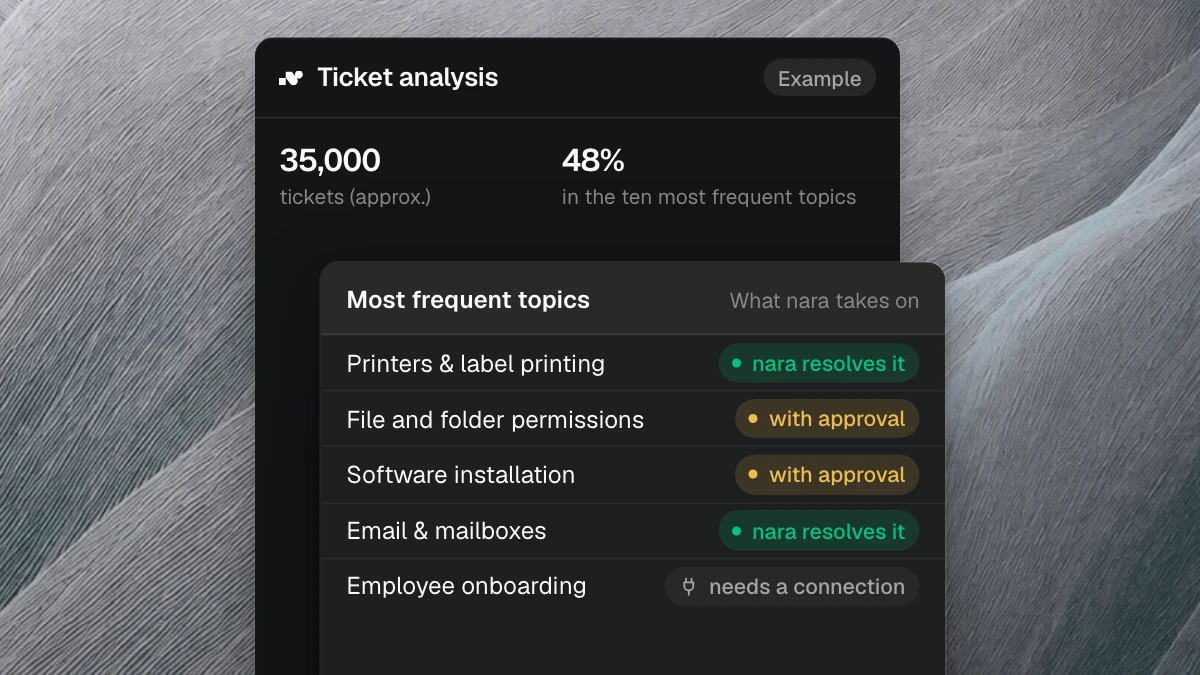
The ticket analysis shows your most frequent topics and which of them nara takes on first.

Switch on write-back
From then on, nara handles your tickets, as far as you allow.
Questions about ServiceNow and nara
A service account. Read access to incidents, requests and catalog tasks is enough to start; write-back adds write access. Your roles and ACLs still apply.
