A sales team lead needs a laptop and a CRM license for a new hire. She emails purchasing. Purchasing asks for the cost center. Then the approval is missing, and the department head is traveling. A week later she asks whether the order has gone out, and nobody can tell her right away.
The order itself takes a few minutes. The time goes into everything around it: chasing missing details, finding the person who can approve, answering status questions. nara takes over that work.
The request starts in Teams
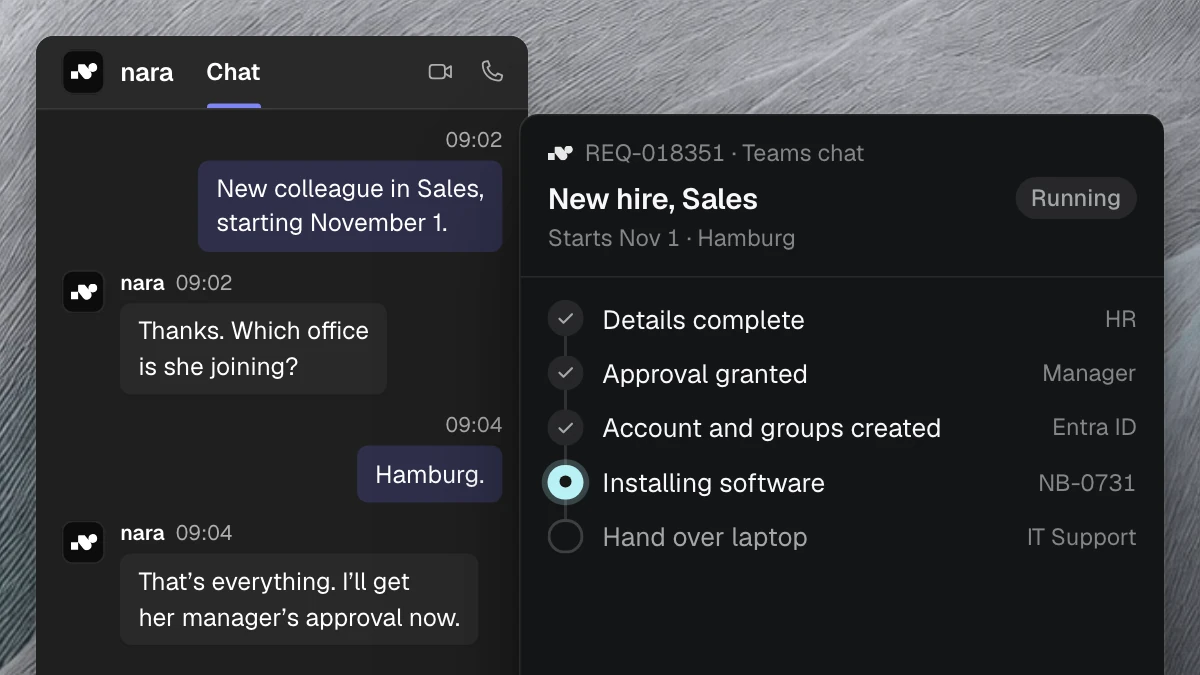
Employees message nara in Microsoft Teams the way they would message a colleague: “I need a laptop and a CRM license for Jonas, starting on the first.” Anyone who prefers to talk can call nara in Teams or on a regular phone number.
nara immediately asks for whatever the decision needs, such as the cost center or a business reason. By the time purchasing first sees the request, it is complete. If you have no ticket system for purchasing, nara tracks the request itself, with status and log.
nara checks your catalog and rules
nara knows your catalog and your purchasing policy. If the laptop is in the approved range, model and price are already set, and the request goes straight to approval. If someone asks for a model outside the catalog, nara suggests the approved alternative.
For anything no rule covers, such as software your IT has not reviewed yet, nara collects the details and passes the case to the responsible team. It arrives complete, with the business reason and the answers to every follow-up question.
Approval happens in Teams
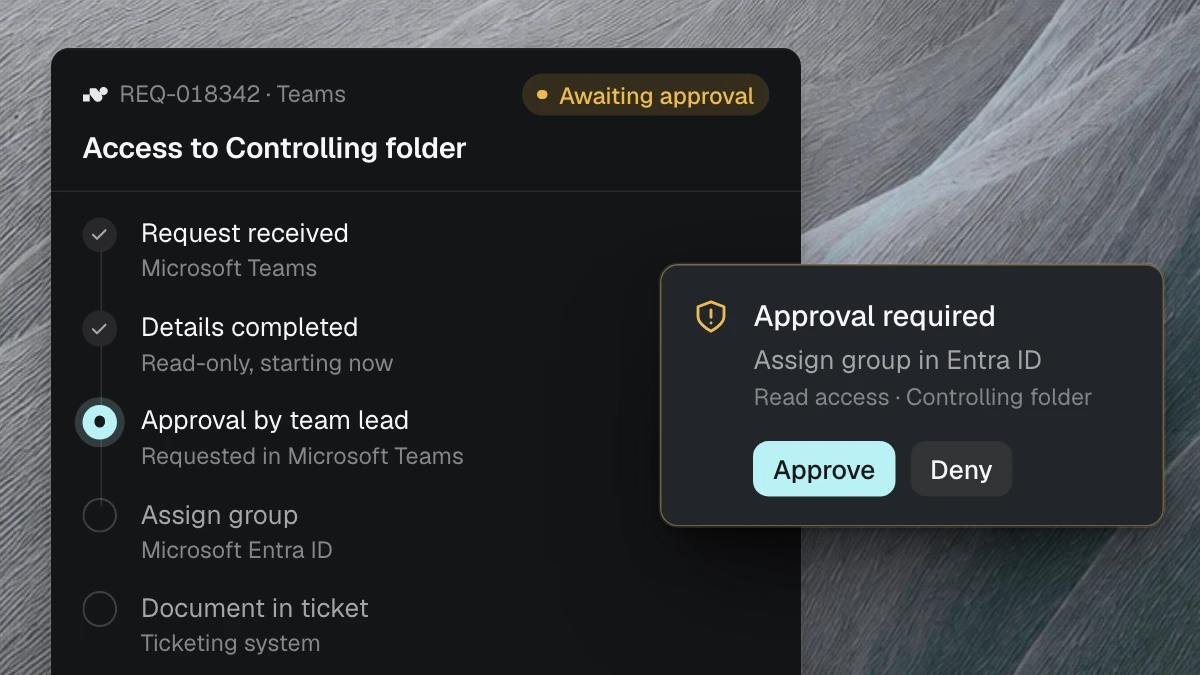
You decide who approves. For example, the line manager signs off up to €5,000 and the department head above that. nara sends the request to that person in Teams, with item, price, cost center and reason. They approve or reject with one click, without logging into another system. The answer goes straight back to the requester.
After approval, nara places the order
Once the request is approved, nara creates the order in your purchasing system. If you want purchasing to send every order themselves, nara only prepares it. You set this for each step.
For software, nara goes one step further: once the license is approved, nara installs the application directly on the new hire’s computer. Nobody has to open a separate IT ticket for it.
nara answers status questions
As soon as a request is on its way, people ask where it stands. nara checks the purchasing system and replies in Teams, for example: ordered on Tuesday, supplier expects delivery on Friday. Purchasing is not interrupted.
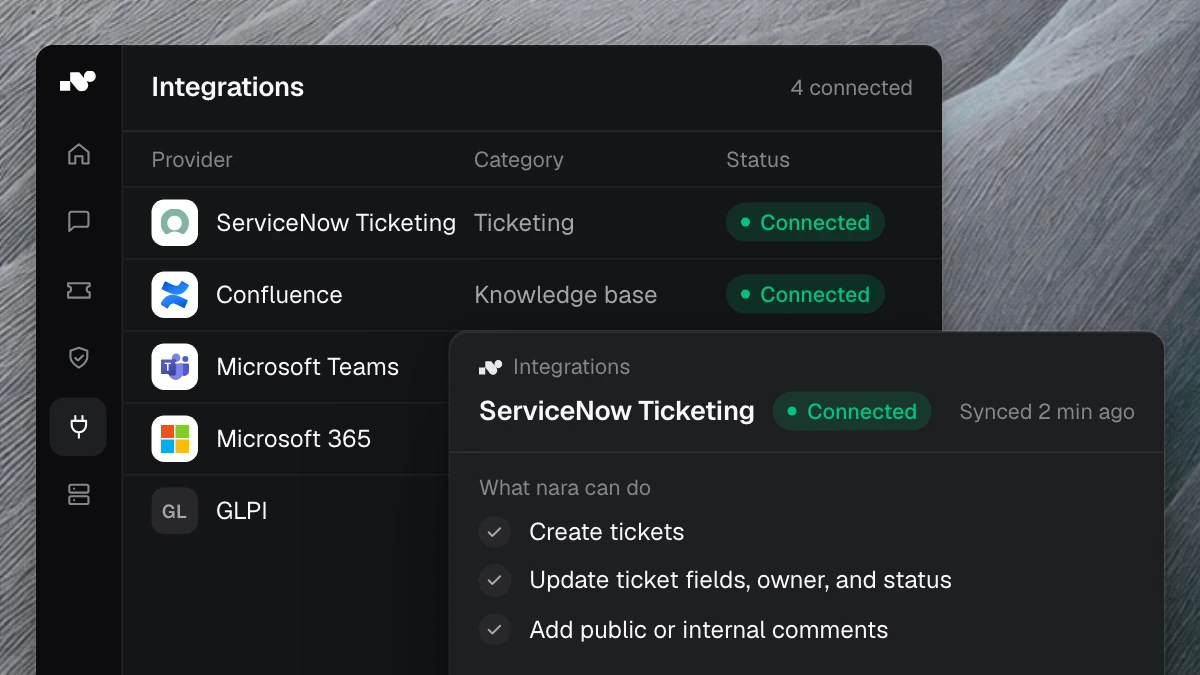
nara connects to your purchasing system or ERP, with or without an API. If the software only runs on an internal server, nara Edge connects from there. It is a small service that opens the connection from the inside. Your firewall stays closed. The Integrations page shows which systems nara already connects to.
Every order has a record
Every step is logged: who requested what, who approved it and when, and what nara did next. Auditors find the approval for every order. Purchasing can also see which items are requested most often and where requests are waiting.
Set it up in your own words
You set up a new process by describing it, the way you would explain it to a new colleague in purchasing: “Ask for the cost center and a reason on every order. Up to €5,000, the line manager approves; above that, the department head. Then create the order in the purchasing system.”
nara turns this into a process and shows you every step. You test it with real requests, decide who approves what and switch it on. When a rule changes, you tell nara the same way: “From January, the limit is €3,000.” Nobody needs to write code.
If you like, we set up the first process together with you. Your team then builds the next ones.
Where to start
Start with orders that come up often and follow clear rules, such as standard hardware and catalog software. If nara already works in your IT service desk, purchasing is an obvious next step: your employees message nara in the same Teams chat.
The All processes overview shows what else you can automate with nara. In a free introductory meeting, we spend 30 minutes walking through your ordering process and show examples of how it runs with nara.