A new sales rep starts on the first of the month. Three weeks before, HR emails IT. The manager mentions in the hallway that she'll need ERP access too. IT creates the account and groups, sets up the laptop, installs the software and requests the ERP access, each in its own ticket. On day one, she still can't get into the CRM, because nobody put it on the list.
When someone leaves, the same thing happens in reverse, with more at stake. The checklist is half done and the account stays active. Months later, the auditors ask when access was removed, and nobody can say for sure.
At a European manufacturer, we counted around 1,200 account and permission changes a year in some 35,000 tickets, about five every working day. Getting ERP access took two to three days, and only 21% of requests arrived complete. The individual steps are routine. What takes time is the back-and-forth between HR, managers and IT.
One case for HR, managers and IT
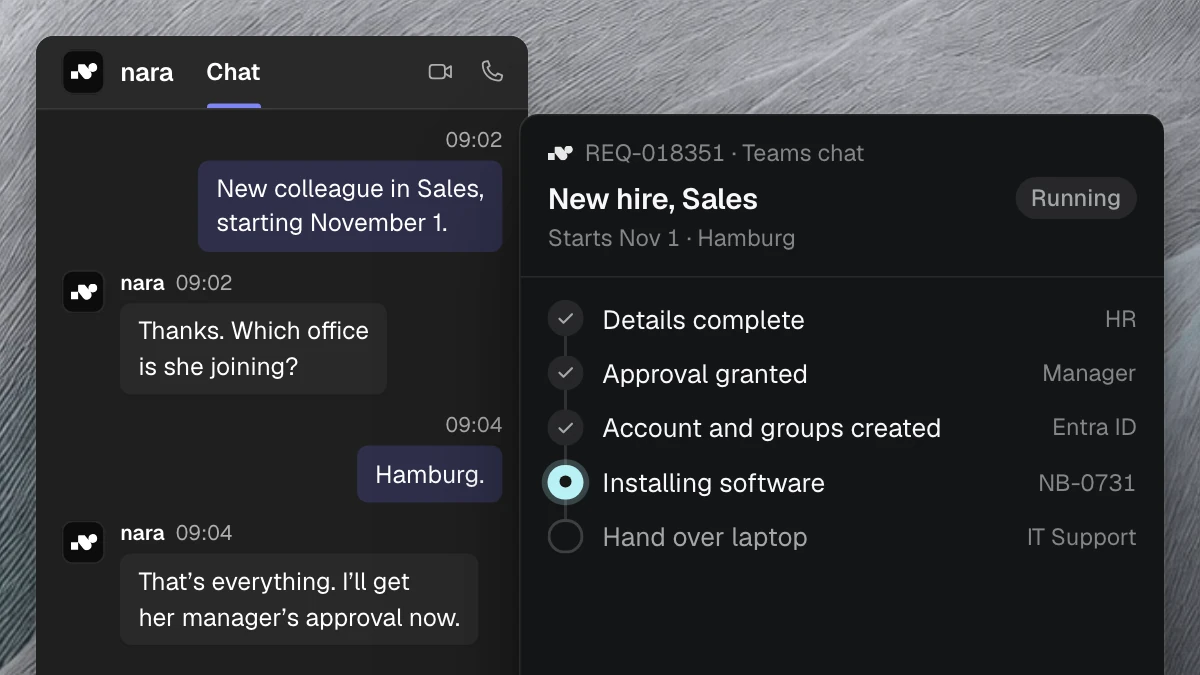
With nara, a new hire starts with a message in Microsoft Teams. HR writes, for example: "New sales rep, Hamburg office, starting March 1." nara opens a case and asks for what's missing: the exact role and any special access, such as to the ERP system. The manager adds details in the same case, also in Teams.
Everyone sees the same status. Anyone who wants to know whether the laptop is ready asks nara and gets an answer right away. Nobody has to call IT for that.
What happens before day one
nara derives the plan from the role: which account, which groups, which software, which access to business applications. You define once what each role gets. nara applies it and doesn't add anything on its own.
The manager approves the plan in Teams. For sensitive access, such as admin rights or an ERP role, IT or the person who owns the system approves as well. Then nara works through the plan:
- nara creates the account in your directory, for example in Microsoft Entra ID, and adds the groups.
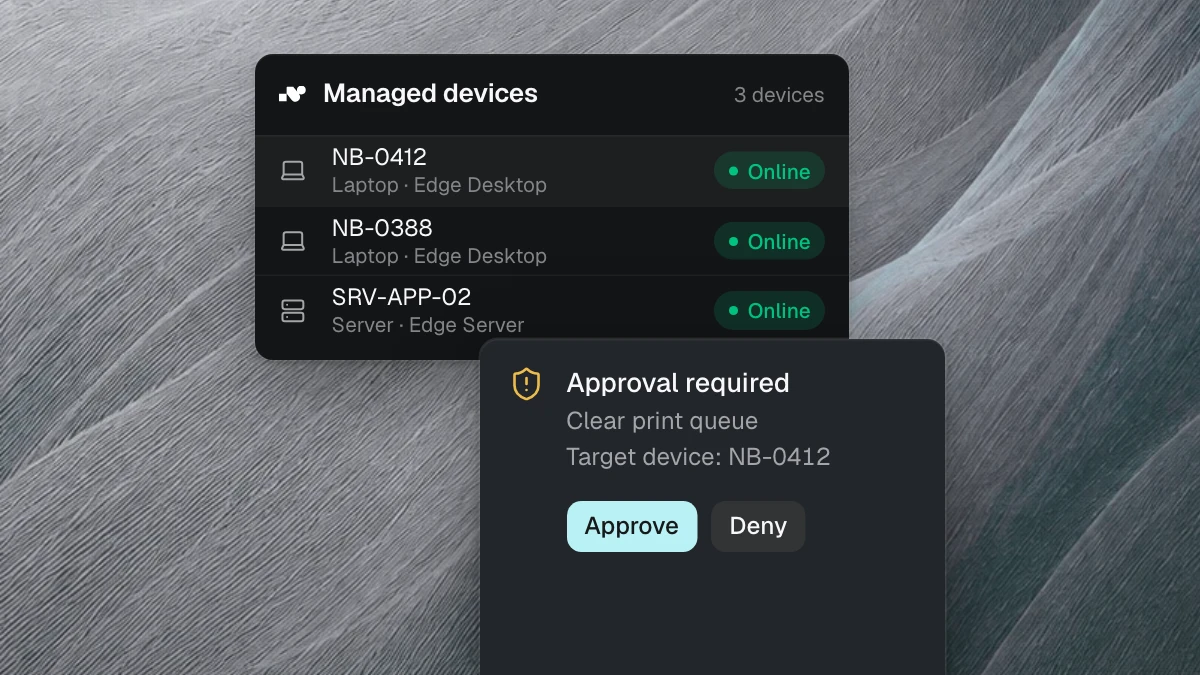
- nara installs the software directly on the laptop. This runs through nara Edge, a small service on your computers, with no remote session needed.
- nara sets up access to business applications such as the ERP system as soon as it's approved.
- Anything a person has to do, such as handing over the laptop, becomes a task for the person responsible. It stays open until someone closes it.
Every step is recorded in the case with the time. On the first of the month, the new hire opens her laptop and gets to work.
When someone changes roles, nara cleans up the old access
When someone moves to another department, new permissions usually arrive quickly. The old ones often just stay. Over the years, that creates permission profiles nobody can explain.
With every move, nara compares the old role with the new one. Whatever the new role needs gets added. Whatever it no longer needs, nara proposes for removal. The manager approves in Teams, and nara adjusts the groups and access.
When someone leaves, nara removes access on the leaving date
HR reports the departure with the last working day. nara plans the shutdown: account, groups, access to business applications and the return of the laptop. On the leaving date, nara disables the account, removes the groups and records the exact time in the case. The device return stays visible as an open task until someone ticks it off.
When the auditors later ask when access was removed, the answer is on the ticket, with the time. Anyone who has ever answered an audit with a spreadsheet and three inboxes knows what that's worth.
Who approves what
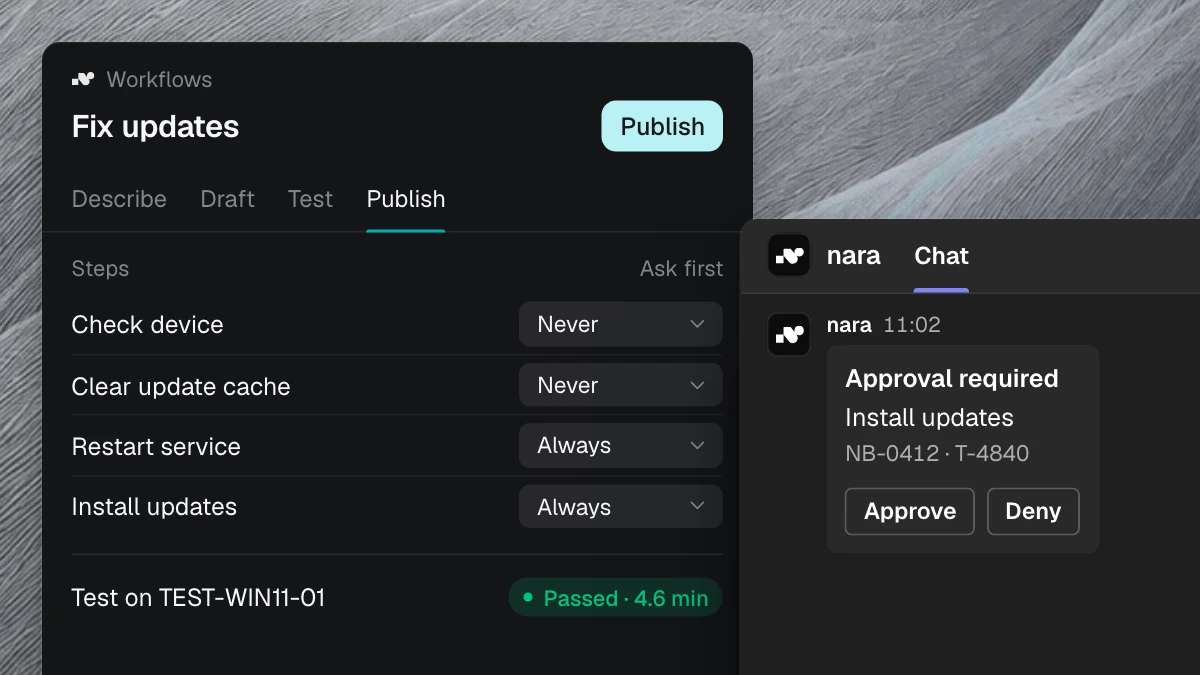
Approvals come from the person responsible, right where they already work: in Microsoft Teams. The manager confirms the plan for a new team member, IT approves admin rights, and the ERP owner approves the ERP role. For every step, you decide whether nara runs it on its own or asks first.
Whether someone gets hired and which special permissions a role gets are still decisions for people. nara carries out what's approved and records every step.
Set up in your own words
Every company has its own way of handling joiners and leavers. You describe yours to nara in your own words, the way you'd explain it to a new colleague in IT. nara builds the workflow from that. You see every step, test it, set the approvals and switch it on.
If something changes later, such as new software for the sales team, you tell nara the same way. Or we set up the workflow together with you.
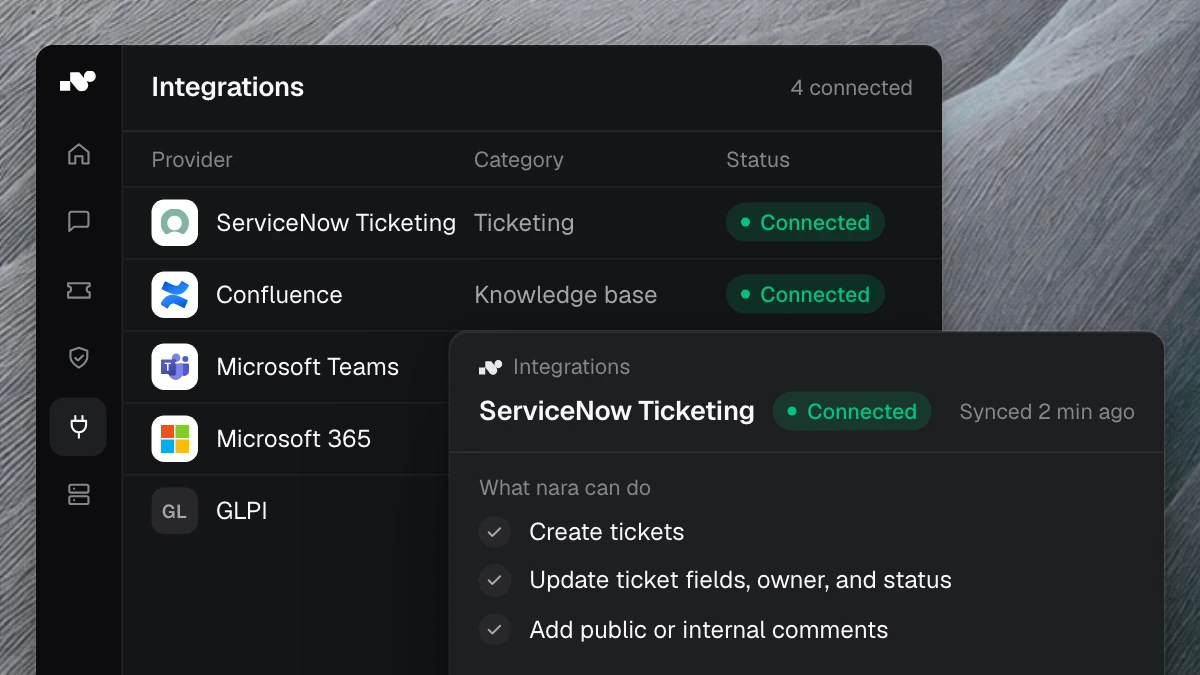
nara connects to the systems you use today: your directory, your ticketing system such as ServiceNow, Matrix42, Jira or Freshservice, your HR software and business applications such as your ERP system. nara also reaches applications without an API, through nara Edge on the computer or server they run on.
Personnel data is sensitive. nara is developed and hosted in Germany, AI processing runs in the EU, and your data is never used to train a model. We provide the documents your works council and data protection officer need. More on our security page.
Where to start
A ticket analysis shows within one to two weeks how many joiners, movers and leavers you handle and where they get stuck. For an overview of what nara takes on, see our page on onboarding and offboarding.
In a free introductory meeting, we spend 30 minutes walking through how you handle this today and use anonymized examples to show how nara would take it over.