A new sales dashboard goes live. The next morning, the head of sales for the south region cannot see his region. Controlling wants to know why revenue differs from the monthly report. And in the Teams channel someone writes: “Is everything showing Monday’s data for you too?”
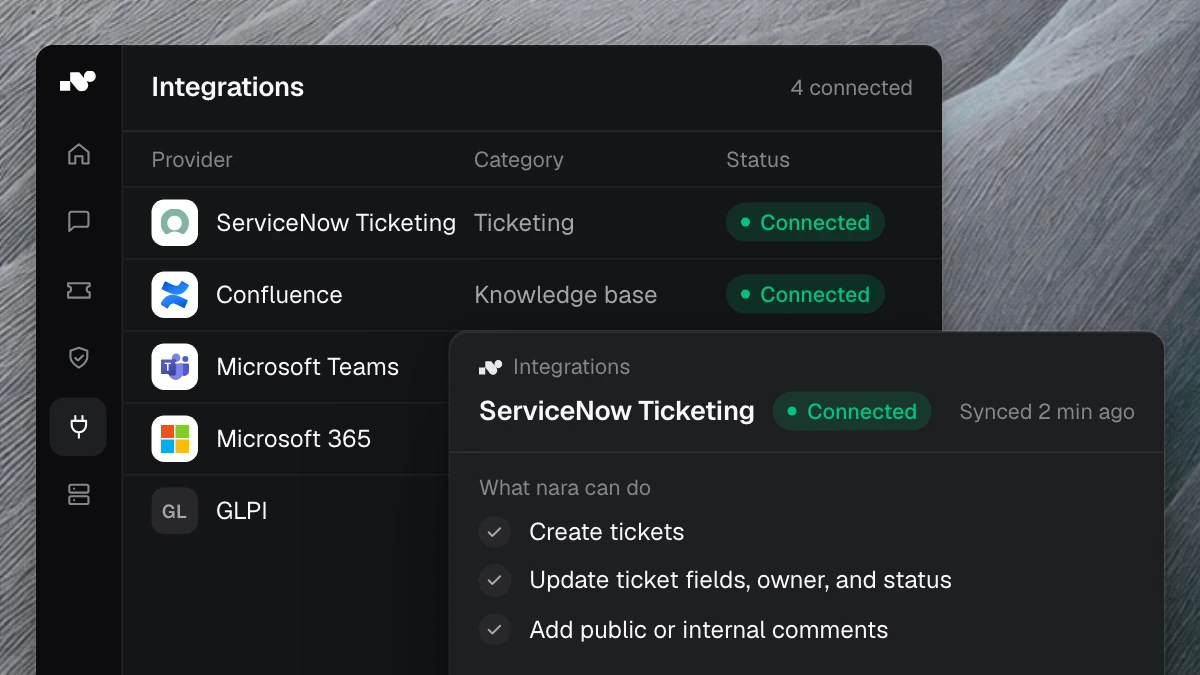
All three questions land with the BI team, the people who are supposed to build data models and deliver analysis. They can be answered with your documentation and a look into the systems. nara handles that, directly in Microsoft Teams, by chat or call.
nara grants access after approval
Our analysis of some 35,000 tickets from a European manufacturer showed how much work goes into permissions: about 1,200 account and permission changes a year. Report access is part of that routine.
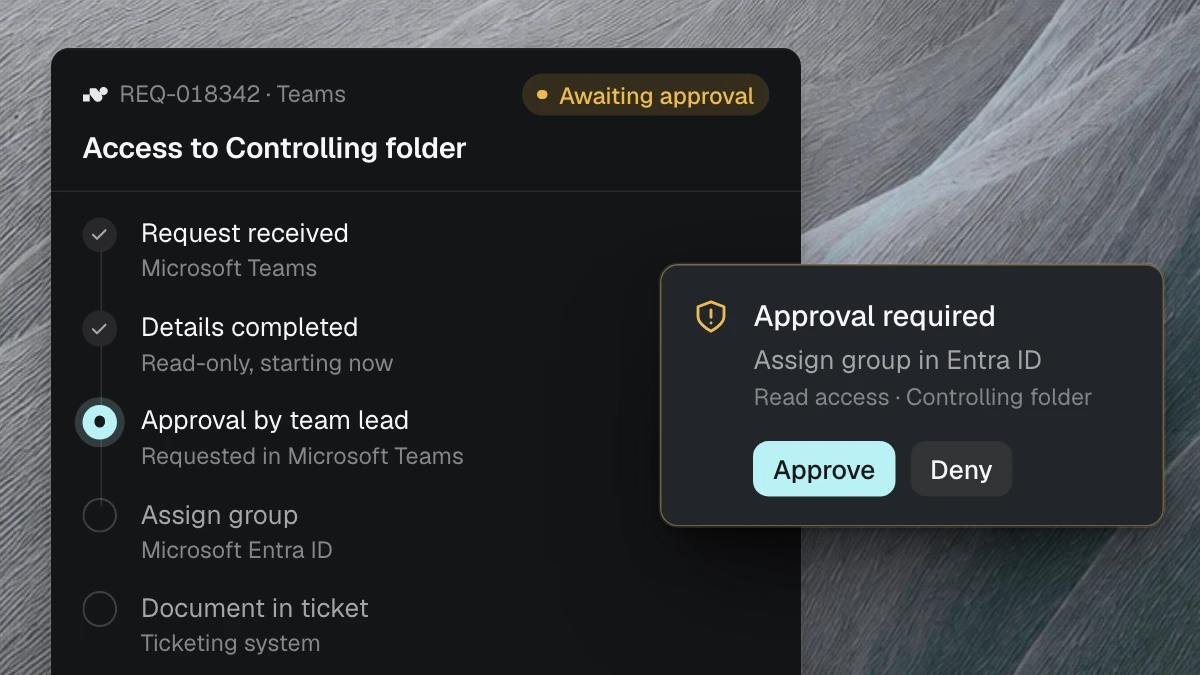
nara captures the request in full: which report, and what for. It then asks the report owner for approval in Teams. After that, nara adds the requester to the right group, and the report becomes visible.
For reports with row-level security, access to the report alone is not enough. The head of sales for the south region also needs the role for that region, otherwise his dashboard stays empty. nara knows these roles from your documentation and requests the right one at the same time.
nara explains your metrics
What counts as an active customer? Why does revenue in the dashboard differ from the monthly report? Today, analysts answer these questions one at a time, over and over.
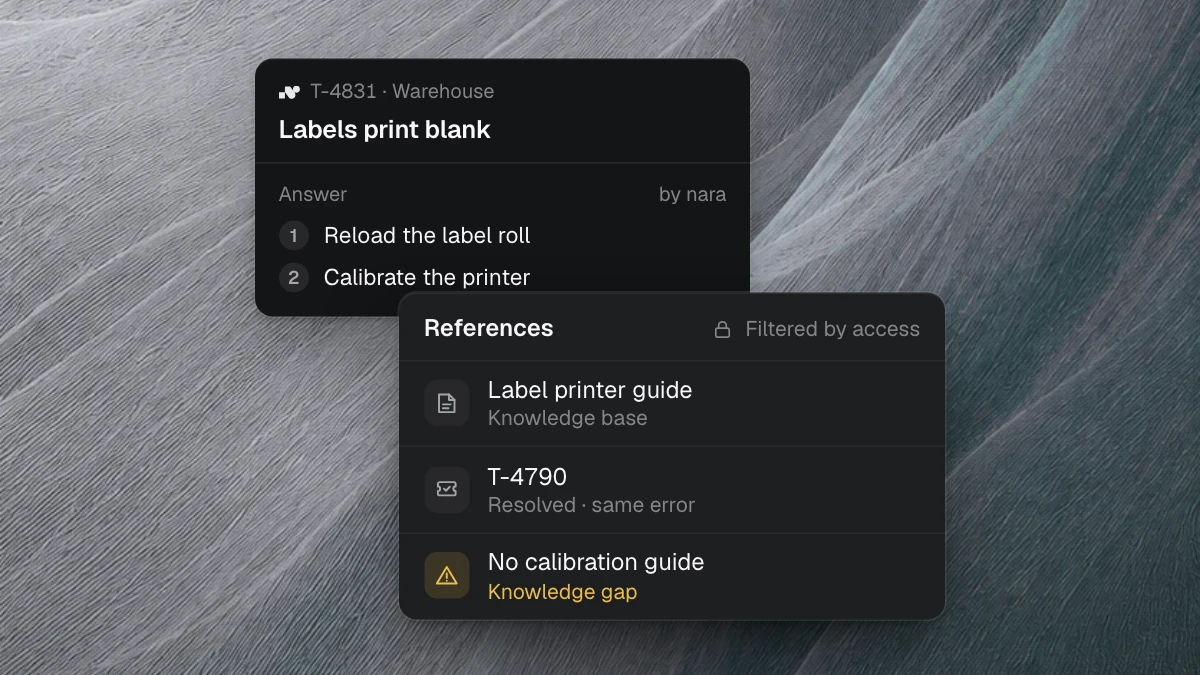
If your definitions live in Confluence or SharePoint, nara answers from there and cites the source. nara explains differences between two reports using the documented definitions, such as different cut-off dates or net versus gross revenue.
If a definition is missing, the question goes to the responsible expert. nara suggests their answer as a new entry. Once approved, it is available to everyone.
When data is stale, nara checks first
“The dashboard shows Monday’s data” often sets off a search across several systems. nara works through a fixed set of checks: When did the last successful refresh run? Did the load job complete? Is the service running on the server the data loads through?
These checks run through nara Edge directly on your server, behind your firewall. nara Edge is a small service that opens the connection from the inside. If a service has stalled, nara restarts it and checks that the next refresh goes through. You decide whether nara asks for approval first.
If the problem is in the data itself, your BI team gets a case with the diagnosis and history. Anyone who asks in the meantime gets the current status from nara.
What stays with the BI team
Data models and the interpretation of the numbers stay with your team. Access to sensitive reports, such as those with HR data, is approved by the person responsible. nara takes care of the questions and tasks around them, and every action is logged.
How your BI team sets up a process
Your team describes the process in its own words: “When someone wants access to a sales report, ask for their region and purpose. The head of sales approves. Then add the person to their region’s group.”
nara turns this into a process and shows every step. You test it with real requests and then switch it on. When something changes, one sentence is enough: “From now on, HR leadership approves reports with personal data.” Or we set up the first processes together with you.
Start with access requests
Access requests come up often and follow clear rules. nara handles them from the request to the unlocked report.
If requests to your BI team come in through the IT ticket system, the ticket analysis shows how many there are and where nara should start. The All processes overview shows what else you can automate with nara. Or book a free introductory meeting and spend 30 minutes telling us which questions reach your BI team. We will show you examples of the ones nara can take on.