Software can reset passwords and grant access in three ways. Microsoft Entra ID comes with a self-service portal and rule-based access packages, both without AI. AI that takes the request in chat or on the phone and carries out the action is offered by nara, Moveworks (part of ServiceNow since December 2025), Atomicwork and Rezolve.ai. ServiceNow and Freshservice document such features for their own ITSM systems, and Matrix42 introduced them as a pilot program in October 2025.
This comparison is written by nara. We are on the list ourselves and say which route fits whom. The information on the other vendors comes from their websites and documentation, as of 22 November 2026.
Three routes to a new password and to access
Self-service portal without AI
The person opens a portal, proves who they are with a method registered beforehand and sets a new password. This is how Microsoft Entra self-service password reset (SSPR) works. The service desk is not involved.
Rule-based assignment
Access is requested as a package, approved under a fixed rule and assigned. In Microsoft Entra ID Governance these are called access packages.
AI that takes the request and carries it out
The person writes or says in their own words what they need: "I can't get into my account" or "I need access to the purchasing mailbox". The AI asks for what is missing, obtains the approval required and carries out the action.
The vendors compared
| Vendor | How the request comes in | What happens automatically | Verification and approval |
|---|---|---|---|
| nara | Teams chat, Teams call or phone number | Chat and phone: unlock account, reset password. Access after approval | Per action: the person, their manager or an IT group |
| Moveworks (ServiceNow) | Chat in Slack or Teams | Unlock account, link to password portal, software, groups | Per app: none, app admin, manager or both |
| Atomicwork | Slack, Teams or browser | Password in Azure AD or Okta. Software access via groups | Verifies identity, e.g. via MFA. Approval for access |
| Rezolve.ai | Teams, Slack or web | Unlock, password, MFA and groups in AD, Entra and Okta | Gate per action, named approvers |
| Microsoft Entra ID | Portal | SSPR: reset your own password. Access packages by rule | SSPR: own methods. Packages: approvers per policy |
| ServiceNow | Phone via AI Voice Agents | Reset password, unlock account | Caller authenticates, e.g. by PIN or SMS code |
| Freshservice | Freddy AI Agent | Reset password in Azure AD | Verifies identity, otherwise hands over to IT |
| Matrix42 | Teams or self-service portal | Pilot (October 2025): password, profile, access | Once authorized |
AI that resolves requests itself
nara
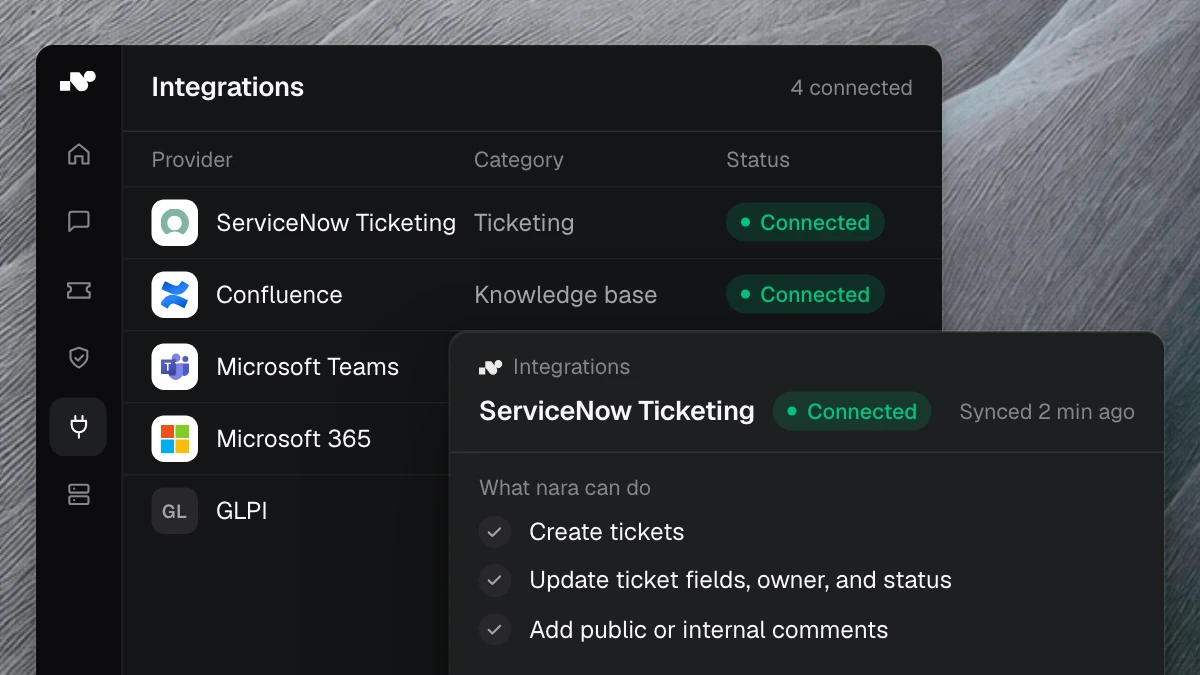
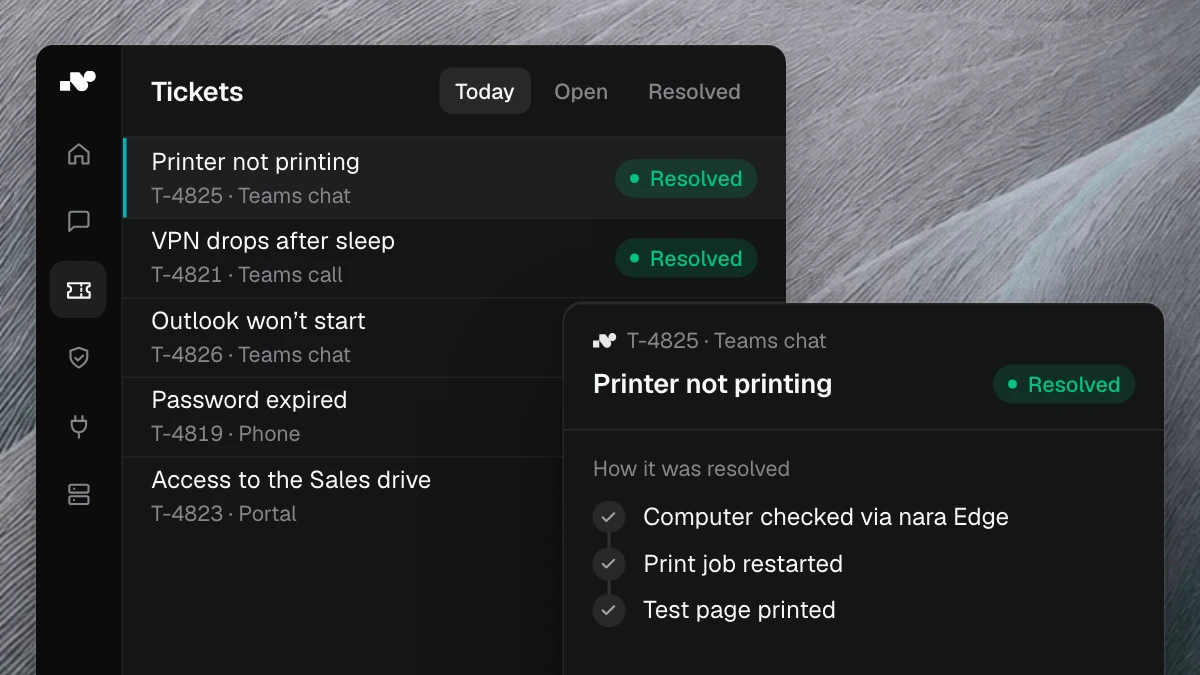
Employees reach nara in Microsoft Teams, by chat or call, or they dial a normal phone number. In the Teams chat and on the phone, nara unlocks the account or resets the password. On the phone, nara recognizes the caller first. For access requests, nara asks for what is missing, obtains approval from the person responsible and makes the change in the connected system, for example access to a team mailbox in Exchange. nara works with ServiceNow, Matrix42, Jira or Freshservice and records every case there. nara is developed and hosted in Germany, and AI processing runs in the EU. Plans start at €1,500 a month, as of November 2026.
Moveworks
Moveworks has been part of ServiceNow since December 2025. According to the documentation, the assistant unlocks an account in chat itself and notifies the person. Moveworks does not accept passwords in chat and instead links to the relevant portal or gives instructions. Employees request access to software and groups in Slack or Teams. For each application, a setting defines whether nobody, the app admins, the manager or both in sequence approve.
Atomicwork
The assistant Atom takes a password reset request in Slack, Microsoft Teams or the browser. Before that, Atom verifies the person, for example through the multi-factor authentication of Azure Active Directory or by checking the date of birth, according to the vendor. Atomicwork lists connections to Azure AD, Entra ID and Okta. According to a vendor post, Atom grants software access through Azure AD groups after approval.
Rezolve.ai
Employees trigger the automations in Microsoft Teams, Slack or on the web in their own words. Rezolve.ai lists ready-made flows for Active Directory, Entra and Okta, including unlocks, resets, MFA and group changes. Every action has a gate: allow, ask, approve or deny, with named approvers. According to the vendor, every action ends up in an audit trail.
Portal and access packages without AI
Microsoft Entra ID
With SSPR, employees reset their password themselves in the portal, using registered methods such as Microsoft Authenticator, SMS or an emailed code. For cloud accounts, reset is included from Microsoft 365 Business Standard upwards and in Entra ID P1 and P2. Writeback to an on-premises Active Directory requires Entra ID P1 or P2 or Microsoft 365 Business Premium.
Access packages bundle groups, Teams, applications and SharePoint sites. A package's policy defines who may request it, who approves and when access expires. This requires Microsoft Entra ID Governance or the Microsoft Entra Suite.
ITSM systems with their own AI
ServiceNow
ServiceNow ships ready-made voice agents for ITSM, including "Password Reset" and "Account Unlock". According to a post in the ServiceNow Community, they are available from Zurich Patch 4 and Yokohama Patch 11. Callers authenticate by PIN, SMS code, emailed code, security questions, authenticator app or Okta Push. More on the system is in our comparison with ServiceNow.
Freshservice
For the Freddy AI Agent there is a ready-made workflow called "Password Reset – Azure AD". It verifies identity, sends the request to Azure AD and confirms the result to the person. If further verification is needed, the request goes to someone in IT. More is in our comparison with Freshservice.
Matrix42
In October 2025, Matrix42 introduced the "AI Agent for Self-Resolution". It is accessible through Microsoft Teams or the self-service portal and, once authorized, carries out predefined tasks such as resetting a password or granting access. According to the product notice, this ran as a limited pilot program. Ask Matrix42 about the current status. More is in our comparison with Matrix42.
Security: verification, approval, log
A reset password opens an account, and a permission opens data. So clarify three points with every vendor.
How is the person verified?
In Microsoft's portal, the person proves their identity with registered methods. Anyone who is fully locked out often can't get into chat either and calls instead. Then what matters is how the AI recognizes the caller. ServiceNow lists six methods for this, Atomicwork the directory's multi-factor authentication. Have the verification demonstrated and ask what happens when it fails.
Who approves access?
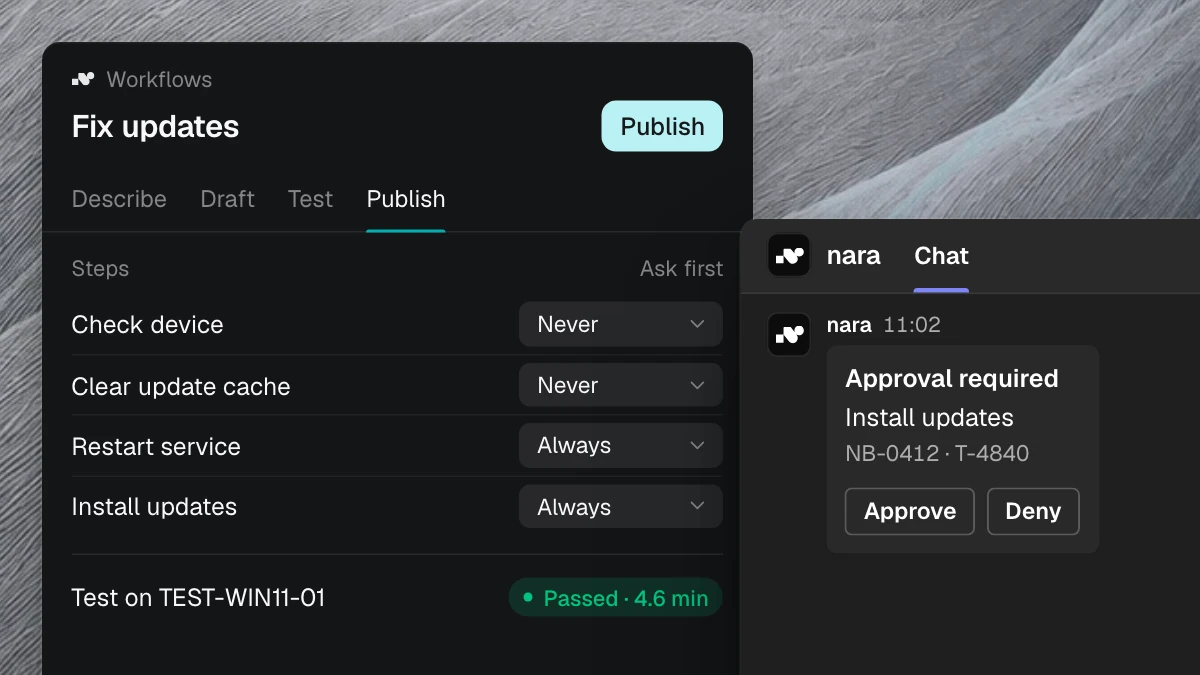
With access packages in Entra, the approver is set in the policy. Moveworks lists four standard routes, from "no approval" to "app admin first, then manager". With nara, IT defines for each action who approves: the person themselves, their manager or a group in IT. Approvals go to people, roles or Entra groups, and nara asks directly in Microsoft Teams, by chat or in the call. Without approval, nothing happens.
What is in the log?
Ask whether every action is recorded with person, time, system and approver, and whether you can export the log. For every action, nara records who asked, what nara did, in which system and who approved, plus when the action ran and whether it worked. Admins export the logs as CSV or Excel. Atomicwork and Rezolve.ai also state that they log actions.
Which one fits whom?
- If you only want to get rid of password tickets and have Entra ID P1, switch on SSPR first.
- If you want to manage access as fixed packages with approval and an expiry date, use Entra ID Governance.
- If you use ServiceNow, Freshservice or Matrix42 and only want to automate the password, check your own system's feature first.
- If you run ServiceNow and are looking for an assistant for Slack or Teams, Moveworks is a product from the same vendor.
- If you want employees to write or call in Teams, accounts and passwords handled in chat or on the phone and access granted in the system after approval, alongside your existing ITSM and hosted in Germany, look at nara.
Our comparison of ITSM tools with AI shows which other ITSM systems with AI exist.
Frequently asked questions
Is Microsoft Entra SSPR enough?
For the password, often yes. But SSPR does not grant access, and employees must have registered their methods beforehand. Anyone who doesn't know the portal or hasn't registered a method keeps calling the service desk.
Do we have to switch ticket systems for the AI?
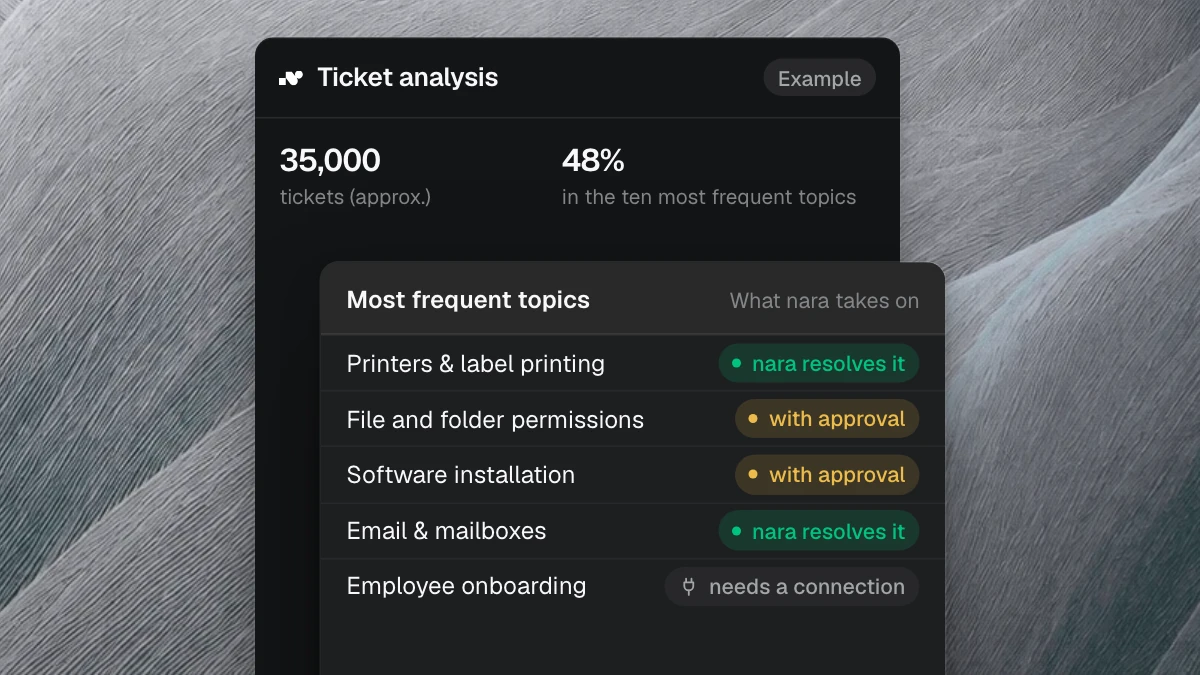
Not with nara. nara works with ServiceNow, Matrix42, Jira or Freshservice and records every case there. The ticket analysis shows within one to two weeks which requests nara takes over first.
See nara in 30 minutes
In the free first call you see nara working on anonymized cases and can ask how approval and logging work for a password or an access request. You don't need to prepare anything.