Your employees spend all day writing in Microsoft Teams. But when the printer stops working, they are supposed to send an email or open a portal they visit twice a year. So many of them message a colleague in IT directly, and the request never shows up in any report. A ticket system in Microsoft Teams brings reporting to the place where people already work.
If you are looking for a ticket system in Teams, there are four common approaches. The main difference between them is how much work stays with your team after the request comes in. For each one, you will read what employees experience, what IT still has to do afterwards and when it is enough.
Four ways to run a help desk in Microsoft Teams
1. A channel or form that collects requests
The fastest start is an "IT help" channel in Teams, often with a form that has required fields such as device and location. Employees report issues where they already are and don't have to learn anything new. When they get an answer depends on who happens to be reading.
For IT, little changes. Someone reads along, asks follow-up questions, creates the ticket and works the case as before. A channel has no owner and no SLA. In an open channel, every member can also see who has which problem.
That is enough for a small team with few requests, or as a stopgap. With several hundred employees, the channel quickly becomes hard to follow.
2. The Teams app of your ticket system
Many ticket systems come with their own app for Teams. Depending on the vendor, employees use it to submit a request, or your service desk turns a chat into a ticket. So employees report issues in Teams instead of by email.
The ticket lands cleanly in your system, with category and history. The work on it stays the same: asking follow-up questions, connecting to the laptop by remote support, getting approvals, documenting. Only the way in is new.
This approach is enough if what you mainly want is an orderly intake and your team can handle the volume of requests.
3. An assistant that answers from the knowledge base
A chat assistant in Teams answers questions from your guides and resolved tickets. ServiceNow, Jira Service Management, Freshservice and Matrix42, among others, offer such assistants. With Microsoft Copilot Studio, your IT team builds its own agent and makes it available in Teams. Some assistants also handle certain requests themselves, in some cases on the device. Which ones depends on the vendor and often on the license. Our comparison of AI in the service desk gives an overview with sources.
Employees get an answer right away, usually a guide they follow themselves. If something needs to change, such as a new driver or an access right, the case often still goes to IT, depending on the vendor and license. And the answers are only as good as your knowledge base.
This is enough if many requests are knowledge questions, your guides are kept up to date and employees are allowed to carry out the steps themselves.
4. Software that resolves the request in Teams
The fourth approach goes all the way to the result. Employees write or call in Teams. The software asks for what is missing, checks the device, fixes the fault and gets the required approval in the same chat. The ticket and the log are created along the way.
For employees, the problem is often solved in the same conversation. Your team decides what the software may do on its own and what needs approval, and receives the remaining cases prepared. For this, the software needs access to your systems and a service on the devices, and the workflows have to be set up once.
This approach pays off when many requests repeat and need a change on the device or in a system: printers, VPN, software, access. nara belongs in this group.
Checklist: what a ticket system in Microsoft Teams should do
These five questions quickly separate the offers:
- Does the request end up in the ticket system you already use? Otherwise you get a second place with its own history, and your reports no longer add up.
- Who approves what? Access needs the manager, a license perhaps purchasing. In a ticket system with Microsoft 365, approvals should go to people, roles or Entra groups and be given directly in the chat. It should be possible to set for each action who approves: the person themselves, their manager or a specific group.
- Is every step in the log? When the auditors ask, you need the request, the approval and the change in one place, ideally as an export.
- Does it work on calls as well? In the warehouse or in field service, people call more than they type.
- What do employees need to install? Your IT team can install and pin many Teams apps centrally for everyone, for example with an app setup policy. Ask about permissions too: with resource-specific consent (RSC), they apply only to the teams, chats and meetings where the app is installed.
How nara works in Microsoft Teams
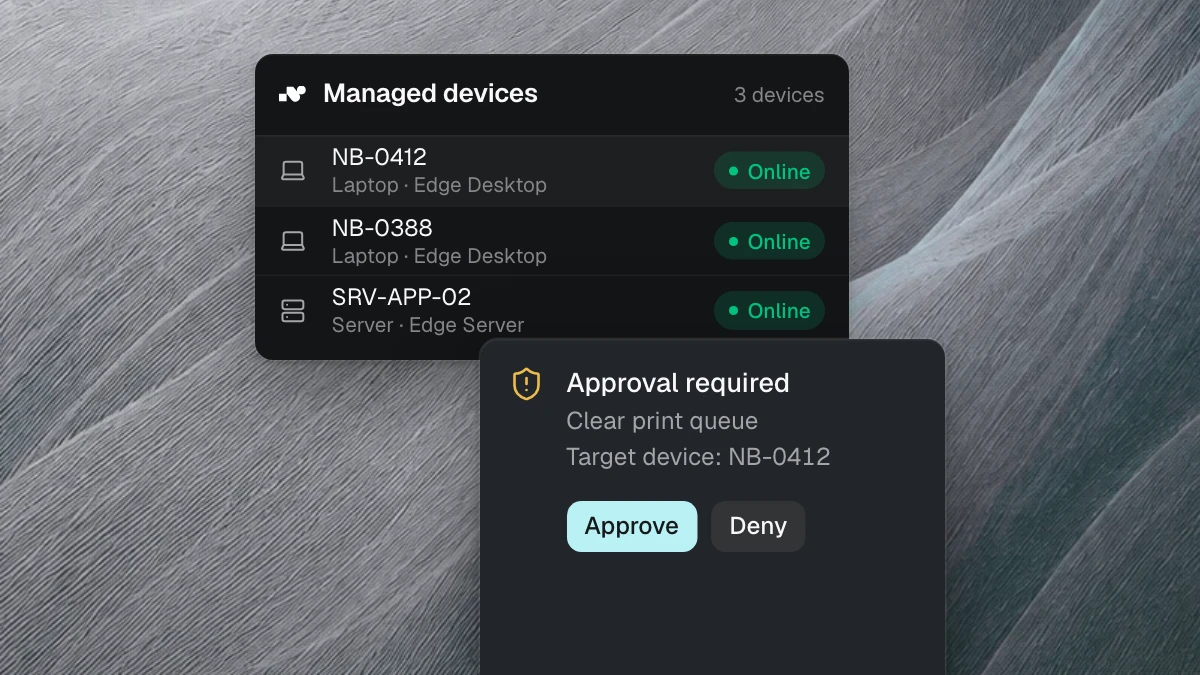
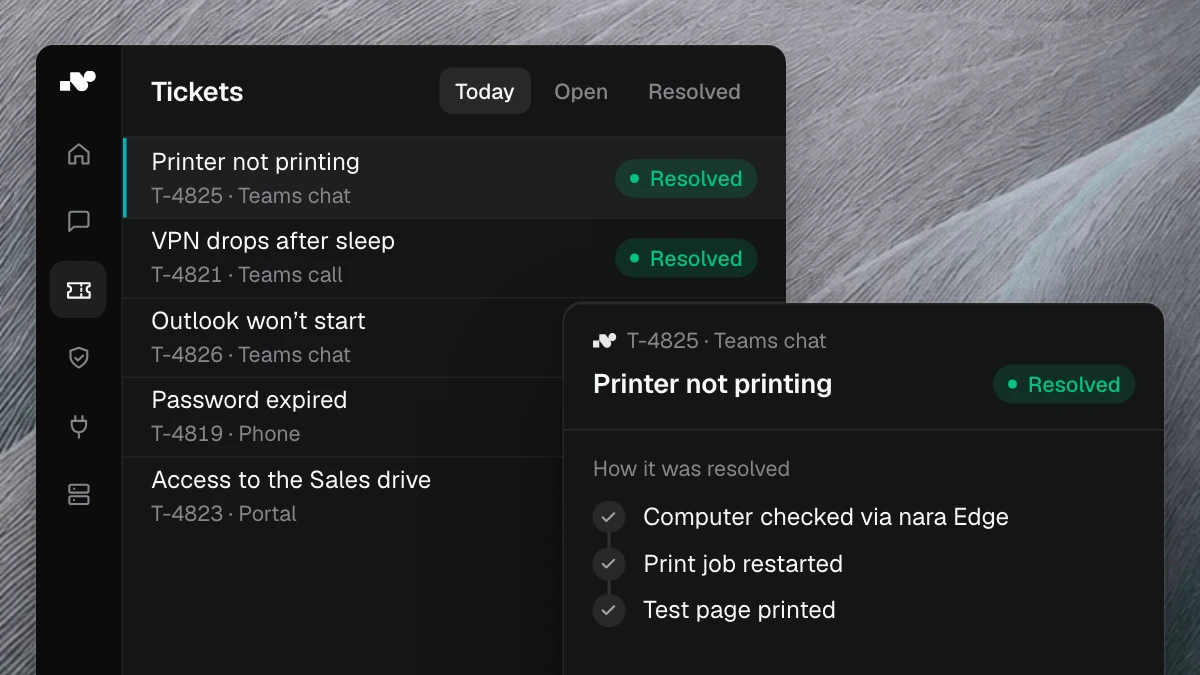
Employees message nara in Teams chat or call it, in Teams, through Teams Phone or on a regular phone number. "My VPN isn't working" is enough to start. nara asks which laptop is affected and checks it through nara Edge, a small service on your computers. It connects from the inside, so your firewall stays closed. nara finds the cause, restarts the VPN services after approval in the chat and tests the connection. The result is in the ticket.
On a voice call, employees share their screen and nara sees what they see. They give approval by voice. By default, nara does not store audio; the conversation is kept as text in the history.
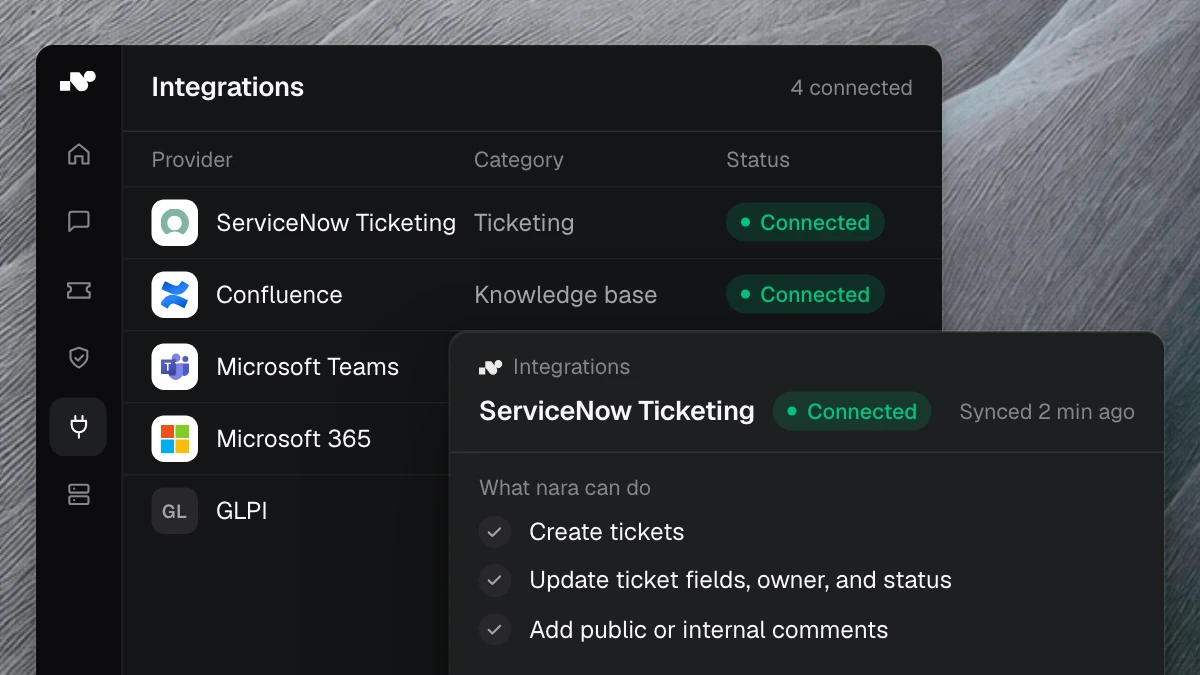
nara works with ServiceNow, Matrix42, Jira and Freshservice and records every case there, in ServiceNow for example as a work note in the incident. If nara gets stuck, it hands the case over with everything clarified and checked so far, and nobody has to describe their problem a second time. Onboarding and purchase approvals can also be started in Teams.
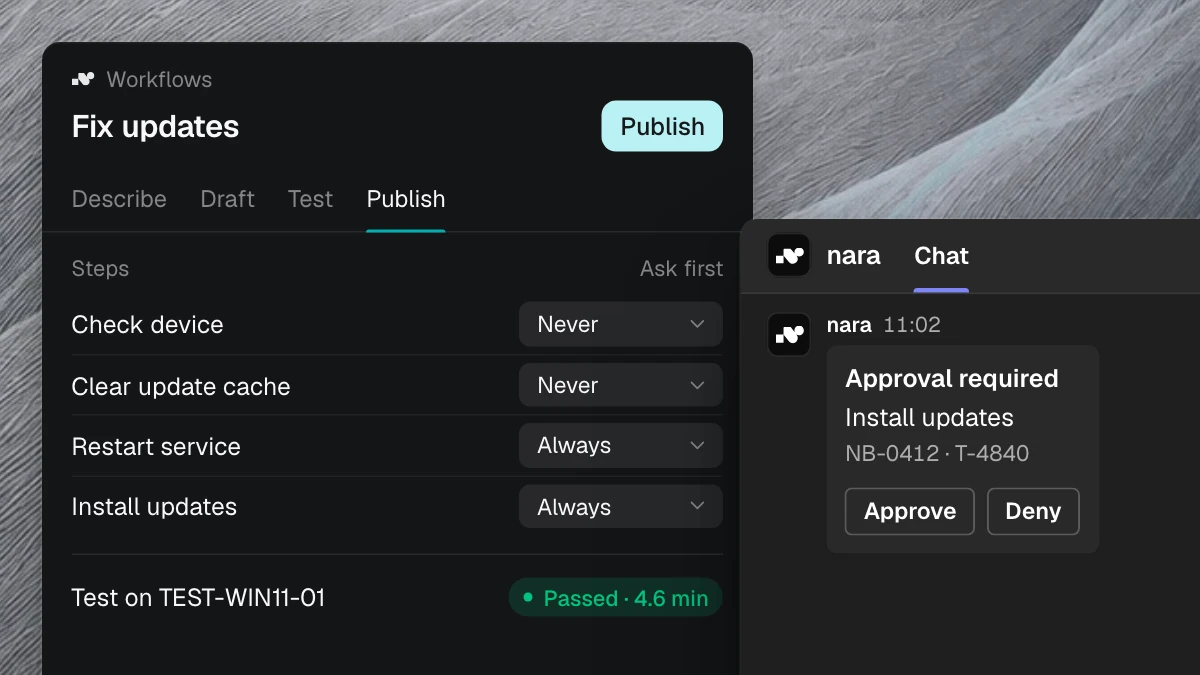
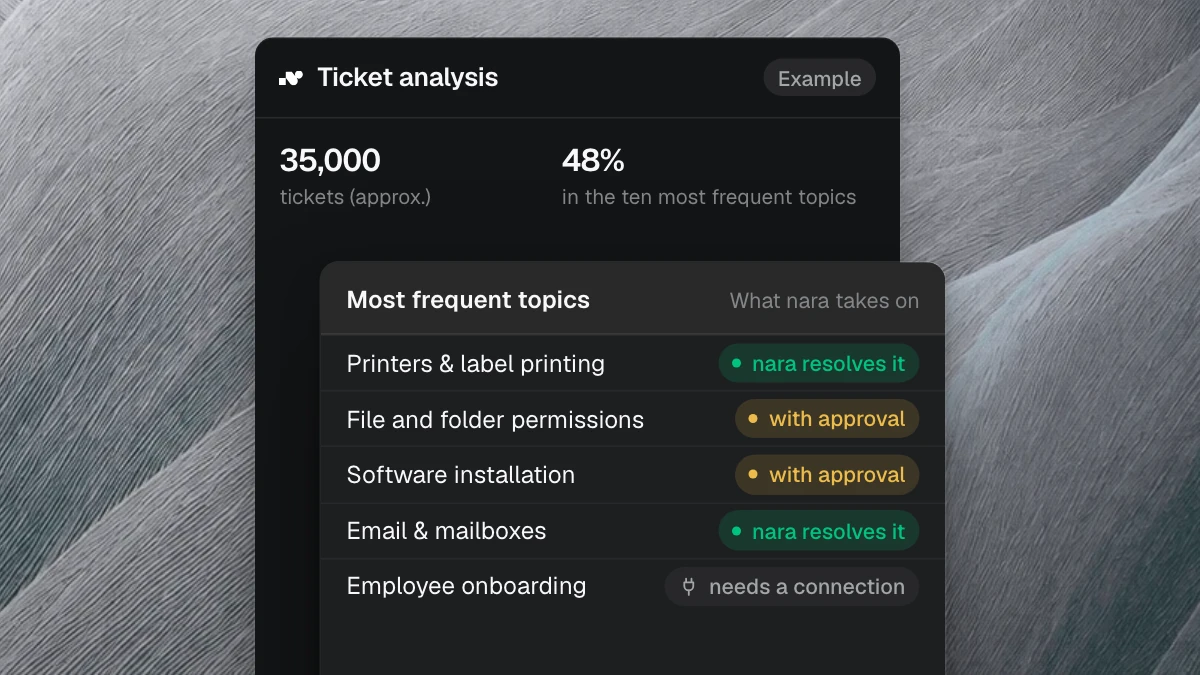
You decide for every action what nara may do on its own. Anything that changes something needs approval by default. The approval request goes to people, roles or Entra groups, directly in Teams. You decide for each action who approves: the person themselves, their manager or a group in IT. If nobody decides in time, nara sends a reminder and escalates. The log records who asked, what nara did, in which system, who approved, when the action ran and whether it worked. Admins export it as CSV or Excel. The IT service desk page shows which requests nara handles on its own and where approval is needed.
The nara app is available in the Microsoft Teams Store. An administrator grants consent once for your organization, and your admins decide who uses nara. You roll out nara Edge with Intune, baramundi or Configuration Manager. nara is developed and hosted in Germany, AI processing runs in the EU, and no model is trained on your data. More on the security page.
We set up the first workflow with you, for example for VPN issues, and test it with a pilot group. After one to two weeks, nara runs alongside your ITSM. The nara in Microsoft Teams page describes setup and permissions in detail.
Frequently asked questions
Can you create a ticket in Microsoft Teams?
Yes. With the Teams app of many ticket systems, employees or your service desk create tickets directly in Teams. With nara, any Teams message becomes a ticket in one click. When someone contacts nara and a ticket is needed, nara creates it with all the details itself.
Do we need a new ticket system for IT support in Teams?
No. nara works with ServiceNow, Matrix42, Jira and Freshservice and records every case there. Your current system stays. If you want, you can also use nara itself as your ticket system, with portal, SLAs, CMDB and all other modules.
Does a help desk app in Teams read all chats?
That depends on the permissions the app requests. Teams shows an app's RSC permissions in its installation or app information dialog. Your data protection officer decides whether they are acceptable for your company. nara reads messages only in chats and teams it has been added to, and across the organization it only receives users' basic profiles and, if you use calls, the calling permissions.
Does IT support in Teams work by phone as well?
With nara, yes, on a Teams call or on a regular phone number. On the phone, nara recognizes the caller and, for example, unlocks the account or resets the password during the call. Anyone who would rather speak to a person presses 0.
See it in an introductory meeting
In a free introductory meeting, we spend 30 minutes showing you anonymized cases of how this looks in Teams: from the request in the chat to the fix on the device and the handover to your team. You don't need to prepare anything.