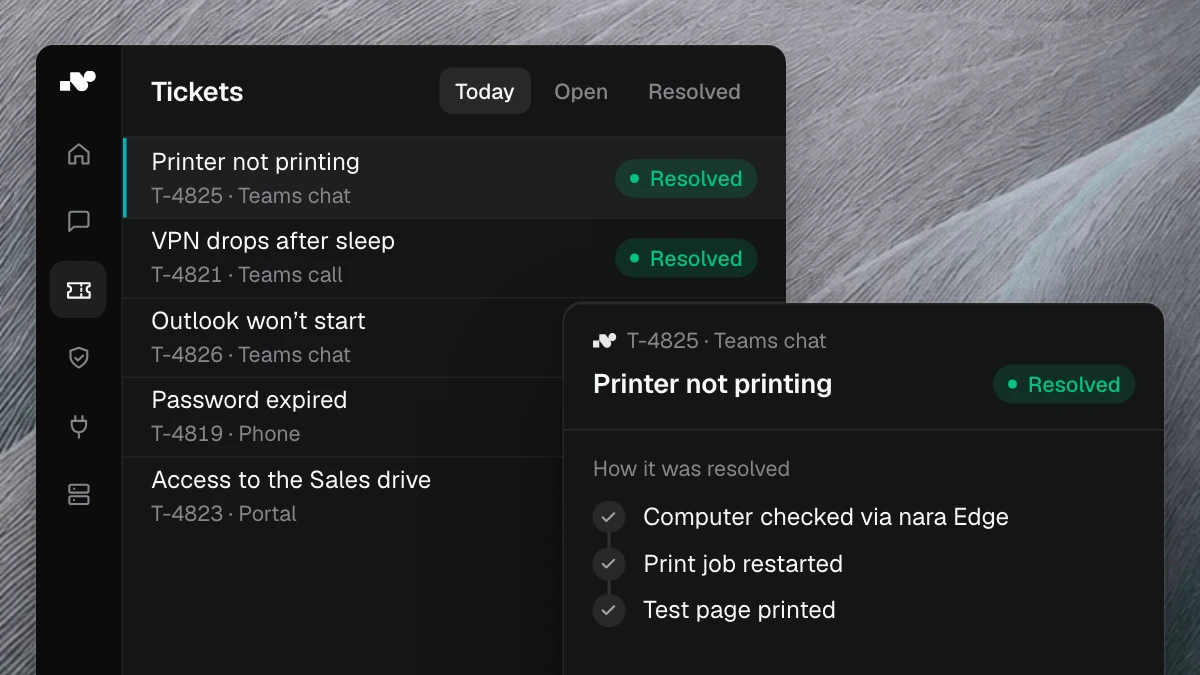
A ticket titled “Outlook won’t start” looks harmless. Yet it contains the employee’s name, her department and the name of her laptop, and sometimes a line like “I’m on sick leave until Friday, please set up my out-of-office reply.” Over the years, a ticket system collects personal data from almost every department this way.
Whether a ticket system is GDPR compliant comes down to a few points you can check: contract, hosting, access rights, audit logs and retention periods. If AI works inside the ticket system, two more questions follow. Where does the language model process the data? And what may the AI do without asking first?
Use this checklist to choose a ticket system or to review the one you have. It is not legal advice. Your data protection officer makes the assessment, and the vendor’s answers on these points give them the facts to do so.
What personal data tickets contain
Before you compare vendors, look at a sample of your own tickets. Typical contents:
- name, email address, department, location and manager of the person reporting the issue
- device names, user accounts and IP addresses
- the history: who worked on the case, passed it on and resolved it, and when
- free text and attachments, such as screenshots showing other people’s emails
- details from HR processes such as joining, leaving, parental leave or sick notes
The last group needs particular care. Health data is one of the special categories of personal data under Art. 9 GDPR, which may only be processed under narrow conditions. Employees type such details into free text even when no form field asks for them.
Write down which of these data types occur in your tickets and whether HR or procurement work with tickets as well as IT.
GDPR-compliant ticket system: the vendor checklist
The following points apply to every ticket system, including helpdesk software from Germany. A vendor’s head office says nothing about who processes data behind the scenes. Get the answers in writing.
1. Data processing agreement and sub-processors
A cloud ticket system processes data on your behalf. Art. 28 GDPR requires a contract for this, the data processing agreement (DPA). The vendor may only bring in other service providers with your prior authorisation. Ask for the list of these sub-processors and find out how you will hear about changes. Check in particular who runs the AI features.
2. Hosting and vendor access
Ask in which country the system and backups are located, and from where the vendor’s support team can access your data. Hosting in Germany answers the first question; you still need to ask the second.
3. Roles and access rights
Not everyone on the service desk needs to see every ticket. HR tickets belong in a separate group, and admin rights with a few people. Check whether employees sign in with their company account through single sign-on and whether you control rights through roles and groups from your directory.
4. Deletion and retention
Tickets, attachments, chat histories and audit logs each need a retention period. Find out whether you can set periods per category, when deleted data disappears from backups and how you export your data when the contract ends. Once the service ends, the vendor must delete or return the data, at your choice, unless the law requires storage. Art. 28 covers this too.
Also check whether you can find and export all tickets about one person when that person makes an access request.
AI in the ticket system: what data protection also checks
Once AI is involved, a language model reads your tickets. Where the ticket system is stored tells you nothing about where that model runs. That adds four points.
Where the language model runs
Ask where AI processing takes place, explicitly including peak load and add-on features such as web search. If the data center is outside the EU and the EEA, the transfer needs its own legal basis, which your data protection team reviews. Our AI service desk comparison shows how common vendors handle this.
Training on your data
Get written confirmation that the vendor does not train models on your tickets. Also ask whether passwords and personal details are removed before the AI reads a text.
What the AI may do without asking
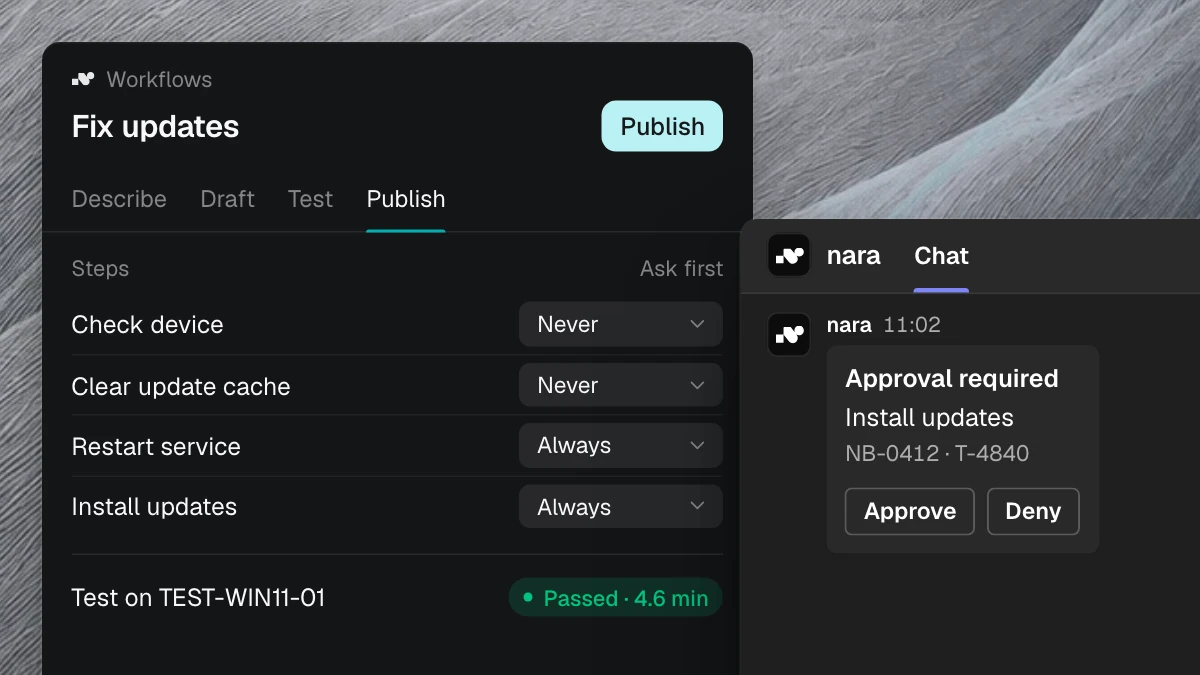
For the assessment, it makes a difference whether an AI suggests answers or unlocks accounts and assigns groups itself. Check whether you can decide per action what the AI carries out on its own and where a person approves. Also check whether you can set for each action who approves: the person themselves, their manager or a specific group. Our article on AI agents in IT support shows how this split works day to day.
An audit log for every AI action
For every action the AI takes, you should be able to trace later who triggered it, what happened in which system, who approved it and whether it succeeded. The audit log contains names too, so it needs its own retention period.
Data protection impact assessment and works council
Before you start, your company determines whether the use of AI requires a data protection impact assessment. If it carries one out, Art. 35 GDPR requires it to seek the advice of the data protection officer, where one has been designated.
If the AI handles employee requests, bring the works council in early. In Germany, it has a right of co-determination over the introduction and use of technical devices designed to monitor the behaviour or performance of employees (Section 87(1) no. 6 Works Constitution Act). A ticket system records who worked on which case and when. Agree together what this data may be used for and what it may not, such as comparing the performance of individual people.
What nara states on these points
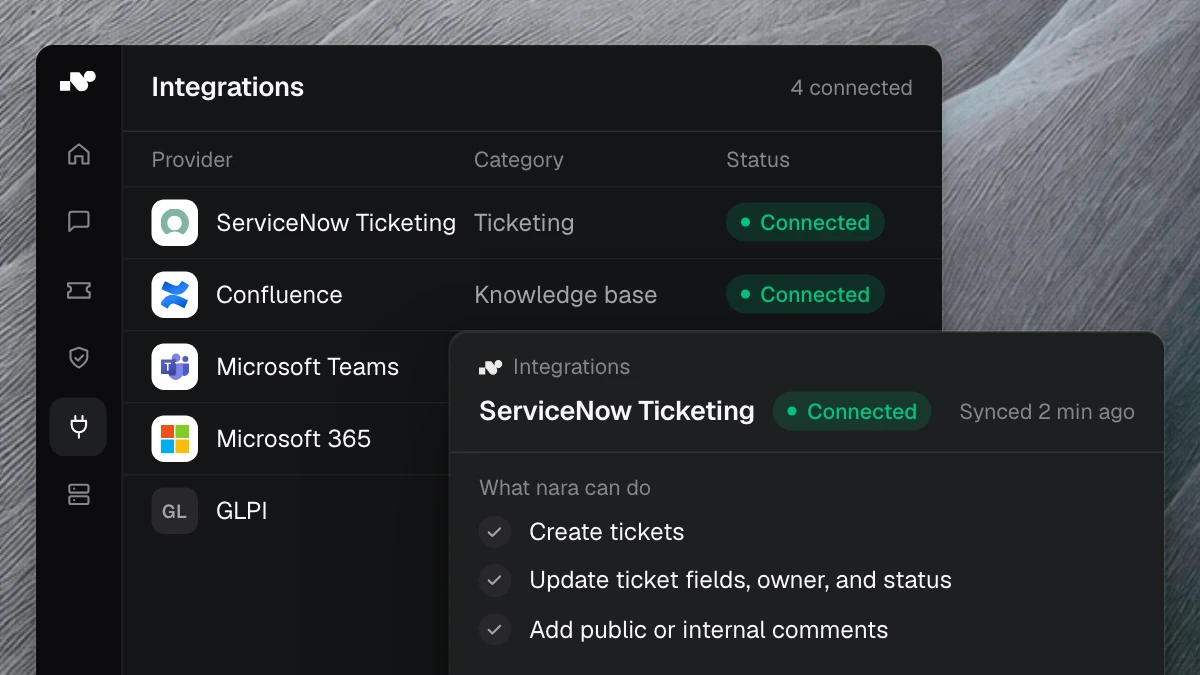
nara is an ITSM with ticket system, service catalog, CMDB and client management in one product. The AI handles requests in Microsoft Teams, on the phone and on the laptop. If you keep your current ticket system, nara works alongside it and documents every case there.
nara is GDPR compliant. It is developed in Germany and runs in a German data center, and your contracting party is nara GmbH in Würzburg. AI processing runs in data centers in the EU, and the data processing agreement names the providers involved. nara does not train AI models on your data. It redacts passwords and personal details in documents and tickets before the AI reads them.
Employees sign in with their company account through SSO with SAML or OIDC. Roles and groups control who can use which workflows and which knowledge. For each action, you decide whether nara carries it out on its own or asks first. Anything that changes something requires approval by default, and the responsible person gives it directly in Teams. You decide for each action who approves: the person themselves, their manager or a group in IT. On laptops and servers, nara works through nara Edge and only carries out actions your organization has set up.
The audit log shows for every action who asked, what nara did, on which system, who approved it, when it ran and whether it succeeded. Admins export the logs as CSV or Excel. Everyone can see what nara has remembered about them and can change or delete it. By default, nara doesn’t use chats between two people.
We send you the data processing agreement and the documents for your CISO, data protection officer and works council by email. Your data protection officer uses them to assess whether nara fits your use case. The details are on the security page.
Frequently asked questions
Is a cloud ticket system GDPR compliant?
A cloud ticket system can be run in compliance with the GDPR. This includes a data processing agreement, a complete list of sub-processors, suitable access rights and retention periods. Your data protection officer assesses whether that is enough for your use case.
Does a GDPR-compliant ticket system have to be hosted in Germany?
The GDPR does not require a location in Germany; the same rules apply throughout the EU. For transfers to countries outside the EU and the EEA, it sets additional requirements. If the system, AI processing, support and sub-processors are all in the EU, that question usually does not arise. Industry rules or internal policies may be stricter.
May an AI read tickets that contain personal data?
Your data protection team assesses this based on purpose and legal basis. Check with the vendor where the language model runs, whether your data is used for training, and whether sensitive details are redacted before processing. With nara, AI processing runs in the EU, no model is trained on your data, and nara redacts passwords and personal details before the AI reads them.
Go through the checklist with us: in a free introductory meeting, we spend 30 minutes showing you in the product how approvals and audit logs work in nara. Your data protection officer and works council are welcome to join.